Excellent question! This is a classic Python "gotcha" that trips up many developers, and the answer reveals a lot about how computers handle numbers.
The short answer is:
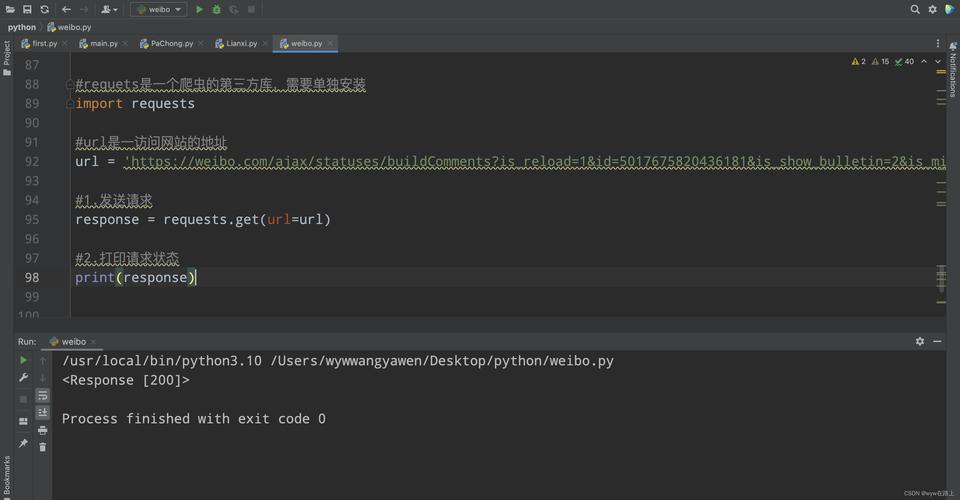
>>> round(0.5)
0
This result often surprises people who were taught in school to "always round 0.5 up". The reason Python (and many other languages) behaves this way is due to a more sophisticated and statistically fair rounding strategy called "round half to even", also known as "bankers' rounding".
The Detailed Explanation: "Round Half to Even"
The round() function in Python doesn't just look at the number being rounded; it also considers the digit immediately before the .5. It rounds to the nearest even number.
Let's look at a few examples to see the pattern:
| Number | Nearest Even Numbers | Result of round() |
Why? |
|---|---|---|---|
round(0.5) |
0 (even) or 1 (odd) | 0 | Rounds to the nearest even number (0). |
round(1.5) |
1 (odd) or 2 (even) | 2 | Rounds to the nearest even number (2). |
round(2.5) |
2 (even) or 3 (odd) | 2 | Rounds to the nearest even number (2). |
round(3.5) |
3 (odd) or 4 (even) | 4 | Rounds to the nearest even number (4). |
Why is this better?
The traditional method of always rounding 0.5 up (e.g., 0.5 -> 1, 1.5 -> 2, 2.5 -> 3) introduces a small but persistent upward bias over a large set of calculations. If you have many numbers ending in .5, you'll consistently round them all up, skewing your final average or total upwards.
"Round half to even" solves this. Over a large dataset, the numbers ending in .5 will be split evenly between rounding up to an even number and down to an even number. This statistically balances out the rounding errors, making it a more accurate and fair method for scientific and financial calculations.
How to Force "Round 0.5 Up"
If you specifically need the traditional behavior of always rounding 0.5 up, you can't do it with a single, simple round() call. You need to add a small value to nudge the number over the 0.5 threshold before rounding.
Here is the common idiom:
def round_half_up(n, decimals=0):
    multiplier = 10 ** decimals
    return math.floor(n * multiplier + 0.5) / multiplier
import math
# Example usage:
print(round_half_up(0.5))   # Output: 1
print(round_half_up(1.5))   # Output: 2
print(round_half_up(2.5))   # Output: 3
print(round_half_up(0.4))   # Output: 0
print(round_half_up(0.6))   # Output: 1
How it works: By adding 5 to the number, any value that was x.5 becomes x.5 + 0.5 = x+1.0. When math.floor() is applied, it correctly truncates to x+1. Values less than x.5 (e.g., x.4) become x.4 + 0.5 = x.9, and math.floor() correctly truncates to x.
Another Important Nuance: Floating-Point Precision
It's also crucial to understand that 5 is not always exactly 5 due to the way computers store floating-point numbers (binary fractions). This can lead to unexpected results.
# This number is very, very slightly LESS than 0.5
>>> n = 0.49999999999999994
>>> round(n)
0
# This number is very, very slightly MORE than 0.5
>>> n = 0.5000000000000001
>>> round(n)
1
This is why the round_half_up function shown above is more robust for financial applications where you need predictable behavior, as it works on the decimal representation of the number.
Summary
| Method | Python Command | Behavior | When to Use |
|---|---|---|---|
| Default (Bankers' Rounding) | round(0.5) |
Rounds to the nearest even number (0). | The default for general use, statistics, and science. It's statistically unbiased. |
| Traditional Rounding | math.floor(n + 0.5) |
Always rounds 0.5 up. | When you need the simple, school-taught rule and are aware of the upward bias. |