Of course! It looks like you have a small typo in your question. You wrote ture, but you almost certainly meant while True.
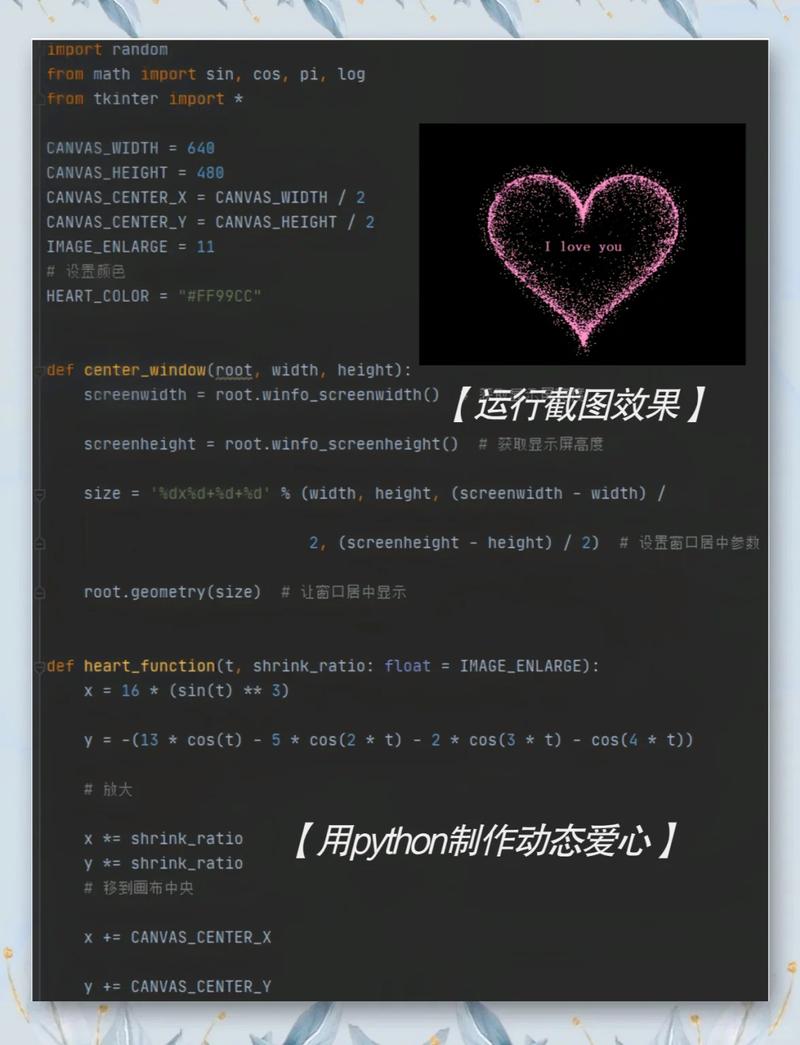
while True is one of the most fundamental and powerful constructs in Python. It creates an infinite loop.
Let's break it down.
What is while True?
The while loop in Python executes a block of code as long as a given condition is True.
-
A normal
whileloop:while condition:- Example:
while x < 10:(This loop will run only as long as the value ofxis less than 10).
- Example:
-
while True:: The condition here is the literal boolean valueTrue.- Since
Trueis alwaysTrue, the loop will run forever, unless you explicitly break out of it from inside the loop.
- Since
Basic Syntax and Example
Here is the simplest example. Warning: This code will run forever. You will need to stop it manually (e.g., by pressing Ctrl+C in your terminal).
print("Starting the infinite loop...")
while True:
    print("This line will be printed over and over again.")
print("This line will never be reached.")
When you run this, you'll see "This line will be printed over and over again." printed indefinitely until you force the program to stop.
How to Stop an Infinite Loop (while True)
An infinite loop is only useful if you have a way to exit it. Here are the two most common ways:
The break Statement
The break statement immediately terminates the innermost loop it's in. This is the most common way to exit a while True loop.
Example: A Simple Menu
This is a classic use case. You want a program to show a menu and keep running until the user chooses to quit.
while True:
    print("\n--- Simple Menu ---")
    print("1. Say Hello")
    print("2. Say Goodbye")
    print("3. Quit")
    choice = input("Enter your choice (1-3): ")
    if choice == '1':
        print("Hello!")
    elif choice == '2':
        print("Goodbye!")
    elif choice == '3':
        print("Exiting the program. Goodbye!")
        break  # This is the key! It exits the loop.
    else:
        print("Invalid choice. Please try again.")
print("Program has ended.")
In this example, the program will keep showing the menu and asking for input until the user enters 3, which triggers the break statement and the loop ends.
The return Statement
If your while True loop is inside a function, you can use return to exit the loop and the function simultaneously.
Example: A Function with a Loop
def ask_for_name():
    """Asks the user for their name until they provide a non-empty one."""
    print("Please enter your name.")
    while True:
        name = input("Name: ")
        if name:  # Checks if the string is not empty
            print(f"Thanks, {name}!")
            return name  # Exits the function and the loop
        else:
            print("Name cannot be empty. Please try again.")
# --- Main part of the program ---
user_name = ask_for_name()
print(f"The function has returned. The name is: {user_name}")
Best Practices and Common Pitfalls
While while True is very useful, it can lead to problems if not used carefully.
Pitfall 1: The "Forgotten" Break
If you forget to include a break statement under the correct condition, you'll create a true infinite loop that crashes your program or forces you to terminate it.
Bad Code (Infinite Loop):
# This will run forever! No way to exit.
while True:
    print("I'm stuck!")
Pitfall 2: Indentation Errors
The code inside the loop must be indented. If you forget to indent the code that should run inside the loop, or if you indent the break statement incorrectly, the logic will fail.
Bad Code (Indentation Error):
while True:
print("This is not inside the loop, so it's an error.")
    break # This line is indented, but the first one isn't. SyntaxError!
Best Practice: Add a "Guard Clause"
For clarity, it's often good practice to structure your while True loop with an initial check. This makes the exit condition obvious right at the start of the loop body.
Good Code (Clear Exit Condition):
while True:
    user_input = input("Type 'quit' to exit: ")
    # This is the guard clause. It clearly states the one way to exit.
    if user_input.lower() == 'quit':
        print("Exiting...")
        break
    print(f"You typed: {user_input}")
Summary: When to Use while True
Use while True when you need a loop that runs indefinitely until a specific event or condition is met from within the loop. It's perfect for:
- Game Loops: The main loop of a video game that runs until the player quits.
- Menu Systems: As shown in the examples above.
- Server Applications: A server that continuously listens for incoming client connections.
- Event-Driven Programs: A program that waits for a user to press a key or move the mouse.
Avoid while True for simple, predictable iterations where a for loop or a standard while loop with a counter is more appropriate.



![Python reversed()怎么用?[::-1]和它有啥区别?](https://www.jerry.net.cn/zb_users/cache/thumbs/ed28fc61e3e820b31c4e5ed7c6a8b7fc-252-157-1.jpeg)