Of course! Here is a comprehensive guide to using Java Sockets with UDP, including a complete, runnable client-server example.
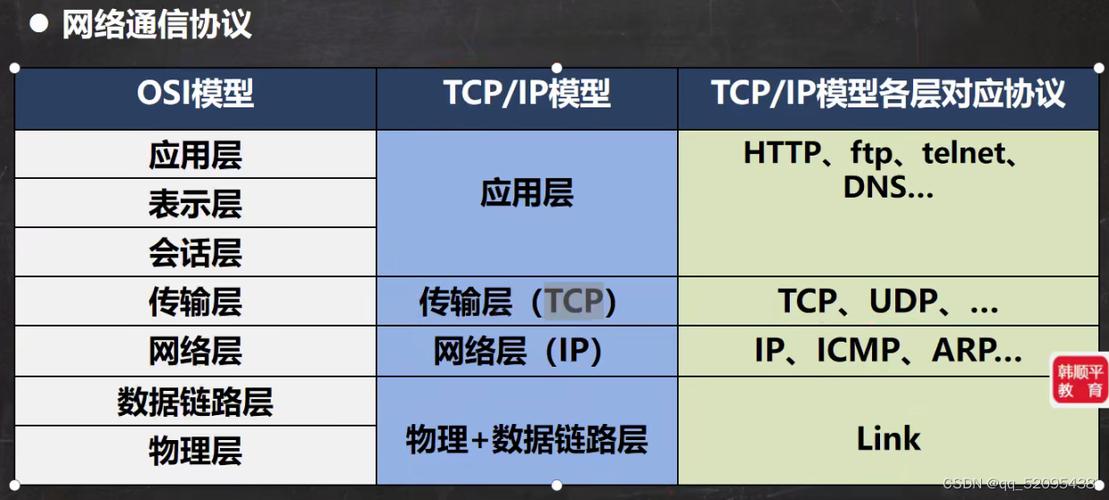
Understanding the Core Concepts: UDP vs. TCP
Before diving into the code, it's crucial to understand what UDP is and how it differs from the more common TCP (which you use with Socket and ServerSocket).
| Feature | UDP (User Datagram Protocol) | TCP (Transmission Control Protocol) |
|---|---|---|
| Connection | Connectionless. No "handshake" to establish a connection. | Connection-Oriented. A 3-way handshake (SYN, SYN-ACK, ACK) establishes a connection first. |
| Reliability | Unreliable. Packets (datagrams) can be lost, duplicated, or arrive out of order. | Reliable. Guarantees that data arrives in the correct order without errors or loss. |
| Speed | Faster. No overhead for connection management, acknowledgements, or retransmissions. | Slower. Overhead from connection setup, acknowledgements, and error correction. |
| Use Cases | Video streaming, VoIP, online gaming, DNS, live broadcasts. | Web browsing (HTTP/HTTPS), file transfer (FTP), email (SMTP), database connections. |
| Java Classes | DatagramSocket, DatagramPacket |
Socket, ServerSocket |
Analogy:
- TCP is like making a phone call. You dial (connect), the other person answers (connection established), and you have a reliable, ordered conversation. If you don't hear something, you say "What?" (acknowledgement/retransmission).
- UDP is like sending a series of postcards. You write a message, address it, and mail it (send a datagram). You have no guarantee if it will arrive, if it will arrive in the right order, or if it will arrive at all. It's fast and cheap, but you can't be sure.
The Key Java Classes for UDP
-
DatagramSocket- This is the endpoint for sending and receiving UDP datagrams.
- It's like a mailbox. You use it to send mail (
send) and to check for new mail (receive). - You create one for your client and one for your server.
-
DatagramPacket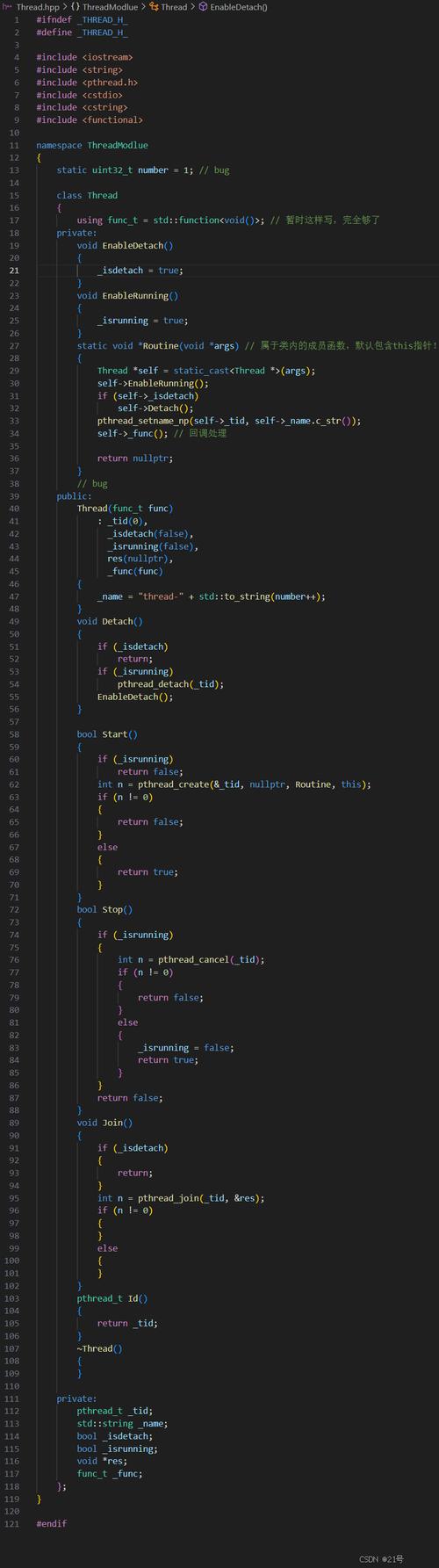 (图片来源网络,侵删)
- This represents a single UDP datagram—a self-contained, independent packet of information.
- It contains the data to be sent/received, the length of the data, and the IP address and port number of the sender/receiver.
- You wrap your data in a
DatagramPacketbefore sending it, and you receive aDatagramPacketwhen you callreceive().
Complete Example: A Simple UDP Echo Server and Client
This example will consist of two parts:
- A Server that listens for incoming messages and sends back the same message (an "echo").
- A Client that sends a message to the server and prints the echoed response.
Step 1: The UDP Server (UDPEchoServer.java)
The server's job is to:
- Create a
DatagramSocketon a specific port. - Create a
DatagramPacketto receive data. - Enter an infinite loop to wait for a packet.
- When a packet is received, print the sender's info and the message.
- Create a new
DatagramPacketwith the same data to send back. - Send the reply packet back to the client.
- Close the socket when done.
import java.io.IOException;
import java.net.DatagramPacket;
import java.net.DatagramSocket;
import java.net.SocketException;
public class UDPEchoServer {
    private static final int PORT = 12345;
    private static final int BUFFER_SIZE = 1024;
    public static void main(String[] args) {
        // Use try-with-resources to ensure the socket is always closed
        try (DatagramSocket socket = new DatagramSocket(PORT)) {
            System.out.println("Server is listening on port " + PORT);
            byte[] receiveBuffer = new byte[BUFFER_SIZE];
            while (true) {
                // 1. Create a packet to receive data
                DatagramPacket receivePacket = new DatagramPacket(receiveBuffer, receiveBuffer.length);
                // 2. Receive data from the client (this is a blocking call)
                socket.receive(receivePacket);
                // 3. Extract the message from the packet
                String receivedMessage = new String(receivePacket.getData(), 0, receivePacket.getLength());
                System.out.println("Received from " + receivePacket.getAddress() + ":" + receivePacket.getPort()
                        + " -> " + receivedMessage);
                // 4. Create a packet to send the same data back to the client
                DatagramPacket sendPacket = new DatagramPacket(
                        receivePacket.getData(),
                        receivePacket.getLength(),
                        receivePacket.getAddress(),
                        receivePacket.getPort()
                );
                // 5. Send the reply packet
                socket.send(sendPacket);
                System.out.println("Echoed back to client.");
            }
        } catch (SocketException e) {
            System.err.println("Socket error: " + e.getMessage());
        } catch (IOException e) {
            System.err.println("I/O error: " + e.getMessage());
        }
    }
}
Step 2: The UDP Client (UDPClient.java)
The client's job is to:
- Create a
DatagramSocket(it can use any available port). - Get the server's IP address and port.
- Create a
DatagramPacketwith the message to send. - Send the packet to the server.
- Create a new
DatagramPacketto receive the reply. - Receive the reply from the server.
- Print the echoed message.
- Close the socket.
import java.io.IOException;
import java.net.*;
import java.util.Scanner;
public class UDPClient {
    private static final String SERVER_ADDRESS = "localhost"; // Use "127.0.0.1" or the server's IP
    private static final int SERVER_PORT = 12345;
    private static final int BUFFER_SIZE = 1024;
    public static void main(String[] args) {
        // Use try-with-resources to ensure the socket is always closed
        try (DatagramSocket socket = new DatagramSocket()) {
            InetAddress serverAddress = InetAddress.getByName(SERVER_ADDRESS);
            Scanner scanner = new Scanner(System.in);
            System.out.println("UDP Client started. Type messages to send to the server (type 'exit' to quit).");
            while (true) {
                System.out.print("Enter message: ");
                String message = scanner.nextLine();
                if ("exit".equalsIgnoreCase(message)) {
                    break;
                }
                // 1. Create a packet to send data
                byte[] sendBuffer = message.getBytes();
                DatagramPacket sendPacket = new DatagramPacket(sendBuffer, sendBuffer.length, serverAddress, SERVER_PORT);
                // 2. Send the packet to the server
                socket.send(sendPacket);
                System.out.println("Sent to server: " + message);
                // 3. Create a packet to receive data
                byte[] receiveBuffer = new byte[BUFFER_SIZE];
                DatagramPacket receivePacket = new DatagramPacket(receiveBuffer, receiveBuffer.length);
                // 4. Receive the reply from the server (this is a blocking call)
                socket.receive(receivePacket);
                // 5. Extract the message from the reply packet
                String echoedMessage = new String(receivePacket.getData(), 0, receivePacket.getLength());
                System.out.println("Received from server: " + echoedMessage);
            }
        } catch (UnknownHostException e) {
            System.err.println("Unknown host: " + SERVER_ADDRESS);
        } catch (SocketException e) {
            System.err.println("Socket error: " + e.getMessage());
        } catch (IOException e) {
            System.err.println("I/O error: " + e.getMessage());
        }
    }
}
How to Run the Example
-
Save the files: Save the two code blocks above as
UDPEchoServer.javaandUDPClient.javain the same directory. (图片来源网络,侵删)
 -
Compile the code:
javac UDPEchoServer.java UDPClient.java
-
Run the server: Open a terminal and run the server. It will start listening and wait for a client.
java UDPEchoServer
You should see the output:
Server is listening on port 12345. -
Run the client: Open a second terminal and run the client.
java UDPClient
-
Interact: In the client terminal, type a message and press Enter. You will see the message you sent and the echoed message from the server.
Client Terminal Output:
UDP Client started. Type messages to send to the server (type 'exit' to quit).
Enter message: Hello, Server!
Sent to server: Hello, Server!
Received from server: Hello, Server!
Enter message: This is a test.
Sent to server: This is a test.
Received from server: This is a test.
Enter message: exit
Server Terminal Output:
Server is listening on port 12345
Received from /127.0.0.1:54321 -> Hello, Server!
Echoed back to client.
Received from /127.0.0.1:54321 -> This is a test.
Echoed back to client.
Important Considerations and Best Practices
- Blocking Calls: Both
socket.receive()andsocket.send()are blocking.receive()will pause the program until a datagram is received. This is fundamental to socket programming. - Buffer Size: The buffer size in
DatagramPacketis crucial. If a received packet is larger than your buffer, the excess data will be silently discarded. A common practice is to check the packet's length after receiving it:receivePacket.getLength(). - Connectionless Nature: Because UDP is connectionless, the server has no inherent way of knowing if a client has disconnected. The server will just keep listening. The client can simply stop sending messages.
- Error Handling: You must handle
IOExceptionandSocketException. Network connections can fail for many reasons (no network, port already in use, etc.). - Resource Management: Always close your
DatagramSocketwhen you're done. Thetry-with-resourcesstatement is the best way to guarantee this, even if an exception occurs. - Firewalls: Firewalls can block UDP traffic on specific ports. Make sure the port you choose is open on both the client and server machines.