我们将主要讨论两个最流行的 Web 框架:Flask 和 Django,因为它们处理 POST 参数的方式略有不同,我们还会介绍使用 Python 内置的 http.server 模块进行简单的演示。
核心概念:POST 数据的来源
一个 POST 请求的数据可以存在于以下几个地方,你需要根据请求的 Content-Type 来决定如何解析它:
-
application/x-www-form-urlencoded(表单数据)- 这是最常见的 POST 数据格式,特别是来自 HTML 表单的提交。
- 数据格式类似于 URL 查询字符串,
username=JohnDoe&password=secret123。 - 服务器通常会将这些数据解析到一个字典中。
-
multipart/form-data(文件上传和混合数据)- 用于提交包含文件或文本的混合数据。
- 处理起来比
x-www-form-urlencoded复杂,框架通常提供了专门的工具来处理文件和普通字段。
-
application/json(JSON 数据)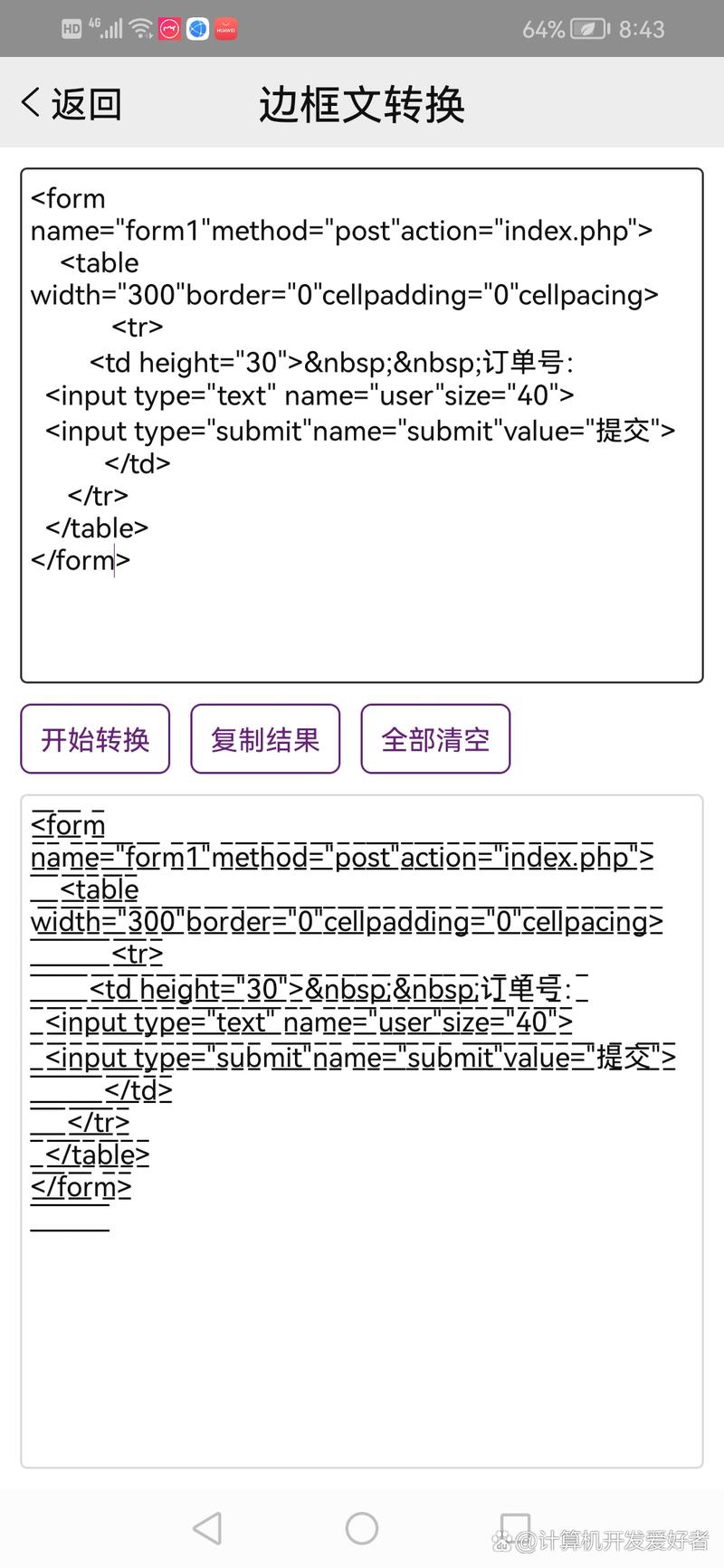 (图片来源网络,侵删)
- 现代前后端分离架构中最常用的数据格式。
- 数据以 JSON 格式发送,
{"username": "JohnDoe", "password": "secret123"}。 - 需要手动解析 JSON 字符串为 Python 字典或对象。
使用 Flask 处理 POST 参数
Flask 是一个轻量级的 Python Web 框架,非常适合快速开发 API 和小型应用。
处理表单数据 (application/x-www-form-urlencoded)
使用 request.form 来获取。
# app.py
from flask import Flask, request, jsonify
app = Flask(__name__)
@app.route('/login', methods=['POST'])
def login():
    # 检查 Content-Type 是否为 form
    if request.is_json:
        return jsonify({"error": "This endpoint expects form data, not JSON"}), 400
    # 从 request.form 中获取参数
    # .get() 方法可以避免键不存在时出错,并返回 None 或默认值
    username = request.form.get('username')
    password = request.form.get('password')
    if not username or not password:
        return jsonify({"error": "Username and password are required"}), 400
    # 在这里进行验证逻辑,例如检查数据库
    if username == "admin" and password == "password123":
        return jsonify({"message": "Login successful!", "user": username})
    else:
        return jsonify({"error": "Invalid credentials"}), 401
if __name__ == '__main__':
    app.run(debug=True)
如何测试:
你可以使用 curl 命令在终端测试:
# 成功登录
curl -X POST http://127.0.0.1:5000/login \
     -H "Content-Type: application/x-www-form-urlencoded" \
     -d "username=admin&password=password123"
# 失败登录
curl -X POST http://127.0.0.1:5000/login \
     -H "Content-Type: application/x-www-form-urlencoded" \
     -d "username=admin&password=wrongpass"
处理 JSON 数据 (application/json)
使用 request.get_json() 来获取。
# app.py
from flask import Flask, request, jsonify
app = Flask(__name__)
@app.route('/api/user', methods=['POST'])
def create_user():
    # 检查请求是否包含 JSON 数据
    if not request.is_json:
        return jsonify({"error": "Request must be JSON"}), 400
    # 解析 JSON 数据为 Python 字典
    data = request.get_json()
    # 从字典中获取参数
    name = data.get('name')
    email = data.get('email')
    if not name or not email:
        return jsonify({"error": "Name and email are required"}), 400
    # 在这里进行保存逻辑,例如存入数据库
    # user_id = save_to_db(name, email)
    # 返回成功响应和接收到的数据
    return jsonify({
        "message": "User created successfully!",
        "received_data": data
    }), 201
if __name__ == '__main__':
    app.run(debug=True)
如何测试:
使用 curl 发送 JSON 数据:
curl -X POST http://127.0.0.1:5000/api/user \
     -H "Content-Type: application/json" \
     -d '{"name": "Alice", "email": "alice@example.com"}'
处理文件上传 (multipart/form-data)
使用 request.files 来获取文件,request.form 来获取其他字段。
# app.py
from flask import Flask, request, jsonify
import os
app = Flask(__name__)
# 上传文件保存的目录
UPLOAD_FOLDER = 'uploads'
if not os.path.exists(UPLOAD_FOLDER):
    os.makedirs(UPLOAD_FOLDER)
app.config['UPLOAD_FOLDER'] = UPLOAD_FOLDER
@app.route('/upload', methods=['POST'])
def upload_file():
    # 检查是否有文件在请求中
    if 'file' not in request.files:
        return jsonify({"error": "No file part in the request"}), 400
    file = request.files['file']
    # 检查用户是否选择了文件
    if file.filename == '':
        return jsonify({"error": "No selected file"}), 400
    if file:
        # 安全地获取文件名
        filename = secure_filename(file.filename)
        # 保存文件
        file_path = os.path.join(app.config['UPLOAD_FOLDER'], filename)
        file.save(file_path)
        # 获取其他表单字段
        description = request.form.get('description', 'No description provided')
        return jsonify({
            "message": "File uploaded successfully!",
            "filename": filename,
            "description": description,
            "path": file_path
        })
if __name__ == '__main__':
    app.run(debug=True)
注意:你需要从 werkzeug.utils 导入 secure_filename 来防止恶意文件名。
使用 Django 处理 POST 参数
Django 是一个功能更全面的“大而全”的框架,其处理方式与 Flask 略有不同。
处理表单数据和 JSON 数据
在 Django 视图中,你可以使用 request.POST 来获取表单数据,使用 request.body 来获取原始数据并手动解析 JSON。
# views.py
from django.http import JsonResponse
import json
def login_view(request):
    if request.method == 'POST':
        # Django 会根据 Content-Type 自动解析 application/x-www-form-urlencoded
        # 数据存放在 request.POST 中,它类似于一个字典
        username = request.POST.get('username')
        password = request.POST.get('password')
        if not username or not password:
            return JsonResponse({"error": "Username and password are required"}, status=400)
        if username == "admin" and password == "password123":
            return JsonResponse({"message": "Login successful!", "user": username})
        else:
            return JsonResponse({"error": "Invalid credentials"}, status=401)
    return JsonResponse({"error": "Invalid request method"}, status=405)
def create_user_view(request):
    if request.method == 'POST':
        # 对于 JSON 数据,Django 不会自动解析到 request.POST
        # 需要从 request.body 中读取并手动解析
        try:
            data = json.loads(request.body)
        except json.JSONDecodeError:
            return JsonResponse({"error": "Invalid JSON format"}, status=400)
        name = data.get('name')
        email = data.get('email')
        if not name or not email:
            return JsonResponse({"error": "Name and email are required"}, status=400)
        # ... 保存到数据库的逻辑 ...
        return JsonResponse({
            "message": "User created successfully!",
            "received_data": data
        }, status=201)
    return JsonResponse({"error": "Invalid request method"}, status=405)
Django 路由配置 (urls.py)
from django.urls import path
from . import views
urlpatterns = [
    path('login/', views.login_view, name='login'),
    path('api/user/', views.create_user_view, name='create_user'),
]
处理文件上传
Django 处理文件上传非常直观。
# views.py
from django.http import JsonResponse
from django.conf import settings
import os
def upload_file_view(request):
    if request.method == 'POST' and request.FILES.get('file'):
        file = request.FILES['file']
        # 安全地获取文件名
        filename = file.name
        # 构建保存路径
        file_path = os.path.join(settings.MEDIA_ROOT, filename)
        # 保存文件
        with open(file_path, 'wb+') as destination:
            for chunk in file.chunks():
                destination.write(chunk)
        description = request.POST.get('description', 'No description provided')
        return JsonResponse({
            "message": "File uploaded successfully!",
            "filename": filename,
            "description": description,
            "path": file_path
        })
    return JsonResponse({"error": "Invalid request or no file provided"}, status=400)
使用 Python 内置 http.server (不推荐用于生产)
这主要用于学习和理解 HTTP 协议本身,不适合构建真正的 Web 应用。
# server.py
from http.server import BaseHTTPRequestHandler, HTTPServer
import json
import urllib.parse
class SimpleHTTPRequestHandler(BaseHTTPRequestHandler):
    def do_POST(self):
        # 1. 获取 Content-Length 和 Content-Type
        content_length = int(self.headers['Content-Length'])
        content_type = self.headers['Content-Type']
        # 2. 读取请求体
        post_data = self.rfile.read(content_length).decode('utf-8')
        # 3. 根据 Content-Type 解析数据
        if content_type == 'application/x-www-form-urlencoded':
            # 解析表单数据
            parsed_data = urllib.parse.parse_qs(post_data)
            # parse_qs 返回的是一个字典,其中值是列表
            username = parsed_data.get('username', [None])[0]
            password = parsed_data.get('password', [None])[0]
            response_data = {"message": "Form data received", "data": parsed_data}
        elif content_type == 'application/json':
            # 解析 JSON 数据
            try:
                parsed_data = json.loads(post_data)
                username = parsed_data.get('username')
                password = parsed_data.get('password')
                response_data = {"message": "JSON data received", "data": parsed_data}
            except json.JSONDecodeError:
                self.send_response(400)
                self.end_headers()
                self.wfile.write(b'{"error": "Invalid JSON"}')
                return
        else:
            self.send_response(400)
            self.end_headers()
            self.wfile.write(b'{"error": "Unsupported content type"}')
            return
        # 4. 发送响应
        self.send_response(200)
        self.send_header('Content-type', 'application/json')
        self.end_headers()
        self.wfile.write(json.dumps(response_data).encode('utf-8'))
if __name__ == '__main__':
    server_address = ('', 8000)
    httpd = HTTPServer(server_address, SimpleHTTPRequestHandler)
    print("Server running on port 8000...")
    httpd.serve_forever()
总结与最佳实践
| 特性 | Flask | Django |
|---|---|---|
| 表单数据 | request.form |
request.POST |
| JSON 数据 | request.get_json() |
json.loads(request.body) |
| 文件上传 | request.files |
request.FILES |
| 错误处理 | 需要手动检查 if not field: |
需要手动检查 if not field: |
| 依赖 | 需要安装 Flask |
内置,无需额外安装 |
最佳实践:
- 始终验证输入:永远不要信任客户端传来的任何数据,检查参数是否存在、类型是否正确、长度是否合规等。
- 使用
get()方法:使用dict.get(key)而不是dict[key],这样当键不存在时不会抛出KeyError,而是返回None。 - 设置正确的
Content-Type:在发送请求时,确保Content-Type头与实际发送的数据格式相匹配。 - 为 API 使用 JSON:在开发现代 API 时,优先使用
application/json作为数据交互格式,因为它更结构化、更易于处理。 - 处理文件安全:如果允许用户上传文件,务必对文件名进行清理(如使用
secure_filename),并限制文件类型和大小,以防止安全漏洞(如上传恶意脚本)。
选择哪个框架取决于你的项目需求,Flask 更灵活、轻量,适合小型项目和微服务,Django 功能更全面,开箱即用,适合中大型项目。