Of course! Converting a Word document (.docx) to an HTML file in Java is a common task. There are several excellent libraries available to do this, each with its own strengths.
Here’s a comprehensive guide covering the most popular and effective methods:
Summary of Options
| Library | Pros | Cons | Best For |
|---|---|---|---|
| Apache POI | Industry standard, powerful, handles complex formatting, open-source. | Steeper learning curve, can be verbose. | Full control, complex documents, server-side applications. |
| docx4j | Excellent fidelity to Word layout, specifically designed for .docx. |
Can be slower than POI for simple tasks, fewer community resources. | High-fidelity conversion, preserving complex layouts. |
| Aspose.Words | Extremely high fidelity, mature, easy-to-use API. | Commercial library (free for evaluation, paid license required). | Production applications where perfect formatting is critical. |
| IText | Famous for PDFs, can also handle HTML. | Its HTML capabilities are less robust than its PDF features. | Projects already using IText that need basic Word-to-HTML. |
Method 1: Apache POI (The Open-Source Standard)
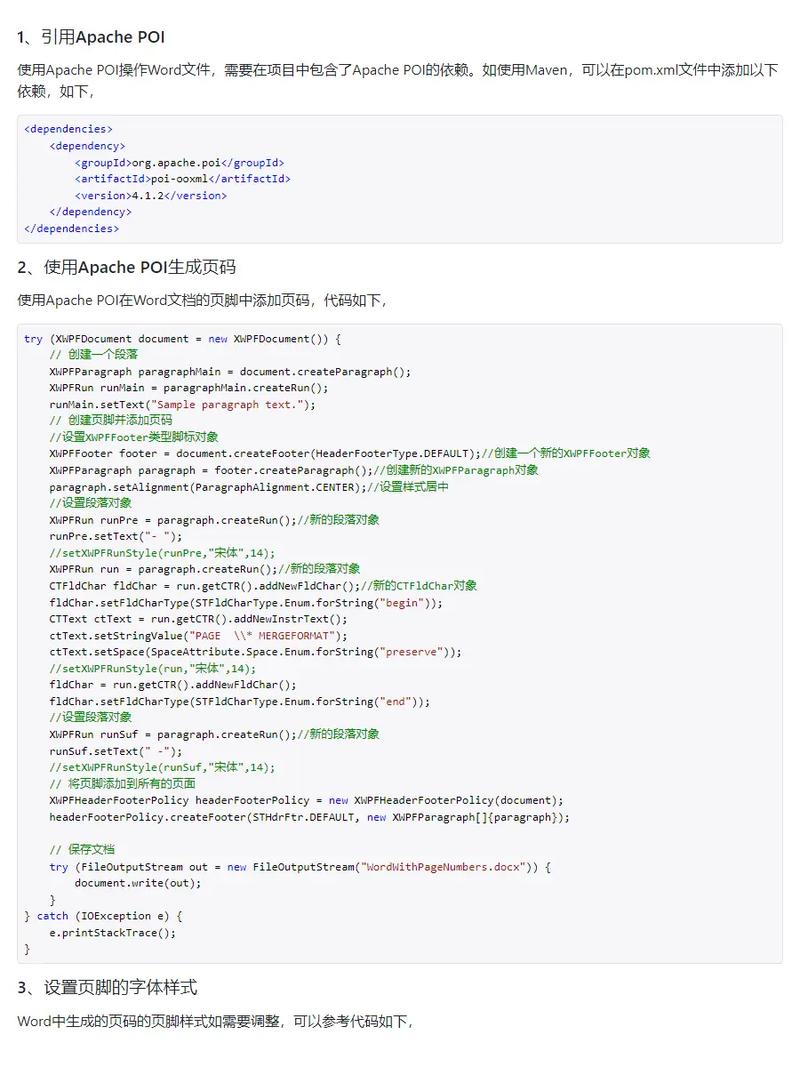
Apache POI is the go-to library for anything Microsoft Office-related in Java. It provides a way to read the structure of a .docx file, which is essentially a ZIP archive of XML files. We can extract the main content XML and transform it.
Step 1: Add Dependency
Add this to your pom.xml:
<dependency>
    <groupId>org.apache.poi</groupId>
    <artifactId>poi-ooxml</artifactId>
    <version>5.2.4</version> <!-- Use the latest version -->
</dependency>
<dependency>
    <groupId>org.apache.poi</groupId>
    <artifactId>ooxml-schemas</artifactId>
    <version>1.4</version>
</dependency>
Step 2: Java Code for Basic Conversion
This code reads the .docx file, extracts the main document content, and writes it to an HTML file. It handles basic paragraphs and text runs.
import org.apache.poi.xwpf.usermodel.XWPFDocument;
import org.apache.poi.xwpf.usermodel.XWPFParagraph;
import org.apache.poi.xwpf.usermodel.XWPFRun;
import java.io.File;
import java.io.FileInputStream;
import java.io.FileOutputStream;
import java.io.IOException;
import java.nio.file.Files;
import java.nio.file.Path;
import java.nio.file.Paths;
import java.util.List;
public class PoiWordToHtml {
    public static void main(String[] args) {
        // Path to your input .docx file
        Path inputPath = Paths.get("C:/path/to/your/document.docx");
        // Path for the output .html file
        Path outputPath = Paths.get("C:/path/to/your/document.html");
        try (XWPFDocument document = new XWPFDocument(new FileInputStream(inputPath.toFile()))) {
            StringBuilder htmlBuilder = new StringBuilder();
            htmlBuilder.append("<html><head><meta charset=\"UTF-8\"></head><body>");
            // Get all paragraphs from the document
            List<XWPFParagraph> paragraphs = document.getParagraphs();
            for (XWPFParagraph p : paragraphs) {
                htmlBuilder.append("<p>");
                // Get all text runs in the paragraph
                for (XWPFRun r : p.getRuns()) {
                    // You can add more logic here for bold, italic, etc.
                    // For simplicity, we just get the text.
                    String text = r.getText(0);
                    if (text != null) {
                        htmlBuilder.append(text);
                    }
                }
                htmlBuilder.append("</p>\n");
            }
            htmlBuilder.append("</body></html>");
            // Write the HTML to a file
            Files.write(outputPath, htmlBuilder.toString().getBytes());
            System.out.println("Successfully converted " + inputPath + " to " + outputPath);
        } catch (IOException e) {
            e.printStackTrace();
        }
    }
}
Enhancing POI for Better Formatting (Advanced)
The basic example above is very limited. To handle bold, italic, colors, and lists, you need to inspect the XWPFRun properties.
// Inside the loop for XWPFRun r : p.getRuns()
StringBuilder runText = new StringBuilder();
if (r.isBold()) {
    runText.append("<b>");
}
if (r.isItalic()) {
    runText.append("<i>");
}
// You can get color, font size, etc. from r.getColor(), r.getFontSize(), etc.
runText.append(r.getText(0));
if (r.isItalic()) {
    runText.append("</i>");
}
if (r.isBold()) {
    runText.append("</b>");
}
htmlBuilder.append(runText.toString());
Limitation: POI does not have a built-in, one-step "convert to HTML" method that handles complex layouts like tables, headers, footers, or images perfectly. You have to build the logic yourself, which can be very time-consuming.
Method 2: docx4j (High-Fidelity Conversion)
docx4j is another powerful open-source library that focuses on the OOXML (Office Open XML) format. It has a dedicated converter for HTML.
Step 1: Add Dependency
<dependency>
    <groupId>org.docx4j</groupId>
    <artifactId>docx4j</artifactId>
    <version>11.4.4</version> <!-- Use the latest version -->
</dependency>
Step 2: Java Code
docx4j's converter is much more straightforward for this task.
import org.docx4j.Docx4J;
import org.docx4j.openpackaging.packages.WordprocessingMLPackage;
import java.io.File;
public class Docx4jWordToHtml {
    public static void main(String[] args) {
        // Path to your input .docx file
        String inputPath = "C:/path/to/your/document.docx";
        // Path for the output .html file
        String outputPath = "C:/path/to/your/document.html";
        try {
            // Load the .docx file
            WordprocessingMLPackage wordMLPackage = WordprocessingMLPackage.load(new File(inputPath));
            // Use the built-in converter
            // Docx4J.toHTML() writes directly to a file.
            Docx4J.toHTML(wordMLPackage, new File(outputPath), Docx4J.FLAG_NONE);
            System.out.println("Successfully converted " + inputPath + " to " + outputPath);
        } catch (Exception e) {
            e.printStackTrace();
        }
    }
}
Advantage: This is much simpler and produces a much more accurate representation of the Word document's structure, including tables, lists, and basic formatting. It's the best free option for high-quality conversion.
Method 3: Aspose.Words (The Commercial Powerhouse)
Aspose.Words is a commercial library renowned for its exceptional conversion quality. If budget is not a primary concern, this is often the best choice.
Step 1: Add Dependency
You can download the JAR from their website or add it to your pom.xml.
<dependency>
    <groupId>com.aspose</groupId>
    <artifactId>aspose-words</artifactId>
    <version>23.8</version> <!-- Use the latest version -->
    <scope>system</scope>
    <systemPath>${project.basedir}/lib/aspose-words-23.8-javadoc.jar</systemPath>
</dependency>
(Note: For a real project, you would use their repository or download the JAR and place it in a lib folder).
Step 2: Java Code
The API is incredibly clean and easy to use.
import com.aspose.words.Document;
import com.aspose.words.SaveFormat;
import java.io.File;
public class AsposeWordToHtml {
    public static void main(String[] args) {
        // Path to your input .docx file
        String inputPath = "C:/path/to/your/document.docx";
        // Path for the output .html file
        String outputPath = "C:/path/to/your/document.html";
        try {
            // Load the document
            Document doc = new Document(inputPath);
            // Save the document directly to HTML format
            doc.save(outputPath, SaveFormat.HTML);
            System.out.println("Successfully converted " + inputPath + " to " + outputPath);
        } catch (Exception e) {
            e.printStackTrace();
        }
    }
}
Advantage: Unmatched fidelity. It handles headers, footers, footnotes, complex tables, text wrapping, and almost any other Word feature with remarkable accuracy.
Recommendation: Which one should you choose?
- For a simple, quick script or if you're already using POI: Use Apache POI. Be prepared to write more code for formatting.
- For the best free, high-quality conversion: Use docx4j. It strikes a great balance between quality and ease of use for an open-source library.
- For a production application where perfect formatting is critical and you can afford a license: Use Aspose.Words. It saves a massive amount of development time and delivers the best results.