Of course! The term "Java phpmyadmin" can mean a few different things. Let's break it down into the most common interpretations, from the most likely to the least likely.
Summary Table
| Interpretation | What it is | How to Use It |
|---|---|---|
| Using a Java App to Connect to a MySQL DB | Most Likely. You have a Java application and you want to manage its MySQL database using phpMyAdmin. | Start your MySQL server. 2. Install phpMyAdmin. 3. Access phpMyAdmin in your browser. 4. Use it to manage the database your Java app uses. |
| Using phpMyAdmin from a Java Web App | A Java web application (like Spring Boot) that embeds or provides a link to phpMyAdmin for database management. | Deploy phpMyAdmin as a separate web app (e.g., in a Docker container). 2. Provide a secure link to it from your Java application's admin panel. |
| A Java-Based Replacement for phpMyAdmin | A desktop or web application written in Java that provides a similar GUI for managing databases. | Use a dedicated tool like DBeaver (which is written in Java) or SQuirreL SQL. |
| Calling phpMyAdmin's API from Java | Using Java to programmatically trigger actions in phpMyAdmin (e.g., via cURL calls or a web client). | Not common. You would typically use a Java JDBC driver to interact directly with the database instead. |
Interpretation 1: The Most Common Scenario - Using phpMyAdmin with a Java Application
This is the most straightforward and common meaning. You have a Java backend (e.g., a Spring Boot, Hibernate, or plain JDBC application) that connects to a MySQL database. You want to use phpMyAdmin to visually inspect, create, or modify that database.
Here’s how to set it up:
Step 1: Your Java Application's Database Connection
Your Java code needs to know the connection details for your MySQL database. Let's assume you have a database named my_java_app_db.
Example (using java.sql):
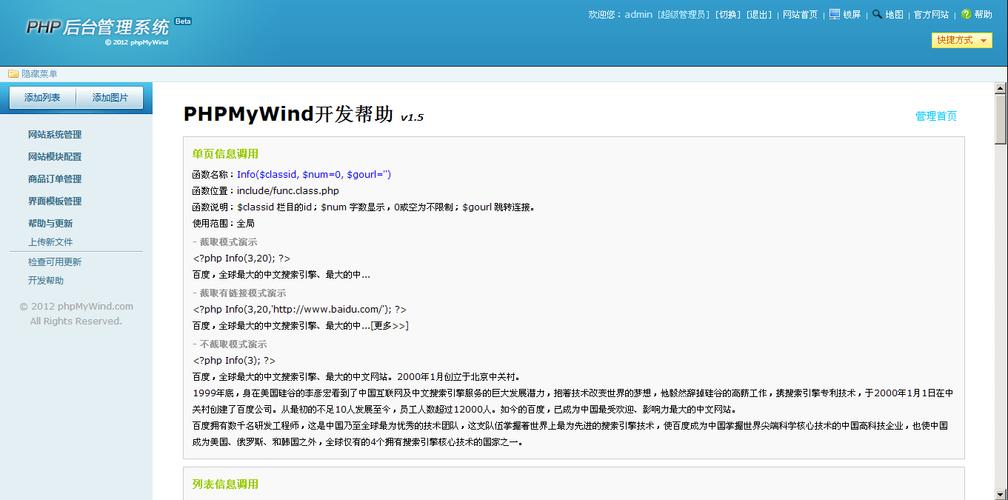
import java.sql.Connection;
import java.sql.DriverManager;
import java.sql.SQLException;
public class DatabaseConnector {
    // These are the details you'll need for phpMyAdmin
    private static final String DB_URL = "jdbc:mysql://localhost:3306/my_java_app_db";
    private static final String USER = "java_app_user";
    private static final String PASS = "a-very-secure-password";
    public static void main(String[] args) {
        try (Connection conn = DriverManager.getConnection(DB_URL, USER, PASS)) {
            System.out.println("Connection to the database successful!");
            // ... your application logic here
        } catch (SQLException e) {
            System.out.println("Connection failed: " + e.getMessage());
        }
    }
}
Key Information to Note:
- Host:
localhost(or your server's IP) - Port:
3306(default MySQL port) - Database Name:
my_java_app_db - Username:
java_app_user - Password:
a-very-secure-password
Step 2: Install and Configure phpMyAdmin
phpMyAdmin is a PHP application, so you need a web server with PHP to run it. The easiest way on a local machine is with a package like XAMPP, WAMP, or MAMP.
- Install XAMPP: Download and install XAMPP from apachefriends.org. This includes Apache (web server), MySQL (database server), and PHP.
- Start MySQL and Apache: Open the XAMPP Control Panel and start the "Apache" and "MySQL" modules.
- Download phpMyAdmin: Go to the phpMyAdmin official download page and download the latest version.
- Place phpMyAdmin in your web root: Unzip the downloaded file and place the entire folder into
C:\xampp\htdocs\(on Windows) or/Applications/XAMPP/htdocs/(on macOS). Rename the folder to something simple likephpmyadmin. - Configure (Optional but Recommended): For a production environment, you must configure a blowfish secret. Open
phpmyadmin/config.inc.phpand find the line:$cfg['blowfish_secret'] = ''; /* YOU MUST FILL IN THIS P FOR COOKIE AUTH! */
Fill it with a random string of characters. You can generate one online. For local development, you can often skip this, but it's good practice.
Step 3: Access phpMyAdmin and Connect to Your Database
- Open your web browser.
- Navigate to
http://localhost/phpmyadmin. - You will see the phpMyAdmin login screen.
- Log in using the MySQL root credentials that you set up during XAMPP installation. This is important. You are logging into the MySQL server, not your Java application's specific database.
- Once logged in, you will see a list of all databases on your server, including
my_java_app_db. You can now:- Click on
my_java_app_dbto see its tables, data, and structure. - Create new databases, tables, or users.
- Run
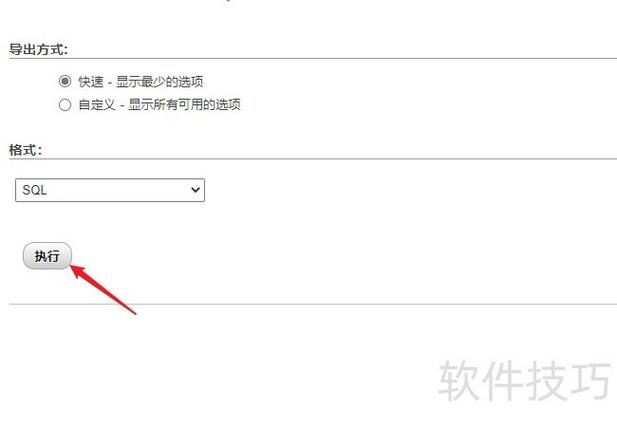
SELECT,INSERT,UPDATE,DELETEqueries visually. - Import or export database backups (
.sqlfiles).
- Click on
This setup completely separates your Java application logic from your database administration tasks. Your Java app uses the JDBC driver to talk to the database, while you use phpMyAdmin in your browser to manage it.
Interpretation 2: Embedding phpMyAdmin in a Java Web Application
This is more complex and generally not recommended because phpMyAdmin is a separate application with its own security and dependencies. The standard practice is to run it as a separate service.
However, if you absolutely need to, you could:
- Deploy phpMyAdmin as a separate web app: Run phpMyAdmin on a different port (e.g.,
localhost:8081/phpmyadmin) or as a Docker container. - Link from your Java App: In your Java web application's admin dashboard, create a secure, authenticated link that points to the separate phpMyAdmin instance. This keeps the concerns separated.
Interpretation 3: Java-Based GUI Database Clients
If you're looking for a tool that does what phpMyAdmin does but is written in Java, you have excellent options. These are often more powerful and can connect to many different database types, not just MySQL.
DBeaver (Highly Recommended)
- What it is: A free, multi-platform, universal database tool for developers, SQL programmers, and database administrators.
- Why it's great:
- Cross-platform: Works on Windows, macOS, and Linux.
- Multi-database support: Connects to MySQL, PostgreSQL, Oracle, SQL Server, SQLite, and many more.
- Rich Features: ER diagrams, data editing, SQL execution, version control integration.
- Written in Java: It's a native Java application (uses SWT for the UI).
How to use it:
- Download and install DBeaver.
- Create a new database connection.
- Select "MySQL" from the list.
- Enter the same connection details you would for your Java application (Host, Port, Database, User, Password).
- Connect and you have a full-featured GUI for managing your database.
SQuirreL SQL Client
- What it is: Another popular Java-based SQL client.
- Why it's great:
- Lightweight and extensible.
- Supports a wide range of databases via JDBC drivers.
- Great for writing and executing SQL scripts.
Interpretation 4: Interacting with phpMyAdmin via Java Code (Not Recommended)
phpMyAdmin does not have a formal public API. It's a web application that generates HTML forms. You could theoretically use a Java HTTP client (like java.net.HttpURLConnection or Apache HttpClient) to POST requests to its scripts, but this is:
- Brittle: Any update to phpMyAdmin's code could break your Java code.
- Reinventing the Wheel: It's much easier and more robust to use the JDBC driver in Java to connect directly to the database.
Example of the WRONG way (conceptual):
// This is a bad idea! phpMyAdmin's internals can change.
import java.net.HttpURLConnection;
import java.net.URL;
import java.net.URLEncoder;
// You would have to figure out the exact URL and POST parameters
// for the script that handles data insertion.
String url = "http://localhost/phpmyadmin/import.php";
// ... build a POST request with multipart form data for a CSV file ...
// This is complex and fragile.
The RIGHT way (using JDBC):
// This is the standard, correct approach.
import java.sql.Connection;
import java.sql.DriverManager;
import java.sql.PreparedStatement;
// Use the same connection details as before
String sql = "INSERT INTO users (name, email) VALUES (?, ?)";
try (Connection conn = DriverManager.getConnection(DB_URL, USER, PASS);
     PreparedStatement pstmt = conn.prepareStatement(sql)) {
    pstmt.setString(1, "John Doe");
    pstmt.setString(2, "john.doe@example.com");
    pstmt.executeUpdate();
}
Conclusion
When someone says "Java phpmyadmin", they most likely mean "How do I use phpMyAdmin to manage the database for my Java application?"
The answer is: By setting up phpMyAdmin as a separate web tool and logging into your MySQL server with its credentials. For a better, more integrated experience, consider using a Java-based database client like DBeaver.