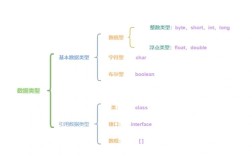
Session(会话)是 Web 开发中一个非常核心的概念。Session 是服务器为了保存特定用户的状态信息而创建的一种对象,当用户第一次访问网站时,服务器会为其创建一个独一无二的 Session ID,并将这个 ID 通过 Cookie 发送给浏览器,之后,浏览器每次请求都会带上这个 Session ID,服务器就能通过这个 ID 找到对应的 Session 对象,从而识别出是哪个用户,并可以读取或修改该用户的会话数据。
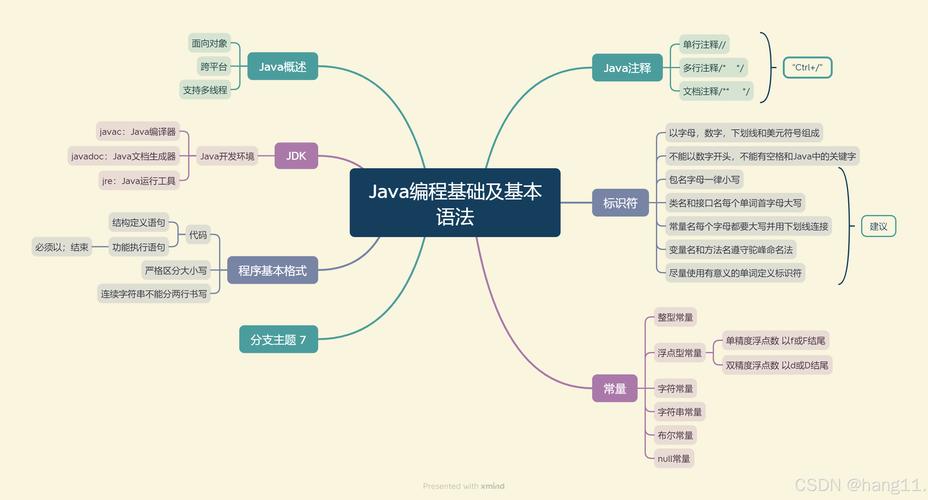
(图片来源网络,侵删)
Session 的核心概念
- Session ID: 一个唯一的字符串,用于标识不同的会话,服务器通过它来关联 Session 对象。
- Session 对象: 在服务器端存储,通常是一个
Map结构,可以存放任意类型的键值对数据(如User对象、购物车信息等)。 - 生命周期:
- 创建: 用户第一次访问网站(通常是访问一个 JSP 或 Servlet)时,如果该请求中没有有效的 Session ID,服务器就会创建一个新的 Session 对象。
- 销毁:
- 超时: 如果在一定时间内(默认30分钟)用户没有再次访问,服务器会自动销毁该 Session。
- 手动调用
invalidate(): 在代码中主动销毁 Session。 - 服务器关闭或重启: Session 数据通常存储在内存中,服务器关闭后会丢失。
在 Java Web 项目中如何使用 Session
在 Java Web 开发中,最常见的是使用 Servlet 和 JSP 来操作 Session。
在 Servlet 中获取和使用 Session
在 Servlet 中,我们可以通过 HttpServletRequest 对象来获取 Session。
主要方法:
request.getSession(): 最常用的方法,如果当前请求没有 Session,它会创建一个新的 Session 并返回;如果有,则直接返回现有的 Session。request.getSession(false): 与getSession()类似,但如果当前请求没有 Session,它不会创建新的,而是返回null,这个方法在“检查 Session 是否存在”的场景下很有用。
常用 API:
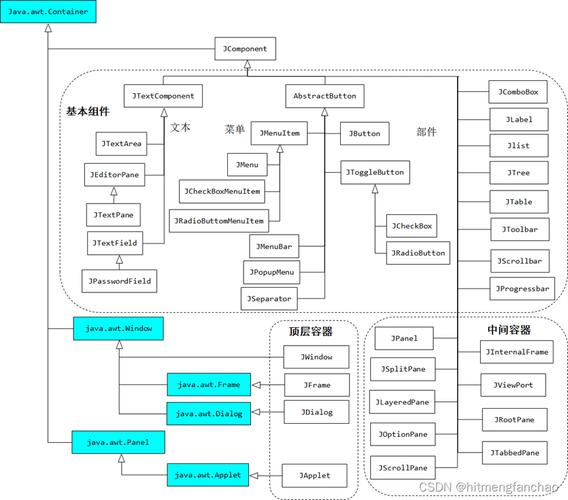
(图片来源网络,侵删)
setAttribute(String name, Object value): 向 Session 中存入一个键值对。name是字符串,value是任意 Java 对象。getAttribute(String name): 根据name从 Session 中取出对应的对象,返回类型是Object,需要强制类型转换。removeAttribute(String name): 从 Session 中移除指定name的键值对。invalidate(): 销毁整个 Session,所有数据都会被清空。getId(): 获取当前 Session 的唯一 ID。isNew(): 判断当前 Session 是否是新创建的。setMaxInactiveInterval(int interval): 设置 Session 的超时时间(单位:秒)。-1表示永不超时(不推荐)。getMaxInactiveInterval(): 获取 Session 的超时时间(单位:秒)。
在 JSP 中使用 Session
JSP 内置了 session 对象,它是 HttpSession 接口的实例,可以直接使用,无需获取。
常用方法:
${sessionScope.key}或${session.key}: 从 Session 中获取数据。<% session.setAttribute("key", value); %>: 在 JSP 脚本片段中向 Session 存入数据。<% session.invalidate(); %>: 在 JSP 脚本片段中销毁 Session。
完整代码示例
下面我们通过一个用户登录的例子来演示 Session 的完整用法。
项目结构
web-app/
├── index.html          (登录页面)
├── LoginServlet.java   (处理登录逻辑)
├── WelcomeServlet.java (登录后欢迎页面)
├── LogoutServlet.java  (处理登出逻辑)
└── web.xml             (Servlet 配置)
index.html (登录页面)
<!DOCTYPE html>
<html>
<head>登录</title>
</head>
<body>
    <h2>用户登录</h2>
    <form action="login" method="post">
        用户名: <input type="text" name="username"><br>
        <input type="submit" value="登录">
    </form>
</body>
</html>
LoginServlet.java (处理登录)
import java.io.IOException;
import javax.servlet.ServletException;
import javax.servlet.annotation.WebServlet;
import javax.servlet.http.HttpServlet;
import javax.servlet.http.HttpServletRequest;
import javax.servlet.http.HttpServletResponse;
import javax.servlet.http.HttpSession;
@WebServlet("/login")
public class LoginServlet extends HttpServlet {
    private static final long serialVersionUID = 1L;
    protected void doPost(HttpServletRequest request, HttpServletResponse response) throws ServletException, IOException {
        // 1. 获取用户名
        String username = request.getParameter("username");
        // 2. 检查用户名是否为空(简单校验)
        if (username == null || username.trim().isEmpty()) {
            response.sendRedirect("index.html"); // 如果为空,返回登录页
            return;
        }
        // 3. 获取或创建 Session
        HttpSession session = request.getSession();
        // 4. 将用户信息存入 Session
        // 存入一个简单的用户名,也可以存入一个完整的 User 对象
        session.setAttribute("username", username);
        session.setAttribute("loginTime", System.currentTimeMillis()); // 记录登录时间
        // 5. 重定向到欢迎页面
        response.sendRedirect("welcome");
    }
}
WelcomeServlet.java (欢迎页面)
import java.io.IOException;
import java.text.SimpleDateFormat;
import java.util.Date;
import javax.servlet.ServletException;
import javax.servlet.annotation.WebServlet;
import javax.servlet.http.HttpServlet;
import javax.servlet.http.HttpServletRequest;
import javax.servlet.http.HttpServletResponse;
import javax.servlet.http.HttpSession;
@WebServlet("/welcome")
public class WelcomeServlet extends HttpServlet {
    private static final long serialVersionUID = 1L;
    protected void doGet(HttpServletRequest request, HttpServletResponse response) throws ServletException, IOException {
        // 1. 获取 Session
        HttpSession session = request.getSession(false); // 使用 false,只获取不创建
        // 2. 检查 Session 是否存在,即用户是否已登录
        if (session == null || session.getAttribute("username") == null) {
            // Session 不存在或用户名为空,说明用户未登录,重定向到登录页
            response.sendRedirect("index.html");
            return;
        }
        // 3. 从 Session 中获取用户信息
        String username = (String) session.getAttribute("username");
        long loginTime = (long) session.getAttribute("loginTime");
        // 格式化登录时间
        SimpleDateFormat sdf = new SimpleDateFormat("yyyy-MM-dd HH:mm:ss");
        String loginTimeStr = sdf.format(new Date(loginTime));
        // 4. 在页面上显示欢迎信息
        response.setContentType("text/html;charset=UTF-8");
        response.getWriter().println("<!DOCTYPE html>");
        response.getWriter().println("<html>");
        response.getWriter().println("<head>");
        response.getWriter().println("<title>欢迎页面</title>");
        response.getWriter().println("</head>");
        response.getWriter().println("<body>");
        response.getWriter().println("<h2>欢迎, " + username + "!</h2>");
        response.getWriter().println("<p>您的登录时间是: " + loginTimeStr + "</p>");
        response.getWriter().println("<a href='logout'>退出登录</a>");
        response.getWriter().println("</body>");
        response.getWriter().println("</html>");
    }
}
LogoutServlet.java (登出处理)
import java.io.IOException;
import javax.servlet.ServletException;
import javax.servlet.annotation.WebServlet;
import javax.servlet.http.HttpServlet;
import javax.servlet.http.HttpServletRequest;
import javax.servlet.http.HttpServletResponse;
import javax.servlet.http.HttpSession;
@WebServlet("/logout")
public class LogoutServlet extends HttpServlet {
    private static final long serialVersionUID = 1L;
    protected void doGet(HttpServletRequest request, HttpServletResponse response) throws ServletException, IOException {
        // 1. 获取 Session
        HttpSession session = request.getSession(false);
        // 2. Session 存在,则销毁它
        if (session != null) {
            session.invalidate(); // 销毁 Session,所有数据都会被清除
        }
        // 3. 重定向到登录页面
        response.sendRedirect("index.html");
    }
}
Session 的优缺点及注意事项
优点
- 安全性高: Session 数据存储在服务器端,客户端只持有 Session ID,无法篡改会话数据。
- 存储灵活: 可以存储任意 Java 对象,大小限制远大于 Cookie。
- 状态保持: 能够完美实现跨页面的用户状态保持,是构建需要登录功能的 Web 应用的基石。
缺点
- 占用服务器资源: 每个活跃的 Session 都会占用服务器的内存,如果网站有大量并发用户,服务器的内存压力会很大。
- 依赖 Cookie: 默认情况下,Session ID 通过 Cookie 传递,如果用户禁用了浏览器 Cookie,Session 可能无法正常工作(虽然可以通过 URL 重写来解决这个问题,但实现复杂且不常用)。
- 扩展性问题: 在分布式或集群环境下,Session 存储在单个服务器的内存中,就会出现“用户在 A 服务器登录,但请求被 B 服务器处理时 Session 找不到”的问题。
解决方案:分布式 Session
为了解决集群环境下的 Session 共享问题,有几种常见的方案:
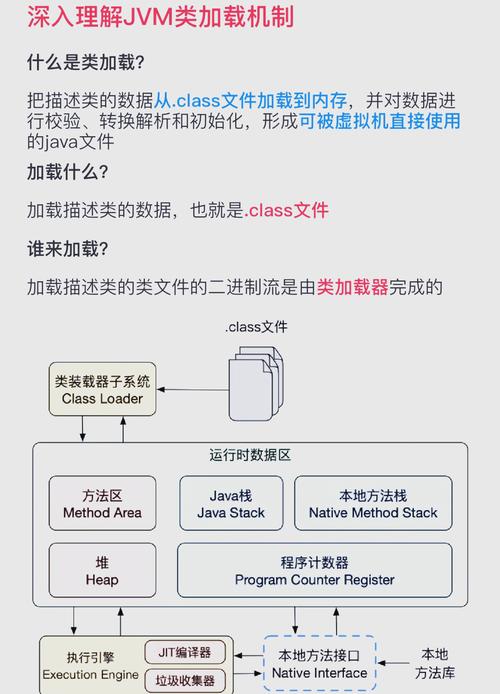
(图片来源网络,侵删)
- Session 复制: 集群中的所有服务器都复制一份相同的 Session,实现简单,但网络开销大,性能差。
- Session 粘性: 通过负载均衡器,确保同一个用户的请求总是被发送到同一台服务器,实现简单,但服务器宕机会导致该用户的 Session 丢失,且负载不均衡。
- 集中式 Session 存储: 将 Session 数据集中存储在外部存储中,如 Redis、Memcached、数据库等,这是目前最主流、最推荐的方案,所有服务器都从同一个地方读写 Session,完美解决了扩展性问题。
Session vs. Cookie
这是一个非常经典的问题,它们经常被放在一起比较。
| 特性 | Session | Cookie |
|---|---|---|
| 存储位置 | 服务器端 | 客户端(浏览器) |
| 安全性 | 高,数据在服务器,客户端无法伪造。 | 低,数据在客户端,可以被查看、修改、删除。 |
| 存储容量 | 大,仅受服务器内存限制。 | 小,通常限制在 4KB 左右。 |
| 数据类型 | 可以存储任意 Java 对象。 | 只能存储字符串。 |
| 生命周期 | 可以设置超时时间,也可以手动销毁。 | 可以设置为临时(浏览器关闭后失效)或长期(设置过期时间)。 |
| 主要用途 | 保存用户的登录状态、购物车等敏感、重要的信息。 | 保存用户的偏好设置、追踪用户行为等非敏感的信息。 |
总结关系: Session 和 Cookie 并不是竞争关系,而是合作关系,Session 依赖 Cookie 来传递自己的“身份证号”(Session ID),从而让服务器能找到对应的 Session 数据。
最佳实践
- 不要滥用 Session: 只存储必要的信息,如用户 ID、登录状态等,不要将大量或庞大的对象(如
List、Map)存入 Session,这会消耗大量服务器内存。 - 及时清理: 当用户登出或不再需要某个会话数据时,及时调用
removeAttribute()或invalidate()来释放资源。 - 设置合理的超时时间: 根据业务需求,通过
setMaxInactiveInterval()设置一个合理的 Session 超时时间,避免长时间占用服务器资源。 - 优先考虑分布式方案: 在现代 Web 应用开发中,尤其是微服务架构下,应优先考虑使用 Redis 等中间件来管理 Session,而不是依赖本地内存。
- 注意线程安全: 如果你的应用部署在多线程的 Servlet 容器中(如 Tomcat),要确保存入 Session 的对象是线程安全的,或者避免在 Session 中存储可变的状态。