Of course! In Python, there isn't a single function named settimeout like in some other languages (e.g., JavaScript's setTimeout). Instead, Python provides several ways to achieve delayed or scheduled execution, depending on the context (e.g., simple scripts, asynchronous programming, or multithreading).
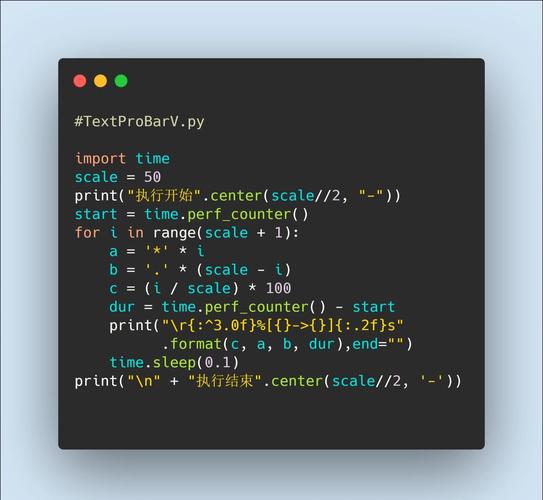
Here’s a breakdown of the most common and effective methods.
The time.sleep() Function (The Simplest Way)
This is the most direct and common way to pause the execution of your script for a specified number of seconds. It's a blocking function, meaning your entire program will wait until the sleep is finished.
When to use it:
- For simple scripts where you just need to introduce a delay.
- In non-critical paths where blocking the main thread is acceptable.
How it works:
The time module is part of Python's standard library, so you don't need to install anything.
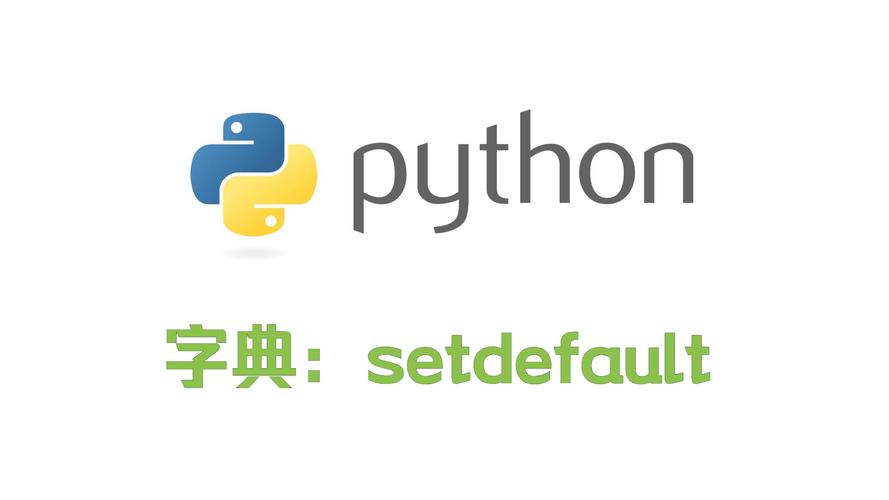
import time
print("Starting the program...")
print("Waiting for 5 seconds.")
# Pause the program for 5 seconds
time.sleep(5)
print("5 seconds have passed. Program continues.")
Limitation: This blocks the entire main thread. If you were building a web server or a GUI application, this would freeze the entire application.
The threading.Timer Class (For Non-Blocking Delays)
If you need to execute a function after a delay without blocking your main program, threading.Timer is the perfect tool. It creates a new thread that will wait for the specified time and then run your target function.
When to use it:
- When you need to run a function in the background after a delay.
- In GUI applications (like Tkinter, PyQt) to prevent the UI from freezing.
- In long-running scripts where you want to perform a task periodically without interrupting the main flow.
How it works:
You create a Timer object, passing it the delay (in seconds) and the function to call. You then start the timer.
import threading
import time
def delayed_task():
    """This is the function that will be executed after the delay."""
    print("Delayed task is now running!")
    print("Current time:", time.strftime("%H:%M:%S"))
print("Starting the program...")
print("A task will be scheduled to run in 3 seconds.")
# Create a Timer object
# Arguments: delay (seconds), function to call, and any arguments for that function
timer = threading.Timer(3.0, delayed_task)
# Start the timer (it begins counting down)
timer.start()
# The main program continues to run immediately
print("Main program is not blocked. We can do other work here.")
time.sleep(1) # Let's do some other work
print("Main program is still running...")
time.sleep(2) # Wait for the timer to finish
print("Main program finished.")
# It's good practice to join the timer thread to ensure it has completed
# before the script exits, especially in more complex applications.
timer.join()
Asynchronous Programming with asyncio.sleep() (Modern & Efficient)
For modern, high-performance applications, especially those involving I/O (like network requests or database calls), asynchronous programming is the best approach. The asyncio library uses an "event loop" to manage many tasks concurrently without the overhead of creating multiple threads.
When to use it:
- For network programming (e.g., making many HTTP requests).
- For building web servers (e.g., FastAPI, aiohttp).
- Any I/O-bound application where you want to maximize concurrency.
How it works:
You define async functions and use await asyncio.sleep() instead of time.sleep(). The await keyword tells the event loop to pause this specific task and run other tasks while it's waiting.
import asyncio
import time
async def async_delayed_task(task_name):
    """An asynchronous function that waits and then prints a message."""
    print(f"Task '{task_name}' is about to wait for 2 seconds.")
    # asyncio.sleep is non-blocking and allows other tasks to run
    await asyncio.sleep(2)
    print(f"Task '{task_name}' has finished waiting at {time.strftime('%H:%M:%S')}")
async def main():
    """The main entry point for our async program."""
    print("Starting the asyncio program...")
    start_time = time.time()
    # Create multiple tasks to run concurrently
    task1 = asyncio.create_task(async_delayed_task("A"))
    task2 = asyncio.create_task(async_delayed_task("B"))
    # Wait for both tasks to complete
    await task1
    await task2
    end_time = time.time()
    print(f"All tasks finished in {end_time - start_time:.2f} seconds.")
# Run the main async function
asyncio.run(main())
Output of the asyncio example: Notice that both tasks start almost at the same time, and the total execution time is roughly 2 seconds, not 4 seconds, because they run concurrently.
Starting the asyncio program...
Task 'A' is about to wait for 2 seconds.
Task 'B' is about to wait for 2 seconds.
Task 'A' has finished waiting at 14:30:02
Task 'B' has finished waiting at 14:30:02
All tasks finished in 2.01 seconds.
The sched Module (For Scheduling)
The sched module is more powerful than a simple delay. It allows you to schedule events to run at specific times or after specific delays, and it can manage multiple scheduled events in an orderly fashion. It uses a single thread and a priority queue.
When to use it:
- When you need to schedule multiple events with different delays.
- When you need to run tasks at a specific clock time.
- As a simpler alternative to a full-fledged task queue like Celery.
How it works: You create a scheduler, enter events with a time delay and a function, and then run the scheduler.
import sched
import time
def scheduled_task(name):
    """The function to be executed."""
    print(f"Scheduled task '{name}' ran at {time.strftime('%H:%M:%S')}")
# Create a scheduler
# The first argument is the time function (time.time is default)
# The second is the delay function (time.sleep is default)
scheduler = sched.scheduler(time.time, time.sleep)
print("Starting the scheduler...")
# Enter an event: delay (seconds), priority, action function, and arguments
scheduler.enter(5, 1, scheduled_task, argument=('Task 1',))
scheduler.enter(2, 1, scheduled_task, argument=('Task 2',))
print("Tasks have been scheduled. The scheduler will now run.")
# The scheduler.run() blocks until all scheduled events are completed
scheduler.run()
print("Scheduler finished.")
Output: Notice that "Task 2" runs before "Task 1" because it had a shorter delay, even though it was scheduled second.
Starting the scheduler...
Tasks have been scheduled. The scheduler will now run.
Scheduled task 'Task 2' ran at 14:35:02
Scheduled task 'Task 1' ran at 14:35:05
Scheduler finished.
Summary: Which one should you use?
| Method | Use Case | Key Characteristic |
|---|---|---|
time.sleep() |
Simple scripts, quick delays. | Blocking. Pauses the entire program. |
threading.Timer |
Running a function in the background after a delay. | Non-blocking. Uses a new thread. Good for GUIs. |
asyncio.sleep() |
High-performance I/O applications (networking, web servers). | Non-blocking. Efficiently manages many concurrent tasks. |
sched module |
Scheduling multiple events with delays or specific times. | Blocking (while running). Manages a queue of events in one thread. |