Of course! The term imresample is not a built-in function in Python's standard library. However, it's a very common operation in image processing, and there are several excellent libraries that provide this functionality.
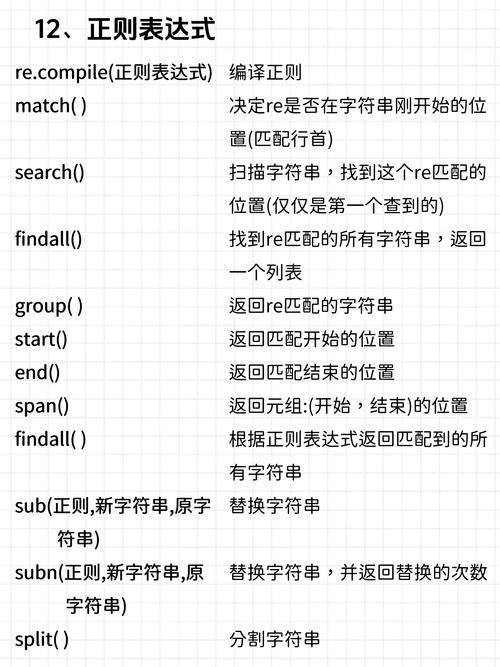
The most popular and powerful library for this task is scikit-image. Other libraries like OpenCV, Pillow, and SciPy also offer resampling capabilities, each with its own strengths.
Let's break down what resampling means and how to do it with the best tools.
What is Image Resampling?
Resampling is the process of changing the dimensions (number of pixels) of an image. This involves two main steps:
- Interpolation: Since you are changing the grid of pixels, you need to calculate the new pixel values. Interpolation is the method used to estimate these new values based on the existing pixel values.
- Transformation: You need to define how the old image maps to the new image. The most common transformations are:
- Scaling: Making the image larger (upsampling) or smaller (downsampling).
- Rotation: Turning the image.
- Translation: Shifting the image.
- Affine/Projective: More complex transformations that can skew or warp the image.
Using scikit-image (Recommended for most tasks)
scikit-image is the go-to library for scientific image processing in Python. Its transform module is powerful and user-friendly.
Installation
pip install scikit-image numpy matplotlib
Key Functions:
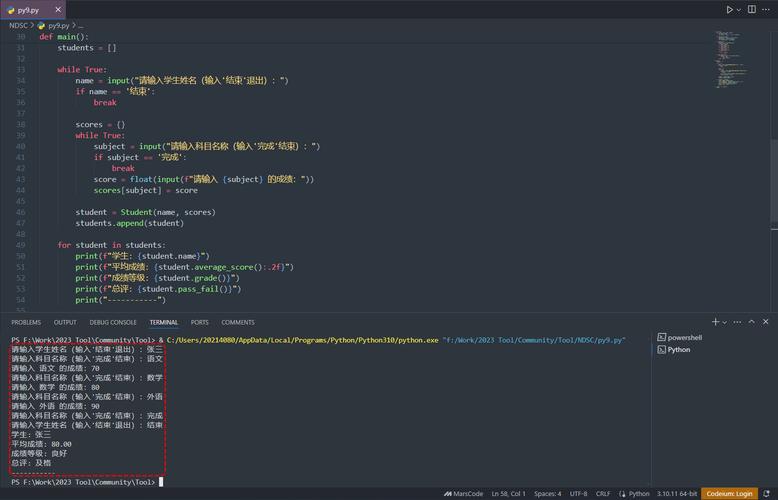
skimage.transform.resize(): The most direct equivalent to a genericimresample. It changes the image size using specified interpolation.skimage.transform.rescale(): Scales the image by a given factor.skimage.transform.warp(): For more complex geometric transformations (like rotation, translation) using a mapping function.
Example: Basic Resizing (Scaling)
This is the most common use case. We'll use skimage.transform.resize().
import numpy as np
from skimage import transform, io
import matplotlib.pyplot as plt
# Create a sample image (a simple gradient)
original_image = np.zeros((100, 200))
for i in range(100):
    original_image[i, :] = i / 100.0
# --- Resample to a different size ---
# Resize to 150 rows and 300 columns
# order=1 means bilinear interpolation, good for general use
resized_image = transform.resize(original_image, (150, 300), order=1, anti_aliasing=True)
# --- Display the results ---
fig, axes = plt.subplots(1, 2, figsize=(10, 5))
ax = axes.ravel()
ax[0].imshow(original_image, cmap='gray')
ax[0].set_title("Original Image (100x200)")
ax[0].axis('off')
ax[1].imshow(resized_image, cmap='gray')
ax[1].set_title("Resized Image (150x300)")
ax[1].axis('off')
plt.tight_layout()
plt.show()
Explanation:
transform.resize(image, output_shape, ...): This is the core function.output_shape: A tuple(height, width)for the new image dimensions.order: The order of the interpolation spline.0is nearest-neighbor (fast, blocky),1is bilinear (good balance),3is bicubic (smoother, but can blur).anti_aliasing: Crucial for downsampling! It applies a Gaussian filter before resampling to prevent Moiré patterns and jagged edges (aliasing).
Using OpenCV
OpenCV is another powerhouse, widely used in computer vision and real-time applications. It's extremely fast.
Installation
pip install opencv-python numpy matplotlib
Key Function:
cv2.resize(): The primary function for resizing images.
Example: Basic Resizing
import cv2
import numpy as np
import matplotlib.pyplot as plt
# Note: OpenCV loads images in BGR format by default.
# For a simple gradient, we can create it directly.
original_image = np.zeros((100, 200), dtype=np.uint8)
for i in range(100):
    original_image[i, :] = int(i * 255 / 100)
# --- Resample using OpenCV ---
# fx and fy are scale factors for width and height
# fx = 1.5, fy = 1.5 means scale to 150% of original size
resized_image_cv = cv2.resize(original_image, None, fx=1.5, fy=1.5, interpolation=cv2.INTER_LINEAR)
# You can also specify the output size directly
# resized_image_cv = cv2.resize(original_image, (300, 150), interpolation=cv2.INTER_LINEAR)
# --- Display the results ---
# Matplotlib expects RGB or grayscale, so we can display directly
fig, axes = plt.subplots(1, 2, figsize=(10, 5))
ax = axes.ravel()
ax[0].imshow(original_image, cmap='gray')
ax[0].set_title("Original Image (100x200)")
ax[0].axis('off')
ax[1].imshow(resized_image_cv, cmap='gray')
ax[1].set_title("Resized with OpenCV (150x300)")
ax[1].axis('off')
plt.tight_layout()
plt.show()
Explanation:
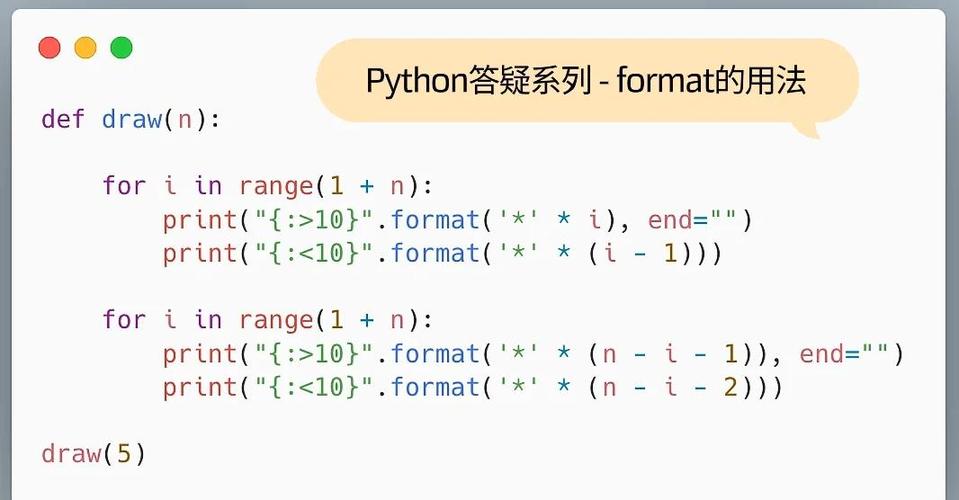
cv2.resize(src, dsize, fx, fy, interpolation): You can specify either thedsize(output dimensions(width, height)) or the scale factorsfxandfy.interpolation: A constant that defines the interpolation method.cv2.INTER_NEAREST: Fastest, but lowest quality.cv2.INTER_LINEAR: Good default. Similar to scikit-image'sorder=1.cv2.INTER_CUBIC: Higher quality, slower. Similar toorder=3.cv2.INTER_AREA: Best for downsampling. This is OpenCV's recommended method for reducing image size to avoid aliasing artifacts.
Using Pillow (PIL)
Pillow is the modern fork of the Python Imaging Library (PIL). It's great for general-purpose image manipulation and is often used for web and GUI applications.
Installation
pip install pillow numpy matplotlib
Key Function:
Image.resize(): A method on the PillowImageobject.
Example: Basic Resizing
from PIL import Image
import numpy as np
import matplotlib.pyplot as plt
# Create a sample image using Pillow
# Note: Pillow uses (width, height)
img_pil = Image.new('L', (200, 100)) # 'L' for grayscale
pixels = img_pil.load()
for y in range(100):
    for x in range(200):
        pixels[x, y] = int(y * 255 / 100)
# --- Resample using Pillow ---
# The size argument is (width, height)
# Image.BILINEAR is a common resampling filter
resized_img_pil = img_pil.resize((300, 150), Image.BILINEAR)
# --- Display the results ---
fig, axes = plt.subplots(1, 2, figsize=(10, 5))
ax = axes.ravel()
ax[0].imshow(img_pil, cmap='gray')
ax[0].set_title("Original Pillow Image")
ax[0].axis('off')
ax[1].imshow(resized_img_pil, cmap='gray')
ax[1].set_title("Resized Pillow Image")
ax[1].axis('off')
plt.tight_layout()
plt.show()
Explanation:
image.resize(size, resample): Thesizeargument is a tuple(width, height).resample: The filter to use.Image.NEAREST: Nearest-neighbor.Image.BILINEAR: Bilinear interpolation.Image.BICUBIC: Bicubic interpolation.Image.LANCZOS: High-quality resampling, often considered the best for both up and downscaling.
Summary and Comparison
| Feature | scikit-image |
OpenCV |
Pillow |
|---|---|---|---|
| Primary Use | Scientific analysis, machine learning | Computer vision, real-time apps | General-purpose, web/GUI |
| Key Function | transform.resize() |
cv2.resize() |
Image.resize() |
| Interpolation | order (0-5), anti_aliasing |
INTER_* constants |
Image.* constants |
| Best For... | Flexibility, scientific workflows, easy integration with NumPy/SciPy/Matplotlib. | Speed, video processing, deep learning pipelines (often used with TensorFlow/PyTorch). | Simplicity, file I/O, basic image manipulation tasks. |
| Downsampling | anti_aliasing=True is key. |
INTER_AREA is recommended. |
Image.LANCZOS is excellent. |
Which One Should You Choose?
- For most data analysis and machine learning tasks: Start with
scikit-image. Its integration with the scientific Python stack (NumPy, Matplotlib) is seamless. - For performance-critical applications, video, or computer vision: Use
OpenCV. It's written in C++ and is highly optimized. - For simple image manipulation, saving/loading files, or web development:
Pillowis often the simplest and most direct choice.