目录
urllib简介:它包含哪些模块?- 第一步:发送请求与获取响应 (
urllib.request)urlopen(): 最简单的用法Request对象:自定义请求头- 处理响应
- 第二步:处理 URL 参数 (
urllib.parse)urlencode(): 构造查询字符串quote()/unquote(): URL 编码和解码
- 第三步:处理异常 (
urllib.error)URLError: 网络层面的错误HTTPError: HTTP 协议层面的错误
- 第四步:进阶:构建一个简单的爬虫
- 爬取网页内容
- 提取信息 (使用正则表达式)
- 处理相对链接
- 代码实例
urllib的优缺点与替代方案- 优点
- 缺点
- 推荐的替代库 (
requests)
urllib 简介
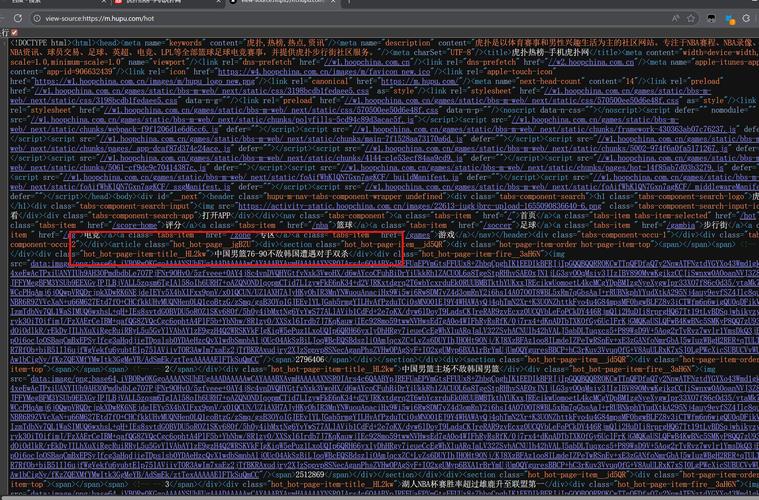
urllib 是一个处理 URL 的功能包,在 Python 3 中主要包含以下四个模块:
(图片来源网络,侵删)
urllib.request: 用于打开和读取 URL,这是爬虫最核心的模块,负责发送请求和获取响应。urllib.parse: 用于解析 URL,比如拆分 URL 的各个部分、构造查询字符串、URL 编码等。urllib.error: 包含urllib.request抛出的异常,如HTTPError和URLError。urllib.robotparser: 用于解析robots.txt文件,判断网站是否允许爬取某个路径。
第一步:发送请求与获取响应 (urllib.request)
urlopen(): 最简单的用法
urlopen() 是最直接的请求方式,它接受一个 URL 字符串,返回一个文件类对象,我们可以像操作文件一样读取它。
from urllib.request import urlopen
try:
    # 打开一个 URL
    response = urlopen('https://www.python.org')
    # response.read() 会读取响应体的全部内容,返回 bytes 类型
    html_bytes = response.read()
    # 将 bytes 解码为字符串
    html_str = html_bytes.decode('utf-8')
    print(html_str[:500]) # 打印前 500 个字符
    print(f"响应状态码: {response.status}")
    print(f"响应头信息: {response.headers}")
except Exception as e:
    print(f"发生错误: {e}")
代码解析:
from urllib.request import urlopen: 导入urlopen函数。urlopen('https://www.python.org'): 发送 GET 请求,获取响应对象response。response.read(): 读取网页的全部 HTML 内容。html_bytes.decode('utf-8'): 将bytes类型的 HTML 内容解码为str类型,注意,需要知道网页的编码,通常从响应头Content-Type中可以获取。response.status: 获取 HTTP 状态码,如 200 (成功), 404 (未找到), 500 (服务器错误)。response.headers: 获取响应头信息。
Request 对象:自定义请求头
很多网站会通过检查 User-Agent (用户代理) 来判断请求是否来自浏览器,直接使用 urlopen 可能会被拒绝,这时,我们需要使用 Request 对象来构造一个更“真实”的请求。
from urllib.request import Request, urlopen
url = 'https://www.python.org'
# 创建一个自定义的请求头
headers = {
    'User-Agent': 'Mozilla/5.0 (Windows NT 10.0; Win64; x64) AppleWebKit/537.36 (KHTML, like Gecko) Chrome/91.0.4472.124 Safari/537.36'
}
# 创建一个 Request 对象
req = Request(url, headers=headers)
try:
    # 使用 urlopen 发送 Request 对象
    response = urlopen(req)
    html = response.read().decode('utf-8')
    print(f"成功访问 {url},状态码: {response.status}")
    print(html[:200])
except Exception as e:
    print(f"发生错误: {e}")
第二步:处理 URL 参数 (urllib.parse)
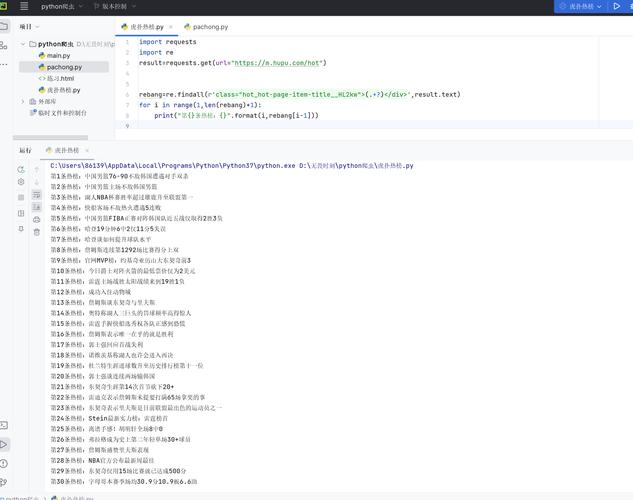
当需要向服务器传递数据时,通常使用 GET 请求的查询参数(URL 中 后面的部分)。
(图片来源网络,侵删)
urlencode(): 构造查询字符串
假设我们要向 https://httpbin.org/get 发送一个带参数的请求,参数为 name=张三 和 age=25。
from urllib.request import urlopen
from urllib.parse import urlencode
# 1. 准备参数字典
params = {
    'name': '张三',
    'age': 25,
    'city': '北京'
}
# 2. 使用 urlencode 将字典转换为查询字符串 (e.g., "name=张三&age=25&city=北京")
# 注意:它会自动处理中文等非 ASCII 字符的编码
query_string = urlencode(params)
print(f"查询字符串: {query_string}")
# 3. 将查询字符串拼接到 URL 后面
base_url = 'https://httpbin.org/get'
full_url = f"{base_url}?{query_string}"
print(f"完整 URL: {full_url}")
# 4. 发送请求
try:
    response = urlopen(full_url)
    result = response.read().decode('utf-8')
    print("服务器返回的 JSON 数据:")
    print(result)
except Exception as e:
    print(f"发生错误: {e}")
quote() / unquote(): URL 编码和解码
URL 的某个部分(比如路径中的中文)也需要编码。
from urllib.parse import quote, unquote
# 原始字符串
original_str = "Python爬虫教程"
# 编码
encoded_str = quote(original_str)
print(f"编码后: {encoded_str}") # 输出: Python%E7%88%AC%E8%99%AB%E6%95%99%E7%A8%8B
# 解码
decoded_str = unquote(encoded_str)
print(f"解码后: {decoded_str}") # 输出: Python爬虫教程
第三步:处理异常 (urllib.error)
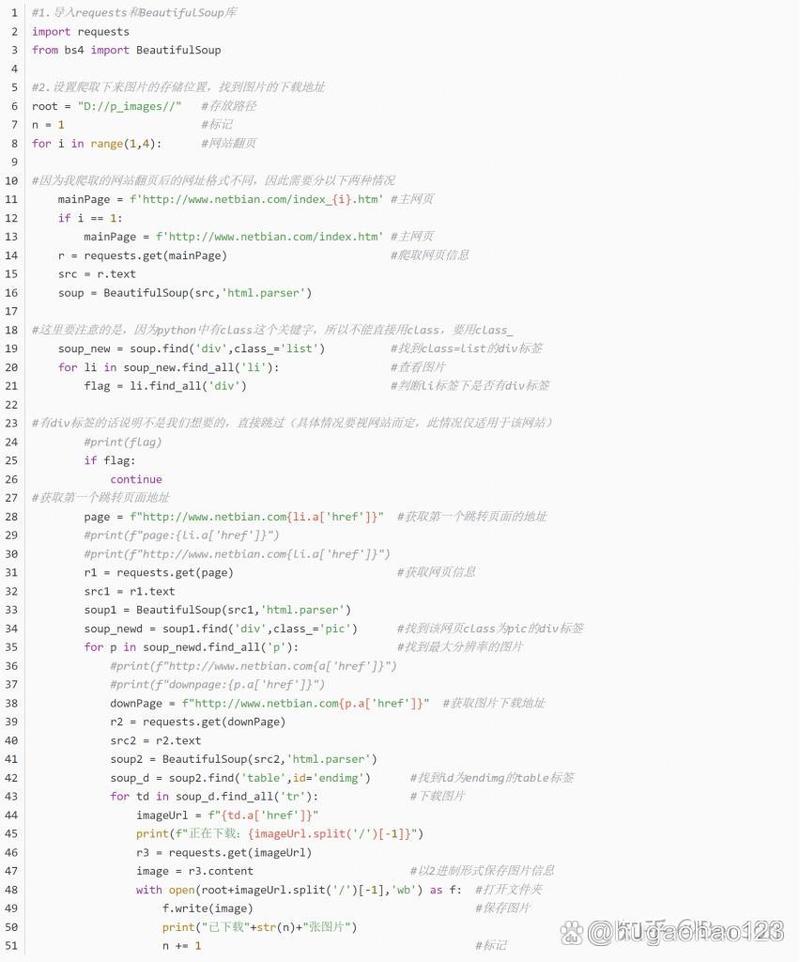
网络请求充满了不确定性,可能会遇到各种错误。urllib.error 帮助我们更好地处理这些情况。
URLError: 处理没有网络、域名不存在等网络层面的错误。HTTPError: 处理 HTTP 协议错误,如 404, 403, 500 等,它本身是URLError的子类。
最佳实践:先捕获 HTTPError,再捕获 URLError。
(图片来源网络,侵删)
from urllib.request import urlopen, Request
from urllib.error import HTTPError, URLError
from urllib.parse import urlencode
url = 'https://httpbin.org/status/404' # 一个会返回 404 的 URL
headers = {'User-Agent': 'Mozilla/5.0'}
req = Request(url, headers=headers)
try:
    response = urlopen(req)
    print(f"成功获取响应,状态码: {response.status}")
except HTTPError as e:
    # 捕获 HTTP 错误 (如 404, 500)
    print(f"HTTP 错误: {e.code} - {e.reason}")
    # e.read() 也可以读取错误页面的内容
    # error_page = e.read().decode('utf-8')
    # print(error_page)
except URLError as e:
    # 捕获 URL 错误 (如网络不通,域名不存在)
    print(f"URL 错误: {e.reason}")
except Exception as e:
    # 捕获其他未知错误
    print(f"发生未知错误: {e}")
第四步:进阶:构建一个简单的爬虫
目标:爬取 https://quotes.toscrape.com/ 网站上的所有名言及其作者。
分析网站:
- 打开开发者工具 (F12),观察名言的 HTML 结构,每条名言都在一个
div标签中,类名为quote。 - 作者信息在
span标签中,类名为author。 - 在
span标签中,类名为text。 - 网站有分页,下一页的链接在
li标签中,类名为next。
爬虫逻辑:
- 发送请求获取首页 HTML。
- 使用正则表达式提取首页所有名言和作者。
- 提取首页的“下一页”链接。
- 循环访问下一页,直到没有“下一页”链接为止。
代码实现:
import re
from urllib.request import urlopen, Request
from urllib.error import HTTPError, URLError
from urllib.parse import urljoin
def scrape_quotes(base_url):
    """
    爬取指定网站的所有名言
    """
    headers = {'User-Agent': 'Mozilla/5.0 (Windows NT 10.0; Win64; x64) AppleWebKit/537.36 (KHTML, like Gecko) Chrome/91.0.4472.124 Safari/537.36'}
    current_url = base_url
    while current_url:
        print(f"正在爬取: {current_url}")
        try:
            req = Request(current_url, headers=headers)
            response = urlopen(req)
            html = response.read().decode('utf-8')
            # 1. 提取名言和作者
            # 使用正则表达式提取
            # re.DOTALL 让 . 可以匹配换行符
            quote_pattern = re.compile(r'<div class="quote".*?>.*?<span class="text".*?>(.*?)</span>.*?<span class="author".*?>(.*?)</span>', re.DOTALL)
            quotes = quote_pattern.findall(html)
            for quote, author in quotes:
                # 清理文本,去除多余的空白和引号
                quote_text = quote.strip().strip('“”')
                author_text = author.strip()
                print(f"  - {quote_text} (by {author_text})")
            # 2. 提取下一页链接
            next_page_pattern = re.compile(r'<li class="next">\s*<a href="(.*?)">')
            next_page_match = next_page_pattern.search(html)
            if next_page_match:
                # urljoin 用于处理相对路径,将 /page/2 转换为完整的 URL
                next_page_url = urljoin(base_url, next_page_match.group(1))
                current_url = next_page_url
            else:
                # 没有找到下一页链接,退出循环
                current_url = None
        except HTTPError as e:
            print(f"HTTP 错误: {e.code} - {e.reason}")
            break
        except URLError as e:
            print(f"URL 错误: {e.reason}")
            break
        except Exception as e:
            print(f"发生未知错误: {e}")
            break
if __name__ == '__main__':
    target_url = 'https://quotes.toscrape.com/'
    scrape_quotes(target_url)
urllib 的优缺点与替代方案
优点
- 无需安装: 作为 Python 标准库,开箱即用。
- 功能全面: 涵盖了 URL 处理的方方面面。
- 适合学习: 底层实现清晰,有助于理解 HTTP 协议和爬虫的基本原理。
缺点
- API 繁琐: 相比其他库,
urllib的 API 设计不够现代和人性化,处理 POST 请求、上传文件等操作比较复杂。 - 编码问题: 默认不处理编码,需要手动从响应头获取
Content-Type并进行解码,容易出错。 - 缺少高级特性: 没有内置的 Session 管理、Cookie 处理、连接池等功能,这些都需要自己实现或借助其他库。
推荐的替代方案:requests
对于绝大多数爬虫项目,requests 库是更好的选择,它极大地简化了 urllib 的操作,提供了更简洁、更强大的 API。
requests vs urllib 的简单对比:
| 功能 | urllib |
requests |
|---|---|---|
| 发送请求 | urlopen(url) / urlopen(Request(...)) |
requests.get(url) / requests.post(url, ...) |
| 传递参数 | urlencode() + 手动拼接 URL |
params={'key': 'value'} (GET), data={'key': 'value'} (POST) |
| 自定义请求头 | 必须使用 Request 对象 |
headers={'User-Agent': '...'} |
| 获取响应 | response.read().decode(...) |
response.text (自动解码), response.content (原始 bytes) |
| 处理 JSON | 需要手动 json.loads() |
response.json() (直接返回 Python 字典) |
| Session 管理 | 无内置支持 | requests.Session(),自动处理 Cookie |
| 安装 | 无需安装 | pip install requests |
requests 的简单示例:
import requests
url = 'https://httpbin.org/get'
params = {'name': '李四', 'age': 30}
headers = {'User-Agent': 'MyCoolApp/1.0'}
try:
    # requests 会自动处理 urlencode 和 URL 拼接
    response = requests.get(url, params=params, headers=headers, timeout=10)
    # 自动处理解码
    print(f"状态码: {response.status_code}")
    print(f"响应头: {response.headers}")
    print(f"响应文本: {response.text[:200]}")
    # 如果响应是 JSON
    if response.headers.get('content-type') == 'application/json':
        data = response.json()
        print(f"JSON 数据: {data}")
except requests.exceptions.RequestException as e:
    print(f"请求失败: {e}")
urllib是 Python 爬虫的入门基石,理解它有助于你掌握爬虫的核心原理。- 对于简单的、一次性的抓取任务,
urllib足够用了。 - 对于复杂的、需要维护会话、处理 Cookie、频繁请求的项目,强烈推荐使用
requests库,它能让你从繁琐的细节中解放出来,更专注于业务逻辑。
希望这份详细的指南能帮助你掌握 Python 3 的 urllib 爬虫!