Of course! The phrase "java a a new b" is not standard Java syntax, but it looks like a typo for a very common and fundamental operation: declaring and initializing a new object.
The most likely intended phrase is "Java, a new B", which means "In Java, create a new instance of a class named B".
Let's break this down.
The Core Concept: Creating a New Object
In Java, you create an "instance" of a class (which is often called an "object") using the new keyword. This process does two things:
- Allocates Memory: It finds a free spot in the computer's memory for the new object.
- Initializes the Object: It calls the object's "constructor" to set up its initial state.
The Syntax
The general syntax is:

ClassName variableName = new Constructor();
ClassName: The name of the class you want to create an object from (e.g.,String,Scanner,ArrayList, or a custom class likeCar).variableName: A name you give to the variable that will "hold" or "reference" the new object.new: The keyword that tells Java to create a new instance.Constructor(): A special method that matches the class name and is used to create and initialize the object. It often takes arguments to set the initial values.
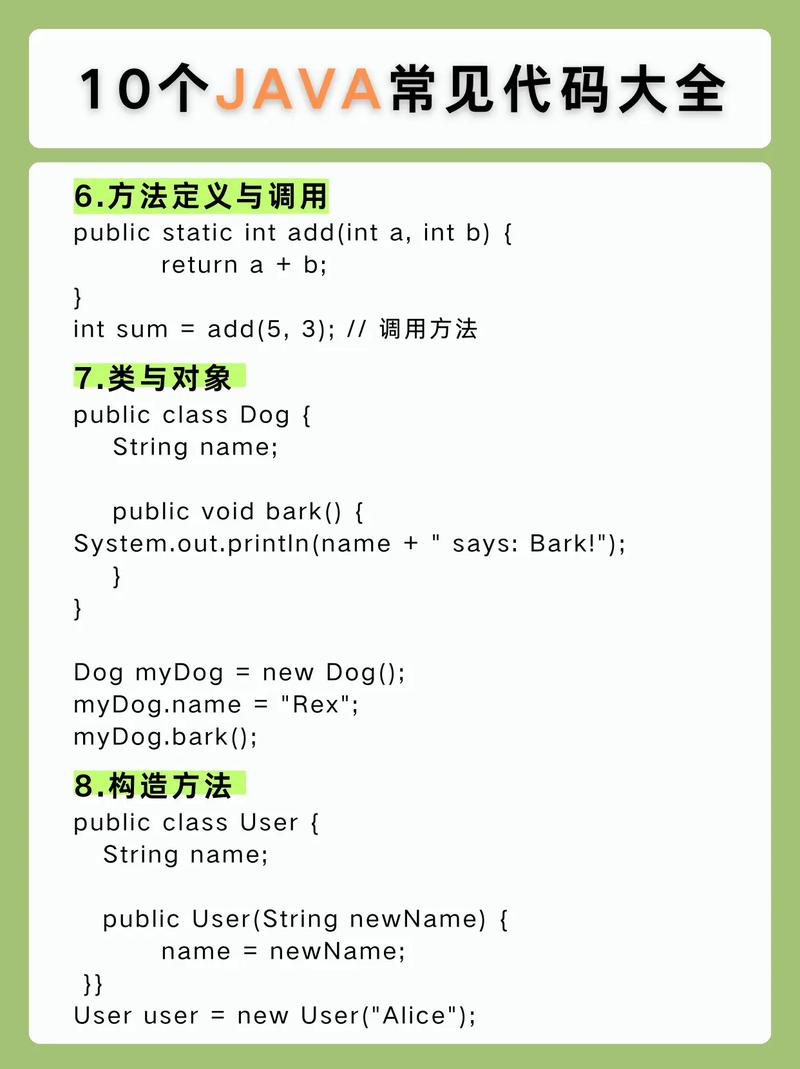
Example 1: Creating a Simple Custom Class
Let's assume you have a class named B. This is the most direct interpretation of your phrase.
Step 1: Define the Class B
This is the blueprint for your object.
// File: B.java
public class B {
    // This is a "field" or "property" of the class B
    private String message;
    // This is the "constructor" for class B.
    // It's called when you use "new B(...)".
    public B(String initialMessage) {
        this.message = initialMessage;
        System.out.println("Object B has been created with message: " + this.message);
    }
    // This is a "method" you can call on an object of type B.
    public void printMessage() {
        System.out.println("The message is: " + this.message);
    }
}
Step 2: Use the Class to Create a New Object
Now, in another file (e.g., Main.java), you can create a "new B".
// File: Main.java
public class Main {
    public static void main(String[] args) {
        System.out.println("Creating a new object of type B...");
        // This is the line that answers "java a a new b".
        // It declares a variable named 'myBObject' of type 'B'
        // and assigns it a new instance of the B class.
        B myBObject = new B("Hello from the new object!");
        System.out.println("Object created successfully.");
        // You can now use the object to call its methods
        myBObject.printMessage();
    }
}
Running Main.java would produce:
Creating a new object of type B...
Object B has been created with message: Hello from the new object!
Object created successfully.
The message is: Hello from the new object!
Example 2: Using Built-in Java Classes
You don't just create objects of your own classes; you constantly create objects of Java's built-in classes.
Creating a String object
String myText = "This is a string literal.";
// Java often does this for you automatically, but you can also do it explicitly:
String anotherText = new String("Another explicit string.");
Creating a Scanner object to read user input
import java.util.Scanner; // You must import the Scanner class
Scanner userInput = new Scanner(System.in); // new Scanner() takes a source, like System.in
System.out.print("Please enter your name: ");
String name = userInput.nextLine();
System.out.println("Hello, " + name);
userInput.close(); // Good practice to close the scanner when done
Creating an ArrayList object
import java.util.ArrayList; // You must import the ArrayList class
// Create a new ArrayList that will hold String objects
ArrayList<String> namesList = new ArrayList<>();
namesList.add("Alice");
namesList.add("Bob");
System.out.println("List contents: " + namesList);
Summary: "java a a new b"
| Part of Phrase | Likely Meaning | Java Code Example |
|---|---|---|
| Java | The programming language. | public class Main { ... } |
| a | A typo, likely meant to be a space or article. | (space) |
| a new | The action of creating a new instance. | new |
| b | A class name you want to create an object of. | B myBObject = ... |
So, "java a a new b" is almost certainly a typo for the fundamental Java operation:
B myObject = new B();