Java SQLite 数据库连接指南
SQLite 是一个轻量级的嵌入式数据库,非常适合 Java 应用程序,以下是使用 Java 连接 SQLite 数据库的详细步骤:
(图片来源网络,侵删)
添加 SQLite JDBC 驱动
你需要添加 SQLite JDBC 驱动到你的项目中,如果你使用 Maven,可以在 pom.xml 中添加以下依赖:
<dependency>
    <groupId>org.xerial</groupId>
    <artifactId>sqlite-jdbc</artifactId>
    <version>3.45.1.0</version> <!-- 使用最新版本 -->
</dependency>
如果你不使用 Maven,可以直接从 SQLite 官网 下载 JDBC 驱动 JAR 文件并添加到你的类路径中。
基本连接代码
以下是建立 SQLite 数据库连接的基本代码示例:
import java.sql.Connection;
import java.sql.DriverManager;
import java.sql.SQLException;
public class SQLiteConnection {
    public static void main(String[] args) {
        // 数据库文件路径(如果不存在会自动创建)
        String dbUrl = "jdbc:sqlite:mydatabase.db";
        try (Connection conn = DriverManager.getConnection(dbUrl)) {
            if (conn != null) {
                System.out.println("成功连接到 SQLite 数据库");
            }
        } catch (SQLException e) {
            System.out.println("连接 SQLite 数据库失败: " + e.getMessage());
        }
    }
}
执行 SQL 操作
创建表
String sql = "CREATE TABLE IF NOT EXISTS users (\n"
           + " id integer PRIMARY KEY,\n"
           + " name text NOT NULL,\n"
           + " email text NOT NULL UNIQUE\n"
           + ");";
try (Connection conn = DriverManager.getConnection(dbUrl);
     Statement stmt = conn.createStatement()) {
    stmt.execute(sql);
    System.out.println("表创建成功");
} catch (SQLException e) {
    System.out.println(e.getMessage());
}
插入数据
String sql = "INSERT INTO users(name, email) VALUES(?,?)";
try (Connection conn = DriverManager.getConnection(dbUrl);
     PreparedStatement pstmt = conn.prepareStatement(sql)) {
    pstmt.setString(1, "John Doe");
    pstmt.setString(2, "john@example.com");
    pstmt.executeUpdate();
    System.out.println("数据插入成功");
} catch (SQLException e) {
    System.out.println(e.getMessage());
}
查询数据
String sql = "SELECT id, name, email FROM users";
try (Connection conn = DriverManager.getConnection(dbUrl);
     Statement stmt = conn.createStatement();
     ResultSet rs = stmt.executeQuery(sql)) {
    while (rs.next()) {
        System.out.println(rs.getInt("id") +  "\t" +
                           rs.getString("name") + "\t" +
                           rs.getString("email"));
    }
} catch (SQLException e) {
    System.out.println(e.getMessage());
}
使用连接池(推荐)
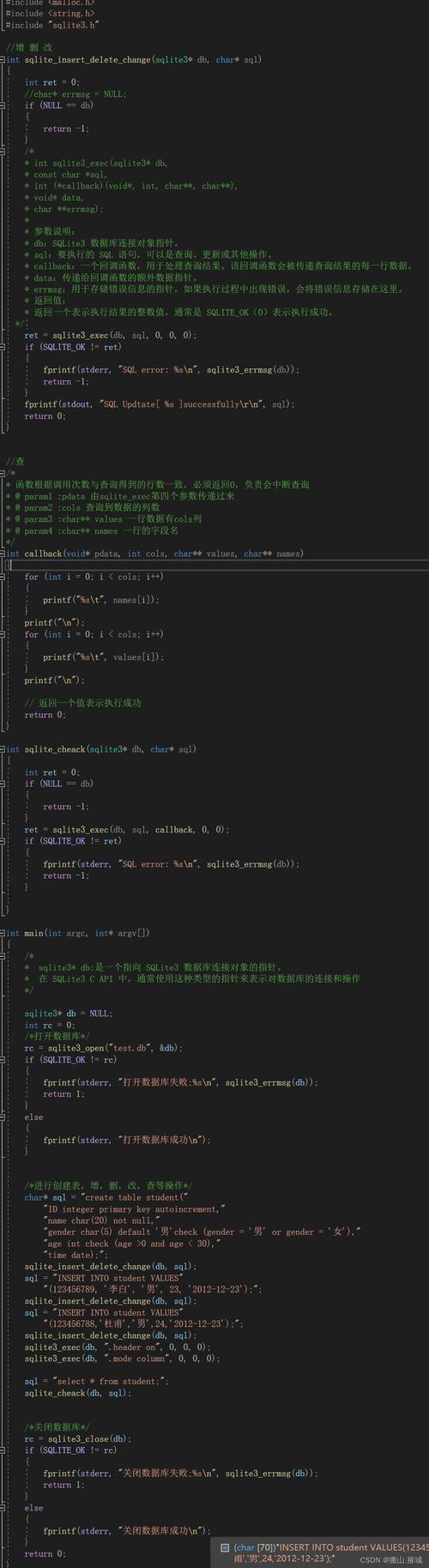
对于生产环境,建议使用连接池来管理数据库连接,以下是使用 HikariCP 连接池的示例:
(图片来源网络,侵删)
import com.zaxxer.hikari.HikariConfig;
import com.zaxxer.hikari.HikariDataSource;
public class SQLiteConnectionPool {
    private static HikariDataSource dataSource;
    static {
        HikariConfig config = new HikariConfig();
        config.setJdbcUrl("jdbc:sqlite:mydatabase.db");
        config.setDriverClassName("org.sqlite.JDBC");
        config.setMaximumPoolSize(10);
        dataSource = new HikariDataSource(config);
    }
    public static Connection getConnection() throws SQLException {
        return dataSource.getConnection();
    }
    // 使用示例
    public static void main(String[] args) {
        try (Connection conn = SQLiteConnectionPool.getConnection()) {
            System.out.println("从连接池获取连接成功");
        } catch (SQLException e) {
            e.printStackTrace();
        }
    }
}
注意事项
-
事务处理:默认情况下,SQLite 的每个语句都在自己的事务中执行,要显式控制事务:
conn.setAutoCommit(false); // 开始事务 try { // 执行多个 SQL 语句 conn.commit(); // 提交事务 } catch (SQLException e) { conn.rollback(); // 回滚事务 } -
数据库文件位置:SQLite 数据库就是一个文件,可以放在任何位置,使用绝对路径可以避免路径问题。
-
并发访问:SQLite 支持并发访问,但需要注意 WAL(Write-Ahead Logging)模式的配置:
try (Connection conn = DriverManager.getConnection(dbUrl)) { conn.createStatement().execute("PRAGMA journal_mode=WAL;"); } -
内存数据库:如果需要临时数据库,可以使用内存数据库:
 (图片来源网络,侵删)
String dbUrl = "jdbc:sqlite::memory:";
希望这些信息对你有所帮助!如果你需要更具体的示例或有其他问题,请随时提问。