Java 中 Base64 图片转换指南
在 Java 中,你可以使用 java.util.Base64 类来处理图片与 Base64 字符串之间的转换,以下是详细的实现方法:
(图片来源网络,侵删)
图片转 Base64 字符串
import java.io.FileInputStream;
import java.io.IOException;
import java.util.Base64;
public class ImageToBase64 {
    public static String convertImageToBase64(String imagePath) {
        try (FileInputStream imageFile = new FileInputStream(imagePath)) {
            byte[] imageBytes = imageFile.readAllBytes();
            return Base64.getEncoder().encodeToString(imageBytes);
        } catch (IOException e) {
            e.printStackTrace();
            return null;
        }
    }
    public static void main(String[] args) {
        String imagePath = "path/to/your/image.jpg";
        String base64String = convertImageToBase64(imagePath);
        System.out.println("Base64: " + base64String);
    }
}
Base64 字符串转图片
import java.io.FileOutputStream;
import java.io.IOException;
import java.util.Base64;
public class Base64ToImage {
    public static void convertBase64ToImage(String base64String, String outputPath) {
        try {
            byte[] imageBytes = Base64.getDecoder().decode(base64String);
            try (FileOutputStream imageFile = new FileOutputStream(outputPath)) {
                imageFile.write(imageBytes);
            }
        } catch (IOException e) {
            e.printStackTrace();
        }
    }
    public static void main(String[] args) {
        String base64String = "iVBORw0KGgoAAAANSUhEUgAAAAEAAAABCAYAAAAfFcSJAAAADUlEQVR42mP8z/C/HgAGgwJ/lK3Q6wAAAABJRU5ErkJggg==";
        String outputPath = "output.png";
        convertBase64ToImage(base64String, outputPath);
    }
}
处理不同图片格式
上述方法适用于任何图片格式(JPEG、PNG、GIF等),如果你需要指定特定的图片格式,可以在输出文件名中包含扩展名:
// 示例:将Base64字符串保存为PNG图片
String base64PngString = "...";
String pngOutputPath = "output.png";
Base64ToImage.convertBase64ToImage(base64PngString, pngOutputPath);
使用 Java 8+ 的 Base64 类
Java 8 引入了 java.util.Base64 类,提供了更简单的方法来处理 Base64 编码/解码:
// 编码
byte[] imageBytes = Files.readAllBytes(Paths.get("image.jpg"));
String base64 = Base64.getEncoder().encodeToString(imageBytes);
// 解码
byte[] decodedBytes = Base64.getDecoder().decode(base64);
Files.write(Paths.get("output.jpg"), decodedBytes);
处理大图片
对于大图片,建议使用缓冲流来提高性能:
import java.io.*;
public class LargeImageConverter {
    public static String convertLargeImageToBase64(String imagePath) {
        try (FileInputStream fis = new FileInputStream(imagePath);
             BufferedInputStream bis = new BufferedInputStream(fis);
             ByteArrayOutputStream baos = new ByteArrayOutputStream()) {
            byte[] buffer = new byte[1024];
            int bytesRead;
            while ((bytesRead = bis.read(buffer)) != -1) {
                baos.write(buffer, 0, bytesRead);
            }
            return Base64.getEncoder().encodeToString(baos.toByteArray());
        } catch (IOException e) {
            e.printStackTrace();
            return null;
        }
    }
}
在 Web 应用中使用
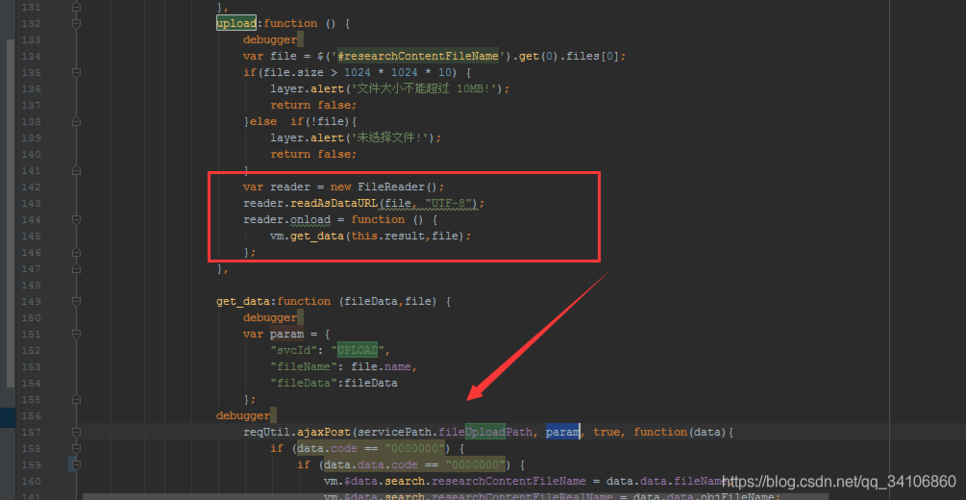
如果你在 Web 应用(如 Spring Boot)中处理 Base64 图片,可以这样实现:
(图片来源网络,侵删)
import org.springframework.web.multipart.MultipartFile;
public class ImageUploadService {
    public String convertMultipartFileToBase64(MultipartFile file) throws IOException {
        byte[] imageBytes = file.getBytes();
        return Base64.getEncoder().encodeToString(imageBytes);
    }
}
方法提供了在 Java 中处理图片与 Base64 转换的完整解决方案,适用于各种场景和图片大小。