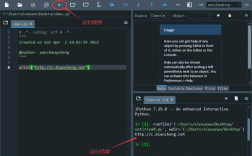
第一个 Python 3 程序:Hello, World!
在 Python 中,打印输出到控制台非常简单,使用 print() 函数。
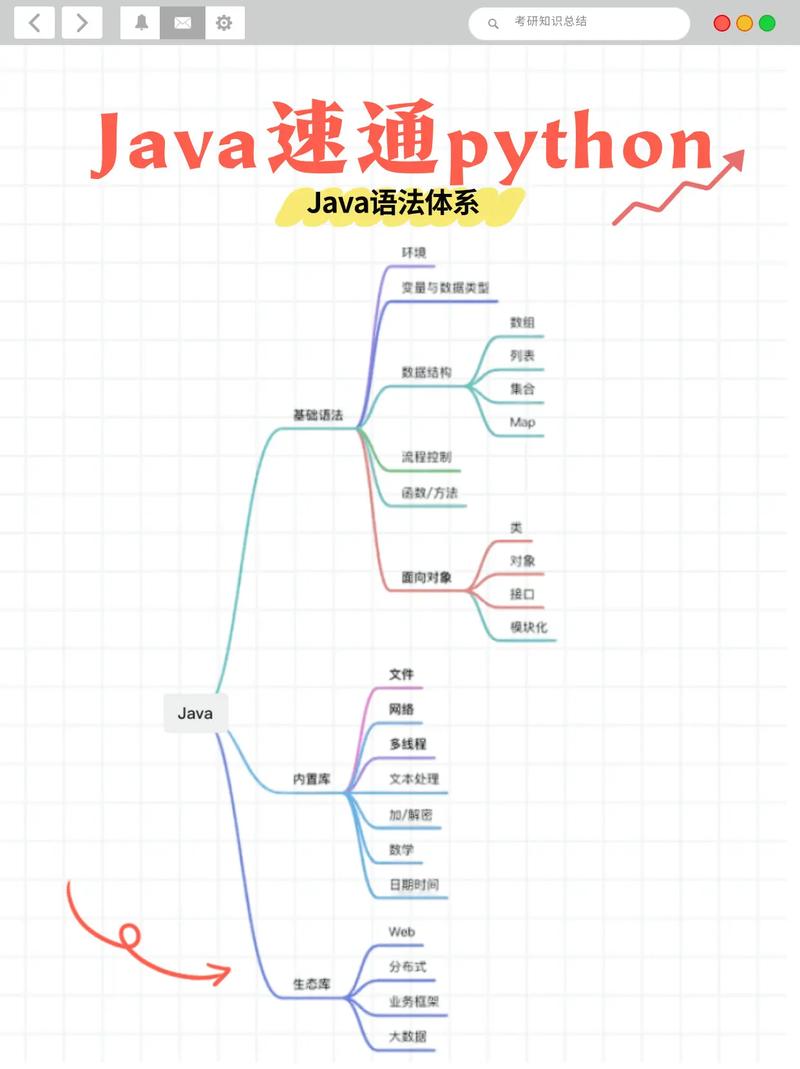
(图片来源网络,侵删)
# 这是一个注释,以井号 (#) 开头,解释器会忽略它
# 打印 "Hello, World!" 到屏幕上
print("Hello, World!")
如何运行:
- 将上面的代码保存为一个文件,
hello.py。 - 打开终端或命令提示符。
- 运行命令
python3 hello.py。
输出:
Hello, World!变量和数据类型
Python 是一种动态类型语言,你不需要在声明变量时指定其类型,赋值即创建。
基本数据类型
# 字符串
name = "Alice"
message = 'Hello, ' + name  # 使用单引号或双引号都可以
print(message)
# 整数
age = 30
print(f"Next year, I will be {age + 1}.") # f-string 是现代 Python 推荐的格式化字符串方式
# 浮点数
price = 19.99
print(f"The price is ${price}.")
# 布尔值
is_student = True
is_employed = False
print(f"Is the person a student? {is_student}")
# None 类型,表示“空”或“无”
middle_name = None
数据集合
# 列表 - 有序、可变、可重复的集合
fruits = ["apple", "banana", "cherry"]
print(fruits[0])  # 通过索引访问,输出 'apple'
fruits.append("orange")  # 添加元素
fruits[1] = "blueberry"  # 修改元素
print(fruits) # 输出: ['apple', 'blueberry', 'cherry', 'orange']
# 元组 - 有序、不可变的集合
coordinates = (10.0, 20.0)
# coordinates[0] = 15.0  # 这行代码会报错,因为元组不可变
# 字典 - 键值对集合,键是唯一的
person = {
    "name": "Bob",
    "age": 25,
    "city": "New York"
}
print(person["name"])  # 通过键访问,输出 'Bob'
person["age"] = 26  # 修改值
person["job"] = "Engineer"  # 添加新键值对
print(person) # 输出: {'name': 'Bob', 'age': 26, 'city': 'New York', 'job': 'Engineer'}
# 集合 - 无序、不重复的集合
unique_numbers = {1, 2, 3, 2, 1}
print(unique_numbers) # 输出: {1, 2, 3}
运算符
Python 支持所有标准的算术、比较和逻辑运算符。
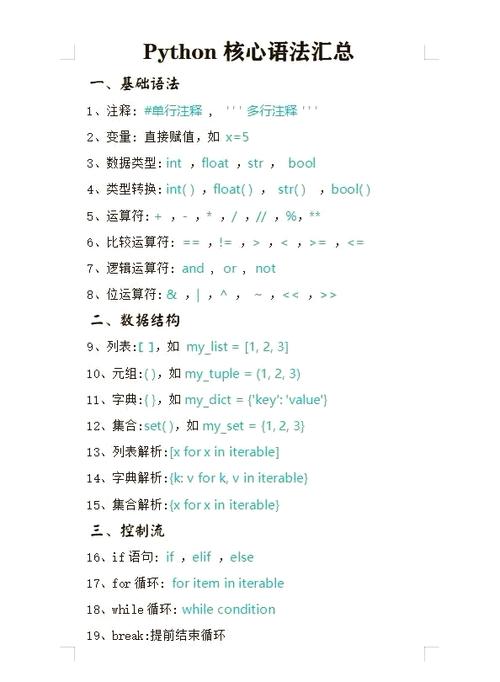
(图片来源网络,侵删)
a = 10
b = 3
# 算术运算符
print(a + b)  # 加法: 13
print(a - b)  # 减法: 7
print(a * b)  # 乘法: 30
print(a / b)  # 除法 (返回浮点数): 3.333...
print(a // b) # 整除: 3
print(a % b)  # 取模: 1
print(a ** b) # 幂运算: 1000
# 比较运算符 (返回布尔值)
print(a > b)   # True
print(a == b)  # False
print(a != b)  # True
# 逻辑运算符
x = True
y = False
print(x and y) # 逻辑与: False
print(x or y)  # 逻辑或: True
print(not x)   # 逻辑非: False
控制流
条件语句 (if, elif, else)
score = 85
if score >= 90:
    print("Grade: A")
elif score >= 80:
    print("Grade: B")
elif score >= 70:
    print("Grade: C")
else:
    print("Grade: F")
循环语句
for 循环:通常用于遍历序列(如列表、元组、字符串或字典)。
# 遍历列表
fruits = ["apple", "banana", "cherry"]
for fruit in fruits:
    print(f"I like {fruit}s.")
# 使用 range() 函数
for i in range(5): # 生成从 0 到 4 的数字
    print(f"Count: {i}")
# 遍历字典
person = {"name": "Charlie", "age": 35}
for key, value in person.items():
    print(f"{key}: {value}")
while 循环:只要条件为 True,就会一直执行。
count = 0
while count < 5:
    print(f"While count: {count}")
    count += 1 # 别忘了增加计数器,否则会无限循环
函数
使用 def 关键字来定义函数。
# 定义一个简单的函数
def greet(name):
    """这是一个文档字符串,用于解释函数的功能。"""
    return f"Hello, {name}!"
# 调用函数
message = greet("David")
print(message)
# 带有默认参数的函数
def power(base, exponent=2):
    """计算 base 的 exponent 次方,默认 exponent 为 2。"""
    return base ** exponent
print(power(4))      # 使用默认 exponent,输出 16
print(power(4, 3))   # 指定 exponent,输出 64
# 接受可变数量参数的函数
def sum_all(*args):
    """接受任意数量的位置参数并返回它们的和。"""
    total = 0
    for number in args:
        total += number
    return total
print(sum_all(1, 2, 3))        # 输出 6
print(sum_all(10, 20, 30, 40)) # 输出 100
面向对象编程
Python 是一门面向对象的语言,你可以使用 class 关键字来创建自己的类。
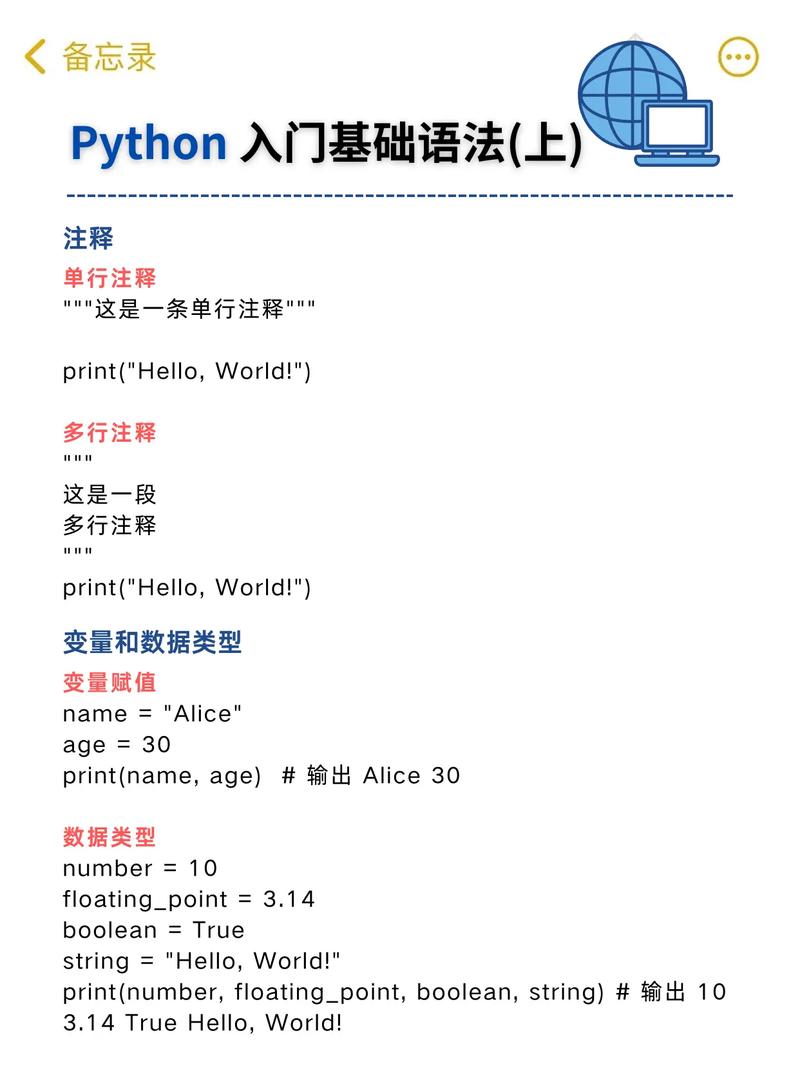
(图片来源网络,侵删)
class Dog:
    # 类的构造函数,当创建新对象时自动调用
    def __init__(self, name, age):
        self.name = name  # 创建实例属性
        self.age = age
    # 实例方法
    def bark(self):
        return f"{self.name} says: Woof!"
    # 另一个实例方法
    def celebrate_birthday(self):
        self.age += 1
        return f"Happy birthday, {self.name}! You are now {self.age} years old."
# 创建类的实例(对象)
my_dog = Dog("Rex", 5)
# 访问实例属性
print(f"My dog's name is {my_dog.name} and he is {my_dog.age} years old.")
# 调用实例方法
print(my_dog.bark())
print(my_dog.celebrate_birthday())
模块和包
Python 的强大之处在于其庞大的标准库和第三方包,你可以使用 import 语句来使用它们。
# 导入整个标准库模块
import math
print(f"The value of pi is: {math.pi}")
print(f"The square root of 16 is: {math.sqrt(16)}")
# 导入模块中的特定函数
from datetime import datetime
now = datetime.now()
print(f"Current date and time: {now}")
# 给模块或函数起一个别名(推荐用于长名称)
import pandas as pd
# df = pd.DataFrame(...) # 使用 pd 而不是 pandas
总结与学习建议
- 实践:编程是门手艺活,光看不动手是学不会的,跟着上面的例子敲一遍,然后尝试修改它们,看看会发生什么。
- PEP 8:学习并遵循 Python 的官方代码风格指南 PEP 8,这会让你的代码更易读、更专业。
- 官方文档:遇到问题时,Python 官方文档 是最好的资源。
- 使用 IDE:像 VS Code、PyCharm 或 Spyder 这样的集成开发环境可以提供代码补全、语法高亮和调试工具,极大地提高开发效率。
掌握了以上这些核心语法,你就可以开始用 Python 3 进行各种有趣的项目了!