Java 图片转 Base64
在 Java 中将图片转换为 Base64 编码字符串有几种常见方法,以下是几种实现方式:
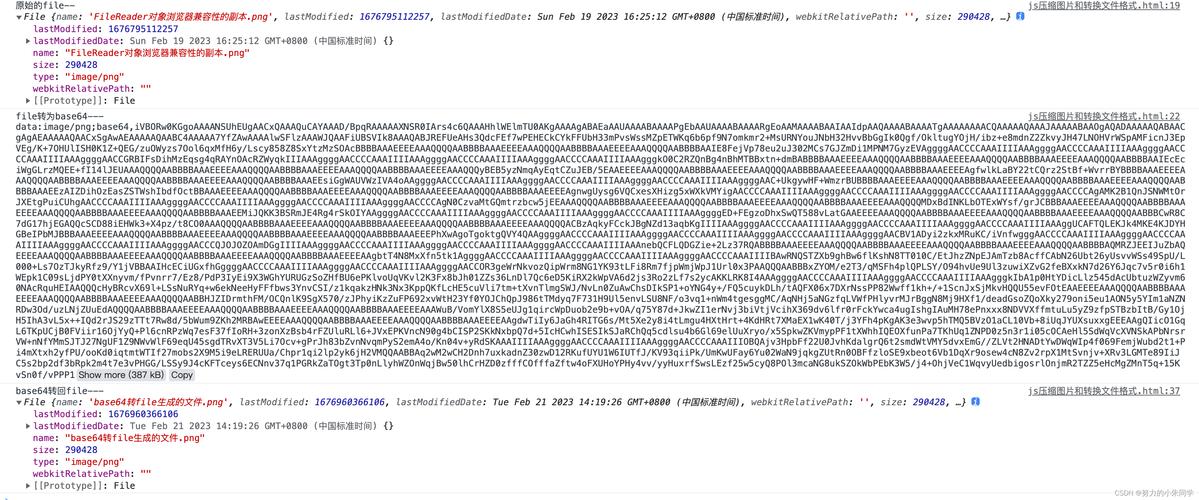
(图片来源网络,侵删)
使用 Java 标准库
import java.io.*;
import java.util.Base64;
public class ImageToBase64 {
    public static String convertImageToBase64(String imagePath) throws IOException {
        File imageFile = new File(imagePath);
        FileInputStream imageInFile = new FileInputStream(imageFile);
        byte[] imageData = new byte[(int) imageFile.length()];
        imageInFile.read(imageData);
        imageInFile.close();
        // 使用 Base64 编码
        return Base64.getEncoder().encodeToString(imageData);
    }
    public static void main(String[] args) {
        try {
            String base64String = convertImageToBase64("path/to/your/image.jpg");
            System.out.println("Base64 编码结果: " + base64String);
        } catch (IOException e) {
            e.printStackTrace();
        }
    }
}
使用 Apache Commons IO(更简洁)
import org.apache.commons.io.FileUtils;
import java.io.File;
import java.util.Base64;
public class ImageToBase64 {
    public static String convertImageToBase64(String imagePath) throws IOException {
        byte[] fileContent = FileUtils.readFileToByteArray(new File(imagePath));
        return Base64.getEncoder().encodeToString(fileContent);
    }
}
处理不同图片格式(带MIME类型)
import java.io.*;
import java.util.Base64;
public class ImageToBase64 {
    public static String convertImageToBase64(String imagePath) throws IOException {
        File imageFile = new File(imagePath);
        String fileExtension = getFileExtension(imageFile.getName()).toLowerCase();
        String mimeType = "";
        switch (fileExtension) {
            case "jpg":
            case "jpeg":
                mimeType = "image/jpeg";
                break;
            case "png":
                mimeType = "image/png";
                break;
            case "gif":
                mimeType = "image/gif";
                break;
            // 可以添加更多格式
        }
        FileInputStream imageInFile = new FileInputStream(imageFile);
        byte[] imageData = new byte[(int) imageFile.length()];
        imageInFile.read(imageData);
        imageInFile.close();
        return "data:" + mimeType + ";base64," + Base64.getEncoder().encodeToString(imageData);
    }
    private static String getFileExtension(String fileName) {
        int lastDotIndex = fileName.lastIndexOf('.');
        return lastDotIndex == -1 ? "" : fileName.substring(lastDotIndex + 1);
    }
}
从 URL 获取图片并转换为 Base64
import java.io.*;
import java.net.URL;
import java.util.Base64;
public class ImageUrlToBase64 {
    public static String convertImageUrlToBase64(String imageUrl) throws IOException {
        URL url = new URL(imageUrl);
        InputStream inputStream = url.openStream();
        ByteArrayOutputStream outputStream = new ByteArrayOutputStream();
        byte[] buffer = new byte[1024];
        int bytesRead;
        while ((bytesRead = inputStream.read(buffer)) != -1) {
            outputStream.write(buffer, 0, bytesRead);
        }
        inputStream.close();
        outputStream.close();
        return Base64.getEncoder().encodeToString(outputStream.toByteArray());
    }
}
注意事项
- 内存考虑:对于大图片,直接读取整个文件到内存可能会导致内存问题,可以考虑分块处理
- 异常处理:确保正确处理文件不存在、权限不足等异常情况
- 性能:对于大量图片转换,考虑使用缓冲流提高性能
- Base64 编码大小:Base64 编码会使数据大小增加约 33%
反向操作(Base64 转图片)
import java.io.*;
import java.util.Base64;
public class Base64ToImage {
    public static void convertBase64ToImage(String base64String, String outputPath) throws IOException {
        byte[] imageData = Base64.getDecoder().decode(base64String);
        try (FileOutputStream imageOutFile = new FileOutputStream(outputPath)) {
            imageOutFile.write(imageData);
        }
    }
}
方法可以根据你的具体需求选择使用,方法三特别适合需要包含 MIME 类型的场景,如在 HTML img 标签中使用。
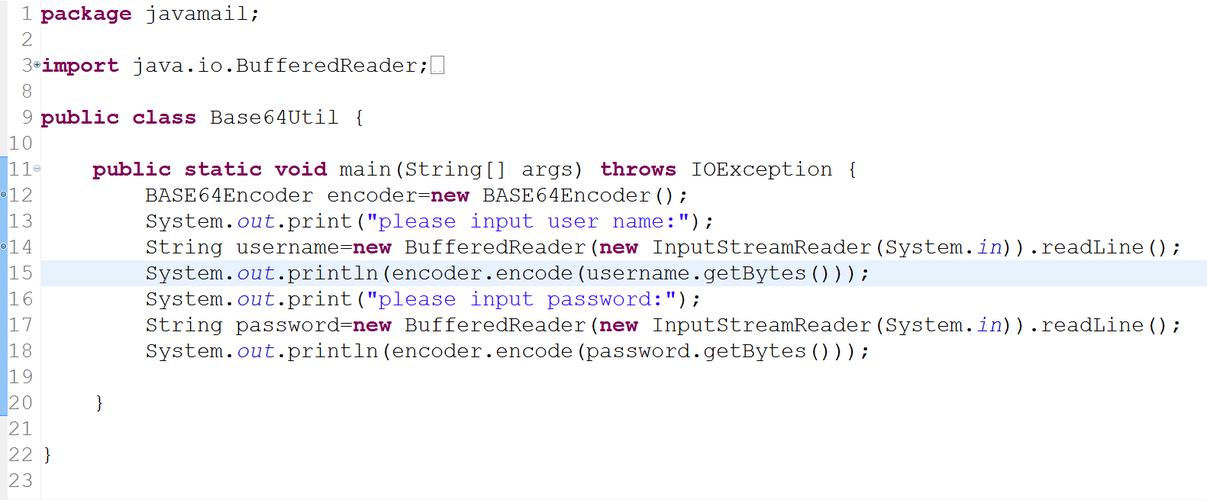
(图片来源网络,侵删)