Of course! Let's break down java.util.Random.nextInt() in detail, from the basics to more advanced usage and best practices.
The Basics: What is Random.nextInt()?
Random.nextInt() is a method from the java.util.Random class. Its primary purpose is to generate a random, pseudo-random integer.
There are two common ways to use it:
A. nextInt() - Any Integer
This version generates a random integer from the full range of a 32-bit signed integer in Java.
- Range:
-2,147,483,648(inclusive) to2,147,483,647(inclusive). - Formula: It generates a number
nsuch thatInteger.MIN_VALUE <= n <= Integer.MAX_VALUE.
Example:
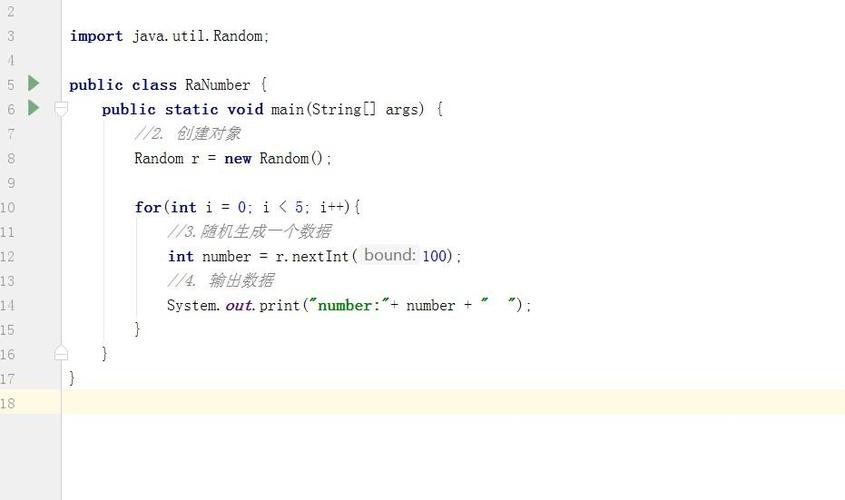
import java.util.Random;
public class BasicNextInt {
    public static void main(String[] args) {
        Random rand = new Random();
        // Generate a random integer from the full range
        int randomNumber = rand.nextInt();
        System.out.println("A random integer: " + randomNumber);
        // Possible output: A random integer: -1523849023
        // Another possible output: A random integer: 1850901234
    }
}
B. nextInt(int bound) - Bounded Integer (Most Common Use Case)
This is the version you'll use 99% of the time. It generates a random integer within a specified range, starting from 0.
- Range:
0(inclusive) tobound(exclusive). - Formula: It generates a number
nsuch that0 <= n < bound.
Example:
Let's say you want a random number between 0 and 9 (for a die roll, for example). You would call nextInt(10).
import java.util.Random;
public class BoundedNextInt {
    public static void main(String[] args) {
        Random rand = new Random();
        // Generate a random integer from 0 (inclusive) to 10 (exclusive)
        // So, the possible values are 0, 1, 2, 3, 4, 5, 6, 7, 8, 9.
        int diceRoll = rand.nextInt(10);
        System.out.println("You rolled a: " + diceRoll);
        // Possible output: You rolled a: 7
    }
}
The Key Concept: How to Get a Random Number in a Custom Range
The nextInt(bound) method gives you [0, bound). What if you need a different range, like [min, max]?
You can achieve this with a simple formula:
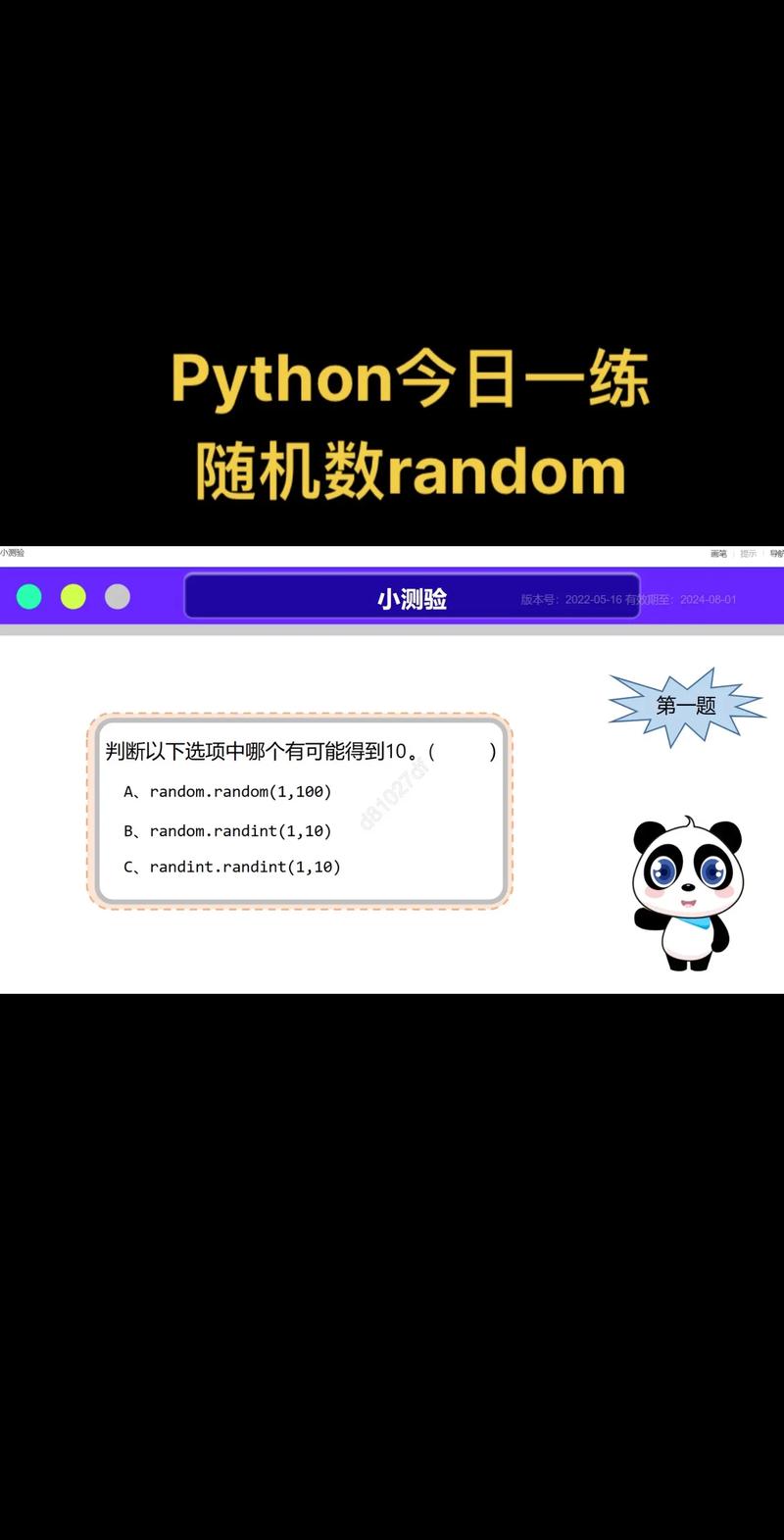
randomNumber = rand.nextInt(max - min + 1) + min;
Let's break it down:
max - min + 1: This calculates the total number of possible values in your desired range. For example, for the range50to100, the count is100 - 50 + 1 = 51.rand.nextInt(...): This generates a random number from0up to (but not including) the count you just calculated. So, it will be a number from0to50.+ min: This shifts the range. If you addminto the result, the starting point becomesminand the ending point becomesmax.
Example: Generate a random number between 50 and 100 (inclusive).
import java.util.Random;
public class CustomRangeRandom {
    public static void main(String[] args) {
        Random rand = new Random();
        int min = 50;
        int max = 100;
        // Calculate the range size
        int rangeSize = max - min + 1; // 100 - 50 + 1 = 51
        // Generate a random number within the custom range
        int randomNumber = rand.nextInt(rangeSize) + min; // e.g., rand.nextInt(51) + 50
        System.out.println("Random number between " + min + " and " + max + ": " + randomNumber);
        // Possible output: Random number between 50 and 100: 83
        // Another possible output: Random number between 50 and 100: 50
    }
}
Best Practices and Important Considerations
A. Use ThreadLocalRandom for Multi-threaded Applications
If your application uses multiple threads, java.util.Random can become a bottleneck because it's thread-safe (it uses synchronization). A better alternative is java.util.concurrent.ThreadLocalRandom.
ThreadLocalRandom is designed for concurrent use and provides better performance.
Example with ThreadLocalRandom:
import java.util.concurrent.ThreadLocalRandom;
public class ThreadSafeRandom {
    public static void main(String[] args) {
        // Get the current thread's random number generator
        ThreadLocalRandom rand = ThreadLocalRandom.current();
        // Bounded generation
        int diceRoll = rand.nextInt(1, 7); // Range is [1, 7) -> 1 to 6
        System.out.println("Thread-safe dice roll: " + diceRoll);
        // Custom range generation (e.g., 50 to 100)
        int min = 50;
        int max = 100;
        int randomNumber = rand.nextInt(min, max + 1); // Note the exclusive upper bound
        System.out.println("Thread-safe random number: " + randomNumber);
    }
}
Note: ThreadLocalRandom.nextInt(origin, bound) has origin as the inclusive lower bound and bound as the exclusive upper bound, which is slightly different from java.util.Random.
B. For Cryptographically Secure Numbers, Use SecureRandom
If you are generating numbers for security-sensitive purposes like creating session IDs, password reset tokens, or generating salts for passwords, never use java.util.Random. Its output is predictable.
Instead, use java.security.SecureRandom.
Example with SecureRandom:
import java.security.SecureRandom;
public class SecureRandomExample {
    public static void main(String[] args) {
        // It's good practice to provide a seed, but it's not required.
        // SecureRandom will try to seed itself from a source of entropy.
        SecureRandom secureRand = new SecureRandom();
        // Generate a cryptographically secure random integer
        int secureToken = secureRand.nextInt();
        System.out.println("Secure Token: " + secureToken);
        // Generate a secure number in a range (e.g., for a 6-digit code)
        int verificationCode = secureRand.nextInt(1000000); // 0 to 999999
        System.out.println("6-digit Verification Code: " + String.format("%06d", verificationCode));
    }
}
Summary Table
| Method | Class | Range | Use Case | Performance / Notes |
|---|---|---|---|---|
nextInt() |
java.util.Random |
Integer.MIN_VALUE to Integer.MAX_VALUE |
When you need any random integer. | Simple, but not thread-optimized. Avoid for security. |
nextInt(int bound) |
java.util.Random |
0 (inclusive) to bound (exclusive) |
Most common use. For generating numbers in a specific range starting from 0. | Use formula rand.nextInt(max - min + 1) + min for custom ranges. |
nextInt(int origin, int bound) |
java.util.concurrent.ThreadLocalRandom |
origin (inclusive) to bound (exclusive) |
Multi-threaded applications. | Preferred for concurrent code. Faster than Random. |
nextInt() |
java.security.SecureRandom |
Integer.MIN_VALUE to Integer.MAX_VALUE |
Security-sensitive applications (tokens, passwords, etc.). | Cryptographically strong. Slower than Random, but essential for security. |