Of course! "Programming in Python" is a fantastic choice. Python is known for its simple, readable syntax, making it one of the best languages for beginners. It's also incredibly powerful and used everywhere, from web development to artificial intelligence.
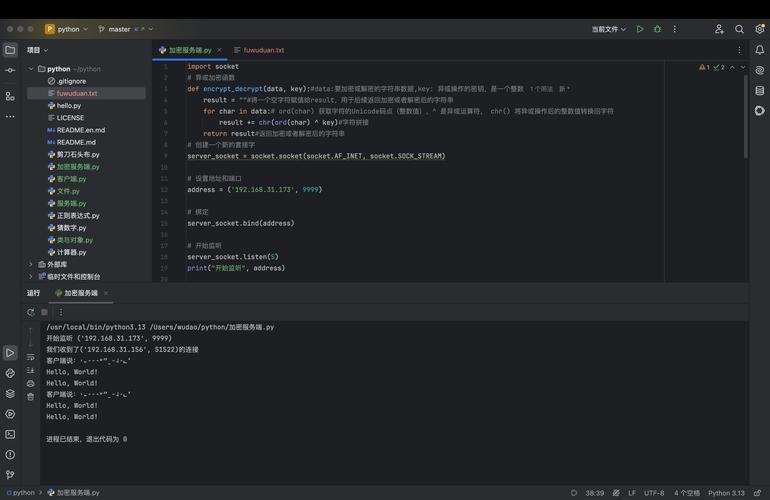
Let's break down learning Python into a structured path, from absolute zero to building your own projects.
Part 1: The Absolute Basics (Your First Steps)
This is where you'll write your first lines of code and understand the fundamental building blocks.
Setting Up Your Environment
Before you write code, you need a place to write it.
-
Option A: The Easy Way (Recommended for Beginners)
 (图片来源网络,侵删)
- Go to Google Colab.
- It's a free, online notebook that runs in your browser. No installation needed! It's perfect for learning and experimenting.
-
Option B: The Professional Way
- Install Python: Download the latest version from the official Python website. Important: On the first install screen, make sure you check the box that says "Add Python to PATH".
- Install a Code Editor: A good editor makes coding much easier. I highly recommend:
- Visual Studio Code (VS Code): Free, powerful, and has excellent Python support. You'll need to install the "Python" extension from the marketplace.
- PyCharm: A dedicated Python IDE (Integrated Development Environment). The "Community" edition is free and great for beginners.
Your First Program: "Hello, World!"
This is the traditional first program. It proves that your environment is set up correctly.
# This is a comment. Python ignores it.
# It's used to explain what the code does.
print("Hello, World!")
How to run it:
- In VS Code/PyCharm: Save the file as
hello.pyand click the "Run" button. - In Colab: Click the "Play" button (▶) next to the cell.
Output:
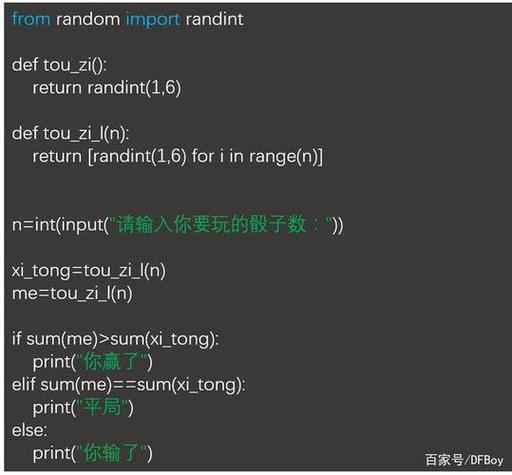
Hello, World!Part 2: Core Python Concepts (The Building Blocks)
Now let's learn the essential vocabulary and grammar of Python.
Variables and Data Types
Variables are containers for storing data values.
- Strings: Text, enclosed in quotes ( or ).
name = "Alice"
greeting = 'Hello'
- Integers: Whole numbers.
age = 30
- Floats: Numbers with a decimal point.
price = 19.99
- Booleans: Represent one of two values:
TrueorFalse.is_student = True
Basic Operators
- Arithmetic: , , , , (modulo, gives the remainder), (to the power of).
result = 10 + 5 * 2  # result is 20 (order of operations matters!)
print(result)
- Comparison: (equal to), (not equal to),
>,<,>=,<=. These return a Boolean.is_taller = 180 > 175 # is_taller will be True
- Logical:
and,or,not. Used to combine conditions.can_drive = age >= 18 and has_license # Both must be True
Data Structures
How to organize multiple pieces of data.
- Lists: An ordered, changeable collection. Think of it as a shopping list.
fruits = ["apple", "banana", "cherry"] print(fruits[0]) # Prints the first item: "apple" fruits.append("orange") # Adds "orange" to the end - Dictionaries: A collection of key-value pairs. Like a real dictionary, you look up a word (key) to get its definition (value).
person = { "name": "Bob", "age": 42, "city": "New York" } print(person["name"]) # Prints "Bob" person["job"] = "Engineer" # Adds a new key-value pair - Tuples: An ordered, unchangeable collection. Think of coordinates.
coordinates = (10.0, 20.0)
print(coordinates[0]) # Prints 10.0
# coordinates[0] = 5.0 # This would cause an error!
Control Flow
Making your code make decisions.
-
if,elif,elseStatements:temperature = 25 if temperature > 30: print("It's a hot day!") elif temperature > 20: print("It's a nice day.") else: print("It's a bit cold.") -
forLoops: Iterating over items in a sequence (like a list).for fruit in fruits: print(f"I like to eat {fruit}s.") -
whileLoops: Repeating as long as a condition is true.count = 0 while count < 5: print(f"Count is: {count}") count = count + 1 # Increment the counter
Part 3: Putting It All Together (Functions and Files)
This is where you start writing reusable, organized code.
Functions
A block of reusable code that performs a specific task. This is the heart of good programming.
def greet_user(name, is_new_user=True):
    """This function greets the user."""
    if is_new_user:
        print(f"Welcome to our site, {name}!")
    else:
        print(f"Welcome back, {name}!")
# Calling the function
greet_user("Charlie") # Output: Welcome to our site, Charlie!
greet_user("Dana", is_new_user=False) # Output: Welcome back, Dana!
Working with Files
Reading from and writing to files is essential for most applications.
- Reading a file:
# Create a file named 'my_file.txt' with some text first with open('my_file.txt', 'r') as file: content = file.read() print(content) - Writing to a file:
with open('my_file.txt', 'w') as file:
    file.write("This is some new text.")
Part 4: Next Steps & Specializations
Once you're comfortable with the basics, you can explore the vast world of Python libraries and frameworks. This is where Python really shines.
-
Data Science & Machine Learning:
- Pandas: For data manipulation and analysis (like Excel for Python).
- NumPy: For numerical operations.
- Matplotlib/Seaborn: For creating data visualizations (charts, graphs).
- Scikit-learn: For classic machine learning algorithms.
- TensorFlow/PyTorch: For deep learning and neural networks.
-
Web Development:
- Django: A high-level framework for building complex, database-driven websites. It's "batteries-included."
- Flask: A lightweight, flexible framework for building smaller web applications and APIs.
-
Automation & Scripting:
- Requests: For making HTTP requests to interact with websites (web scraping).
- Beautiful Soup: For parsing HTML and XML documents.
- Selenium: For automating web browsers.
-
Game Development:
- Pygame: A set of Python modules designed for writing video games.
Part 5: Learning Resources
Here are some of the best free resources to continue your journey:
-
Interactive Courses:
- freeCodeCamp's Scientific Computing with Python
- Codecademy's Learn Python 3 Course (Free version available)
-
Documentation & Tutorials:
- The Official Python Tutorial: The best source of truth.
- Real Python: High-quality, in-depth articles and tutorials on almost every Python topic.
-
Practice Platforms:
Final Advice
- Code Every Day: Consistency is more important than intensity. Even 15 minutes a day is better than a 3-hour session once a week.
- Don't Be Afraid to Make Mistakes: Error messages are your friends. They tell you exactly what's wrong. Learn to read them.
- Build Small Projects: The best way to learn is by building. Start simple: a calculator, a to-do list, a random password generator. Then try something more complex.
Welcome to the world of Python! It's an exciting and rewarding journey. Happy coding