Of course! Let's break down what a Java application is, from the basics to how you build and run one.
What is a Java Application?
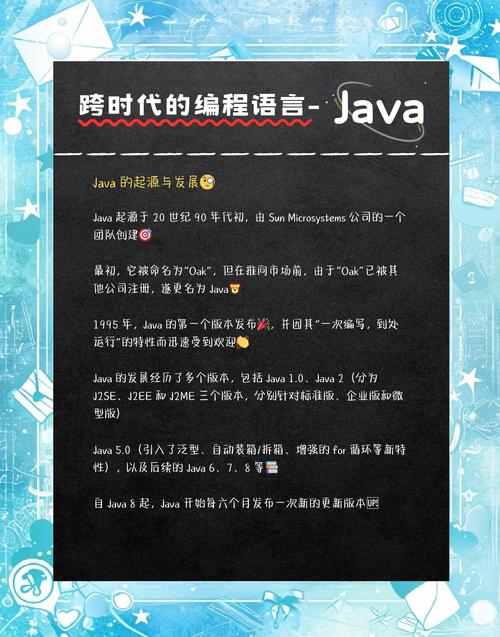
At its core, a Java application is a program written in the Java programming language that runs on a machine equipped with a Java Virtual Machine (JVM).
The key idea behind Java is "Write Once, Run Anywhere" (WORA). You write your code once, and it can be compiled into a special format called bytecode. This bytecode is not tied to any specific operating system (like Windows, macOS, or Linux). Instead, it runs on the JVM, which acts as a translator between your bytecode and the specific hardware and operating system it's running on.
This makes Java highly portable and a popular choice for a wide range of applications, from simple command-line tools to massive enterprise systems and Android apps.
Key Components of a Java Application
- Source Code (.java files): This is the human-readable code you write. It's plain text.
- Java Compiler (
javac): This tool (part of the Java Development Kit or JDK) reads your source code and translates it into Java bytecode. The bytecode is a set of instructions for the JVM. - Java Virtual Machine (JVM): The runtime environment that executes the bytecode. It loads the code, verifies it for safety, and runs it. This is what makes Java portable.
- Java Archive (.jar files): For distribution, you can bundle your compiled bytecode and any necessary resources (like images or configuration files) into a single
.jarfile. This makes it easy to run and share your application.
A Simple "Hello, World!" Java Application
This is the traditional first program to understand the basic structure.
The Source Code (HelloWorld.java)
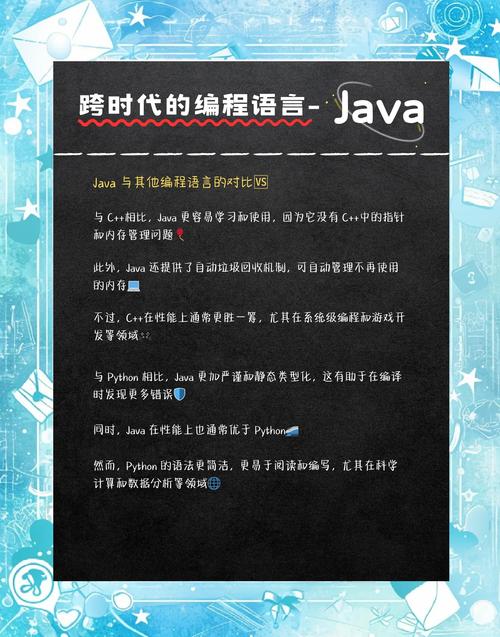
Create a file named HelloWorld.java and paste the following code into it:
// This is a comment. The compiler ignores it.
// The public class must have the same name as the .java file.
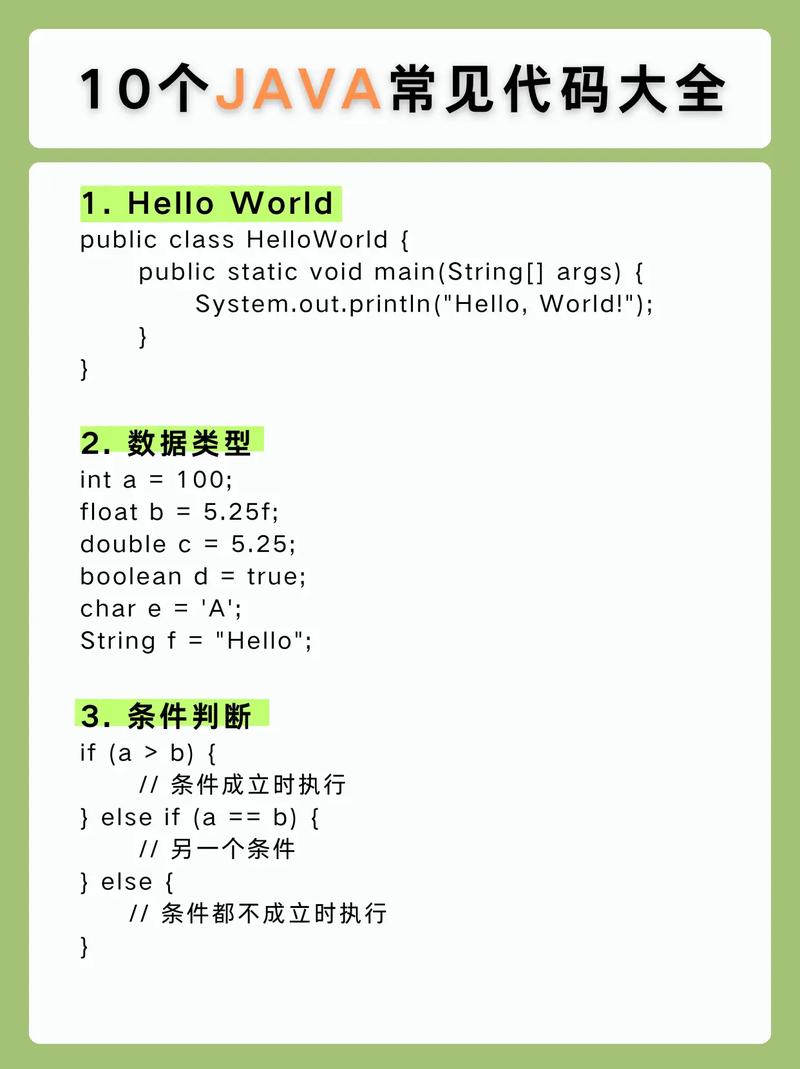
public class HelloWorld {
    // This is the main method. It's the entry point of any Java application.
    // The program starts executing from here.
    public static void main(String[] args) {
        // This line prints text to the console.
        System.out.println("Hello, World!");
    }
}
Breakdown of the Code:
public class HelloWorld: Defines a class namedHelloWorld. In Java, all code resides inside a class. For a simple app, the class name usually matches the file name.public static void main(String[] args): This is the most important part.public: It can be accessed from anywhere.static: It belongs to the classHelloWorld, not to a specific instance of it. This means you can run it without creating an object.void: This method doesn't return any value.main: This is the special, predefined name that the JVM looks for to start the program.String[] args: This is an array of strings that can hold command-line arguments (though we aren't using any here).
System.out.println("Hello, World!");: This is a statement that tells the system to print the string "Hello, World!" followed by a new line to the standard output (your console).
How to Compile and Run the Application
You need to have the JDK (Java Development Kit) installed on your machine. It includes the compiler (javac) and the runtime (java).
Step 1: Save the File
Save the code above into a file named HelloWorld.java.
Step 2: Open a Terminal or Command Prompt
Navigate to the directory where you saved the file. For example:
cd path/to/your/folder
Step 3: Compile the Code
Use the Java compiler (javac) to turn your .java source file into bytecode (a .class file).
javac HelloWorld.java
If successful, you will see a new file in your directory: HelloWorld.class. This is the bytecode.
Step 4: Run the Application
Use the java command to start the JVM, which will load your class and execute its main method.
java HelloWorld
Important Note: Notice that you do not include the .class extension when running the program. You are telling the java command which class to run, not which file to execute.
You should see the following output in your terminal:
Hello, World!Types of Java Applications
Java is incredibly versatile. Here are the most common types:
-
Console Applications (Command-Line Tools)
- Simple programs that interact with the user through a text-based terminal.
- Examples: A file organizer, a simple calculator, a data processing script.
-
Desktop GUI Applications
- Graphical user interface applications that run on a user's desktop.
- Examples: The Eclipse IDE, the IntelliJ IDEA IDE, the Apache NetBeans IDE, and some financial trading platforms.
-
Web Applications (Backend)
- This is one of Java's most popular uses. Java provides the server-side logic for websites and web services.
- Technologies: Spring Boot (dominant), Jakarta EE (formerly Java EE), Hibernate.
- Examples: Many large e-commerce sites, banking portals, and social media platforms use Java on their servers.
-
Mobile Applications (Android)
- While Android development primarily uses Kotlin today, Java was the original and is still a fully supported language for building Android apps.
- Platform: Android SDK.
- Examples: The vast majority of apps on the Google Play Store were written in Java or Kotlin.
-
Enterprise Applications
- Large, complex, and scalable systems used by big organizations. They often involve transaction management, security, and integration with other systems.
- Technologies: Java EE (Jakarta EE), Spring Framework.
- Examples: Banking systems, large-scale inventory management, ERP (Enterprise Resource Planning) software.
-
Big Data Technologies
- Many of the most powerful tools for processing massive datasets are built on the Java Virtual Machine (JVM).
- Examples: Apache Hadoop, Apache Spark, Elasticsearch, Kafka.
Modern Java Development: Using an IDE
While you can compile and run from the command line, professional developers use an Integrated Development Environment (IDE). An IDE provides a powerful, all-in-one workspace with:
- Code Editor: With syntax highlighting, auto-completion, and error checking.
- Compiler & Debugger: Tools to find and fix bugs in your code.
- Build Automation: Tools like Maven or Gradle to manage project dependencies (libraries) and automate the build process.
- Version Control Integration: Built-in tools for working with Git.
Popular Java IDEs:
- IntelliJ IDEA (Community Edition is free and excellent)
- Eclipse IDE
- Apache NetBeans
- Visual Studio Code (with the Java Extension Pack)
Summary
| Aspect | Description |
|---|---|
| Core Concept | A program written in Java that runs on the Java Virtual Machine (JVM). |
| Key Feature | "Write Once, Run Anywhere" (WORA) due to bytecode compilation. |
| Structure | Code is organized into classes, with a public static void main method as the entry point. |
| Compilation | javac compiles .java source files into .class bytecode files. |
| Execution | The java command starts the JVM to run the bytecode. |
| Versatility | Used for desktop apps, web backends, Android, big data, and enterprise systems. |
| Modern Tools | Developers use IDEs (like IntelliJ) and build tools (like Maven/Gradle) for efficiency. |