Python 将 Excel 文件转换为 CSV 文件
在 Python 中,你可以使用 pandas 或 openpyxl 等库将 Excel 文件转换为 CSV 文件,以下是几种常见的方法:
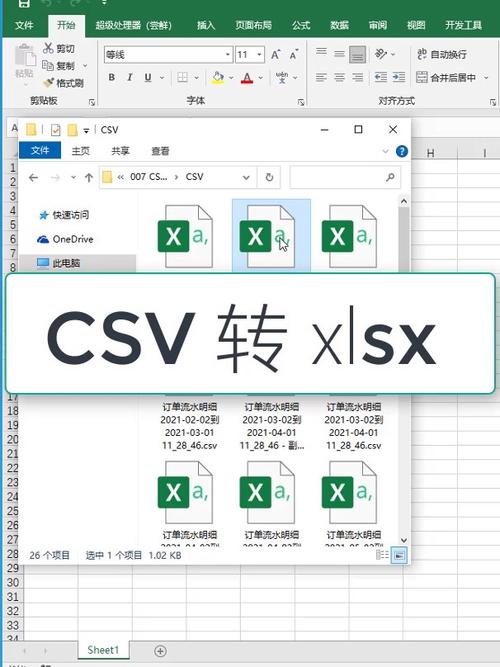
(图片来源网络,侵删)
方法1:使用 pandas(推荐)
import pandas as pd
# 读取 Excel 文件
excel_file = 'input.xlsx'  # 替换为你的 Excel 文件路径
df = pd.read_excel(excel_file)
# 写入 CSV 文件
csv_file = 'output.csv'  # 替换为你想要的输出文件路径
df.to_csv(csv_file, index=False)  # index=False 表示不写入行索引
print(f"Excel 文件已成功转换为 CSV 文件: {csv_file}")
处理多个工作表
Excel 文件包含多个工作表,你可以分别处理它们:
excel_file = 'input.xlsx'
xls = pd.ExcelFile(excel_file)
for sheet_name in xls.sheet_names:
    df = pd.read_excel(xls, sheet_name=sheet_name)
    csv_file = f'output_{sheet_name}.csv'
    df.to_csv(csv_file, index=False)
    print(f"工作表 '{sheet_name}' 已转换为 {csv_file}")
方法2:使用 openpyxl
from openpyxl import load_workbook
import csv
def excel_to_csv(excel_file, csv_file, sheet_name=None):
    # 加载 Excel 文件
    wb = load_workbook(excel_file)
    # 如果没有指定工作表,使用第一个工作表
    if sheet_name is None:
        sheet = wb.active
    else:
        sheet = wb[sheet_name]
    # 读取数据
    data = []
    for row in sheet.iter_rows(values_only=True):
        data.append(row)
    # 写入 CSV 文件
    with open(csv_file, 'w', newline='', encoding='utf-8') as f:
        writer = csv.writer(f)
        writer.writerows(data)
    print(f"Excel 文件已成功转换为 CSV 文件: {csv_file}")
# 使用示例
excel_to_csv('input.xlsx', 'output.csv')
方法3:使用 xlrd 和 csv(适用于旧版 Excel .xls 文件)
import xlrd
import csv
def xls_to_csv(xls_file, csv_file):
    # 打开 Excel 文件
    wb = xlrd.open_workbook(xls_file)
    # 获取第一个工作表
    sheet = wb.sheet_by_index(0)
    # 读取数据
    data = []
    for row_idx in range(sheet.nrows):
        data.append(sheet.row_values(row_idx))
    # 写入 CSV 文件
    with open(csv_file, 'w', newline='', encoding='utf-8') as f:
        writer = csv.writer(f)
        writer.writerows(data)
    print(f"Excel 文件已成功转换为 CSV 文件: {csv_file}")
# 使用示例
xls_to_csv('input.xls', 'output.csv')
注意事项
- 编码问题:确保处理文件时使用正确的编码(通常是 UTF-8)
- 大型文件:对于非常大的 Excel 文件,pandas 可能更高效
- 格式保留:CSV 是纯文本格式,无法保留 Excel 中的公式、图表等复杂格式
- 依赖安装:使用前需要安装相应的库:
pip install pandas openpyxl xlrd
批量转换多个 Excel 文件
如果你想批量转换文件夹中的所有 Excel 文件:
import os
import pandas as pd
folder_path = 'excel_files'  # 包含 Excel 文件的文件夹
output_folder = 'csv_files'  # 输出 CSV 文件的文件夹
# 确保输出文件夹存在
os.makedirs(output_folder, exist_ok=True)
for file in os.listdir(folder_path):
    if file.endswith(('.xlsx', '.xls')):
        excel_path = os.path.join(folder_path, file)
        csv_path = os.path.join(output_folder, f"{os.path.splitext(file)[0]}.csv")
        df = pd.read_excel(excel_path)
        df.to_csv(csv_path, index=False)
        print(f"已转换: {file} -> {csv_path}")
选择哪种方法取决于你的具体需求,pandas 通常是更简单、更强大的选择。
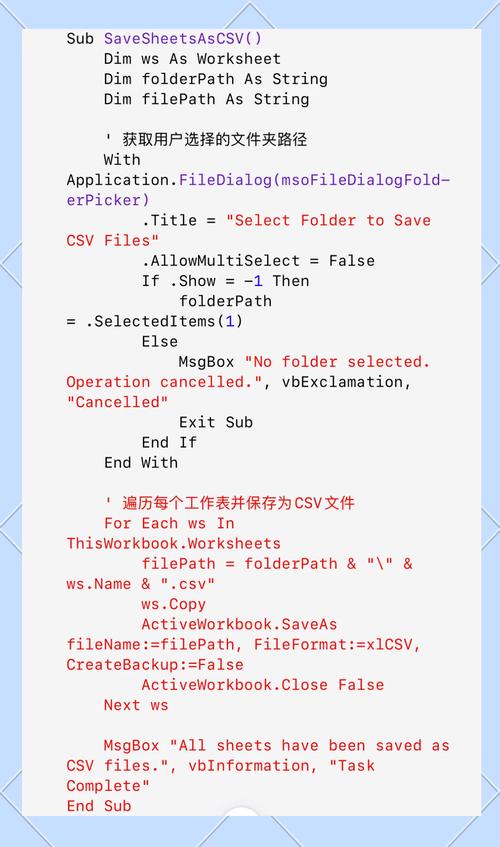
(图片来源网络,侵删)