Of course! Choosing the right Python IDE (Integrated Development Environment) for Windows can significantly boost your productivity. The "best" one really depends on your needs, whether you're a beginner, a data scientist, or a professional developer.
Here’s a breakdown of the top Python IDEs for Windows, categorized by user type.
Quick Guide: At a Glance
| IDE | Best For | Key Strengths | Price |
|---|---|---|---|
| PyCharm | All-around Professional Development | Powerful debugging, intelligent code completion, extensive framework support. | Free (Community) / Paid (Professional) |
| VS Code | Versatility & Customization | Lightweight, huge extension marketplace, great for web dev & data science. | Free |
| Anaconda | Data Science & Machine Learning | Bundles Python, Jupyter, and 1,000+ scientific packages. | Free (for individual use) |
| Spyder | Scientific & Numerical Computing | Integrated with Jupyter, variable explorer, powerful plotting. | Free |
| IDLE | Absolute Beginners | Simple, lightweight, comes pre-installed with Python. | Free |
Detailed Breakdown
For Professionals & Serious Developers: PyCharm
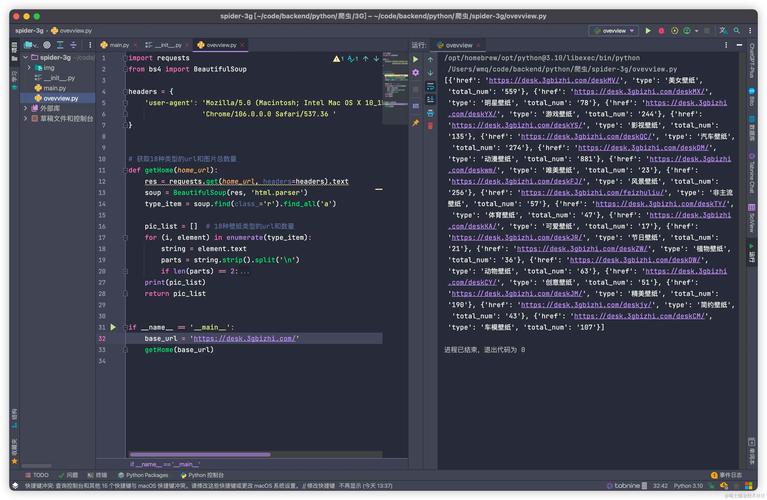
PyCharm is the gold standard for Python development. Created by JetBrains, it's a powerful, full-featured IDE designed to handle large, complex projects.
- Best For: Web development (Django, Flask), professional software development, large-scale applications.
- Key Features:
- Intelligent Code Editor: Advanced code completion, on-the-fly error checking, and smart refactoring tools.
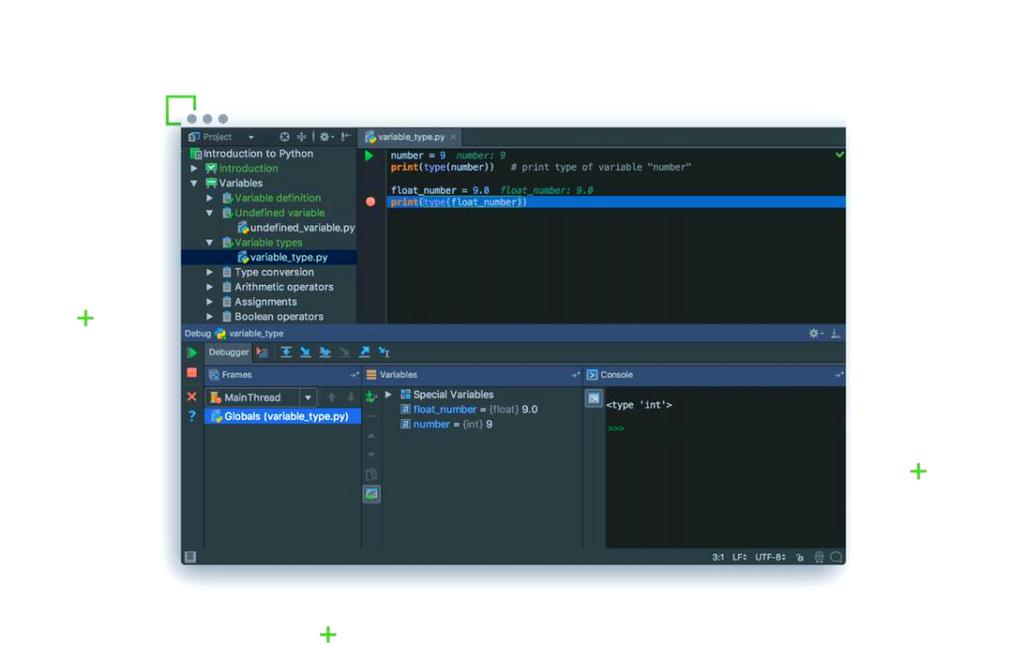
- Powerful Debugger: A graphical debugger that allows you to step through your code line by line, inspect variables, and set breakpoints with ease.
- Integrated Testing: Seamless integration with
pytest,unittest, and other testing frameworks. - Version Control: Built-in support for Git, Mercurial, and Subversion.
- Database Tools: Direct access and query your databases from within the IDE.
- Web Framework Support: Unmatched support for Django, Flask, and other popular Python web frameworks.
- PyCharm Editions:
- Community Edition (Free): Excellent for pure Python development, scientific computing, and educational purposes. It lacks web framework support and some advanced tools.
- Professional Edition (Paid): The full-featured version, essential for professional web developers and those needing advanced database and tool integration.
- Pros:
- Extremely powerful and feature-rich.
- The best debugging experience available.
- Excellent for managing large projects.
- Cons:
- Can be resource-intensive (uses a lot of RAM).
- The Professional version is expensive for individuals.
For Versatility & Customization: Visual Studio Code (VS Code)
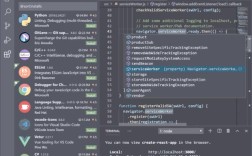
VS Code is a free, lightweight, and highly extensible source-code editor from Microsoft. It has become incredibly popular and is a favorite among developers of all types.
- Best For: Web development, data science, beginners, and anyone who wants a customizable environment.
- Key Features:
- Lightweight & Fast: Starts up quickly and runs smoothly on most modern Windows machines.
- Massive Extension Marketplace: You can transform VS Code into anything you need. The most important extensions for Python are:
- Python (from Microsoft): Provides IntelliSense, debugging, linting, and formatting.
- Jupyter: For running Jupyter notebooks directly within the editor.
- Pylance: An enhanced language server from Microsoft for even better code intelligence.
- Integrated Terminal: You have a command line directly inside your IDE, which is incredibly convenient.
- Git Integration: Excellent built-in source control management.
- Pros:
- Free and open-source.
- Highly customizable and adaptable to any workflow.
- Excellent performance.
- Huge community and support.
- Cons:
Requires installing extensions to get the full power of an IDE (out-of-the-box experience is good, but not as complete as PyCharm).
 (图片来源网络,侵删)
For Data Science & Machine Learning: Anaconda Navigator
Anaconda isn't just an IDE; it's a complete Python distribution specifically designed for data science, machine learning, and scientific computing. It comes with its own IDE called Spyder, but it also manages your environment and packages.
- Best For: Data analysts, scientists, machine learning engineers, and students in STEM fields.
- Key Features:
- Package Management: Comes with
conda, a powerful package and environment manager that solves dependency issues (likepipoften does). - Bundled Environment: Installs Python and over 1,000 of the most popular data science packages (NumPy, Pandas, Matplotlib, Jupyter, Scikit-learn, etc.) in one go.
- Spyder IDE: A scientific IDE that feels like a more powerful version of MATLAB. It includes:
- An interactive console.
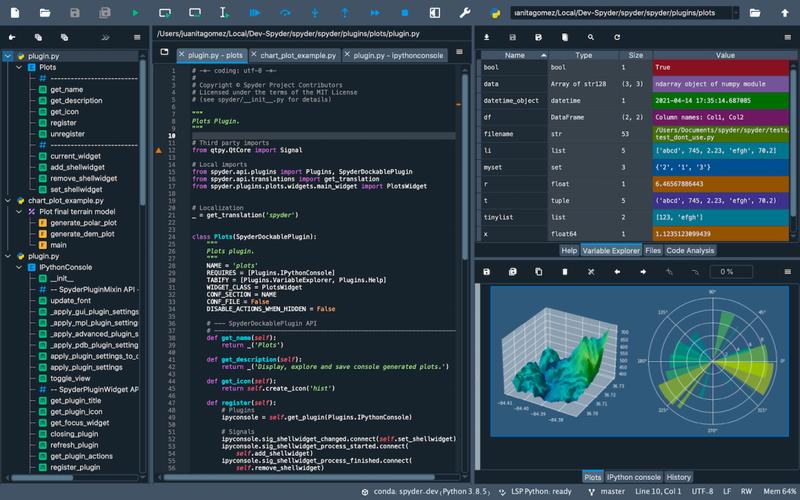
- A variable explorer to see data structures in real-time.
- Powerful plotting and debugging tools.
- Jupyter Notebooks: The industry standard for interactive data analysis and visualization.
- Package Management: Comes with
- Pros:
- Eliminates the headache of managing scientific packages.
- All-in-one solution for data science workflows.
- Spyder is tailored for numerical computing.
- Cons:
- The initial installation is very large (~3 GB).
- Can feel bloated if you only need basic Python scripting.
For Scientific & Numerical Computing: Spyder
Spyder can be installed on its own, but it's best known as the IDE that comes with the Anaconda distribution. It's built by scientists, for scientists.
- Best For: Data analysis, interactive scientific computing, and numerical modeling.
- Key Features:
- Variable Explorer: View and edit your variables (lists, arrays, DataFrames) in a spreadsheet-like table.
- Interactive Console: Execute code line-by-line or in blocks and see results immediately.
- Plotting Viewer: Easily view and manage your plots within the IDE.
- Debugger & Profiler: Tools to help you find and optimize bottlenecks in your code.
- Pros:
- Excellent for data exploration and visualization.
- Great for learning how data changes as your script runs.
- Cons:
- The interface can feel dated compared to modern IDEs.
- Not as well-suited for general-purpose software development.
For Absolute Beginners: IDLE
IDLE is the simple, basic IDE that comes bundled with every standard Python installation. It's the perfect starting point.
- Best For: Someone who has just installed Python and is writing their first "Hello, World!" script.
- Key Features:
- Simple Text Editor: A basic place to write code with syntax highlighting.
- Interactive Shell: A command-line window to run your code and see results.
- Debugger: A very simple, step-by-step debugger.
- Pros:
- Zero installation or setup required.
- Extremely lightweight and easy to use.
- Cons:
- Very few features. No autocompletion, no advanced debugging, no project management.
- Not suitable for anything beyond the most basic scripts.
How to Choose: My Recommendation
- If you are a beginner: Start with VS Code. It's modern, powerful, and has a gentle learning curve. It will grow with you as you become more advanced. If you feel overwhelmed, IDLE is fine for your very first hour.
- If you are a data scientist or ML engineer: Use Anaconda. It saves you from a world of package-related headaches. Use the Spyder IDE that comes with it, or use the Jupyter notebooks, or even install the VS Code extension within your Anaconda environment for the best of both worlds.
- If you are a web developer or professional programmer: PyCharm Professional is the industry standard and worth the investment. If the price is a barrier, PyCharm Community or VS Code with the right extensions are excellent free alternatives.
- If you want one tool to do everything (and are willing to customize it): VS Code is your answer. It can be configured to handle Python, web development, data science, and much more.