Of course! The phrase "Python row values" can mean a few different things depending on the context. I'll cover the most common interpretations, from simple lists to more advanced data structures.
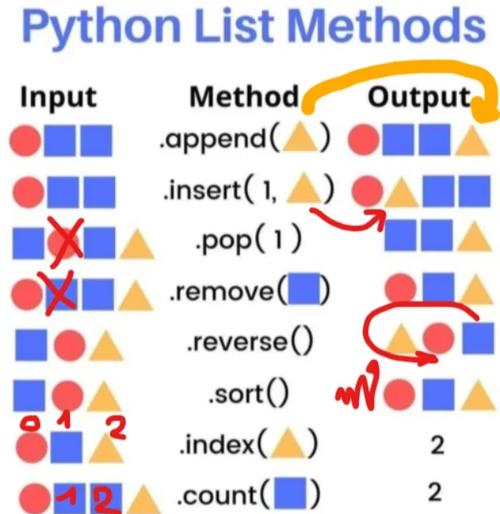
Here’s a breakdown from the most basic to the most specialized.
The Simplest Case: Lists of Lists
This is the most fundamental way to represent rows and columns in Python. A "table" is a list, and each "row" is a smaller list inside it.
Concept:
- Table: A list of rows.
- Row: A list of values.
- Value: An item in the row (e.g., a number, string, boolean).
Example:
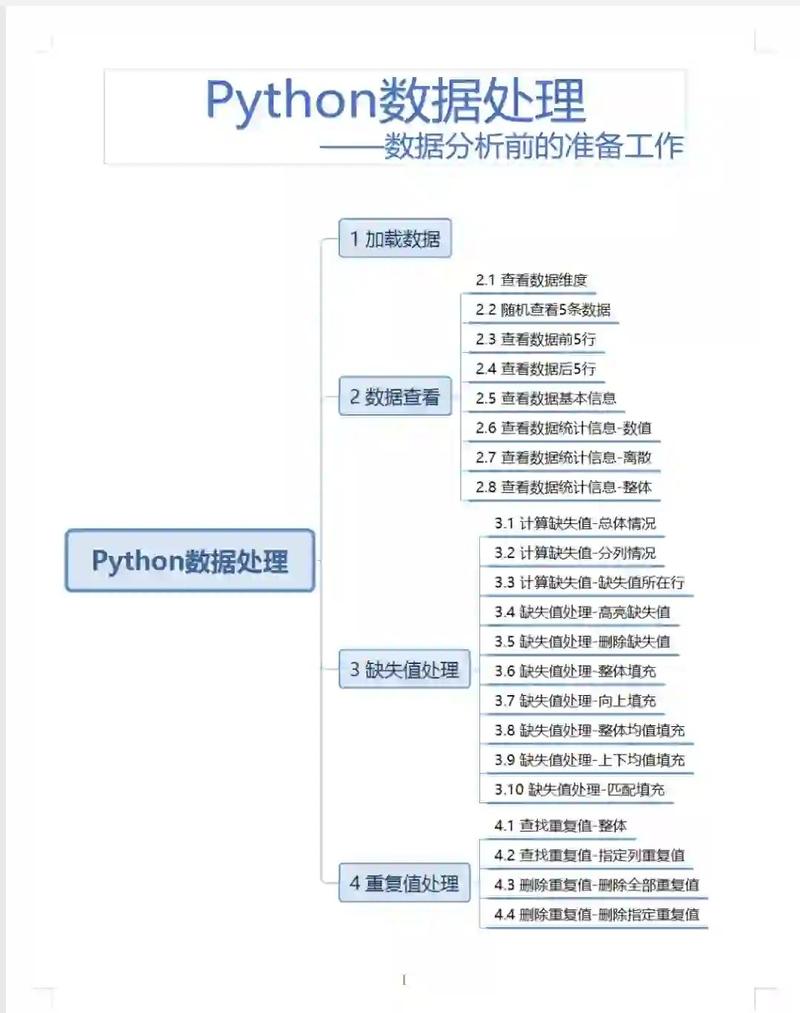
Let's say you have a table of student grades.
# The table is a list of rows
student_grades = [
    # Row 0: [ID, Name, Score, Passed]
    [101, "Alice", 95, True],
    # Row 1: [ID, Name, Score, Passed]
    [102, "Bob", 62, False],
    # Row 2: [ID, Name, Score, Passed]
    [103, "Charlie", 88, True]
]
# --- Accessing Row Values ---
# Get the entire first row (index 0)
first_row = student_grades[0]
print(f"First row: {first_row}")
# Output: First row: [101, 'Alice', 95, True]
# Get a specific value from a row
# Get the student's name from the second row (index 1)
student_name = student_grades[1][1] # Row 1, Column 1
print(f"Student name: {student_name}")
# Output: Student name: Bob
# Get the score from the third row (index 2)
score = student_grades[2][2]
print(f"Charlie's score: {score}")
# --- Modifying Row Values ---
# Update Bob's score to 65
student_grades[1][2] = 65
print(f"Updated student_grades: {student_grades}")
# Output: Updated student_grades: [[101, 'Alice', 95, True], [102, 'Bob', 65, False], [103, 'Charlie', 88, True]]
Pros:
- Simple, built into Python, no libraries needed.
- Easy to understand for small datasets.
Cons:
- No built-in way to add labels (column names).
- Inefficient for large datasets.
- No built-in functions for calculations (e.g., average score).
The Standard Way: The pandas Library
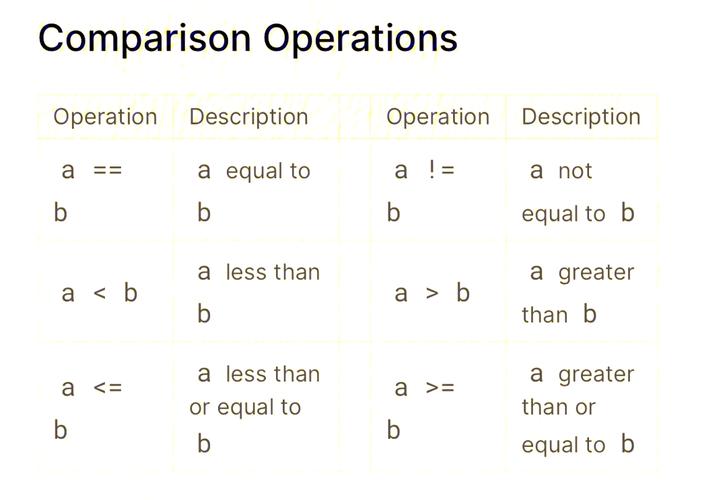
For any serious data manipulation in Python, the pandas library is the industry standard. It provides a powerful DataFrame object, which is essentially a labeled 2D table.
Concept:
- DataFrame: The main data structure, like a spreadsheet or SQL table.
- Row: Can be accessed by its integer index (
.iloc) or its label (.loc). - Column: Has a label (a string).
- Value: A single cell, accessed by its row and column labels.
Example:
First, you need to install pandas: pip install pandas
import pandas as pd
# Create a DataFrame from a dictionary of lists
# This is often more intuitive than lists of lists
data = {
    'ID': [101, 102, 103],
    'Name': ['Alice', 'Bob', 'Charlie'],
    'Score': [95, 62, 88],
    'Passed': [True, False, True]
}
df = pd.DataFrame(data)
print("Full DataFrame:")
print(df)
print("-" * 20)
# --- Accessing Row Values ---
# 1. Get a specific row by its integer index (like a list)
# Use .iloc for "integer location"
first_row_iloc = df.iloc[0]
print("First row (by integer index .iloc[0]):")
print(first_row_iloc)
print("-" * 20)
# 2. Get a specific row by its label (the index of the DataFrame)
# By default, the index is 0, 1, 2...
first_row_loc = df.loc[0]
print("First row (by label .loc[0]):")
print(first_row_loc)
print("-" * 20)
# 3. Get a specific value from a row
# Using .loc (recommended): [row_label, column_label]
alice_score = df.loc[0, 'Score']
print(f"Alice's score (using .loc): {alice_score}")
# Using .iloc: [row_integer_index, column_integer_index]
alice_score_iloc = df.iloc[0, 2] # Row 0, Column 2
print(f"Alice's score (using .iloc): {alice_score_iloc}")
print("-" * 20)
# --- Modifying Row Values ---
# Update Bob's score
df.loc[1, 'Score'] = 65
print("DataFrame after updating Bob's score:")
print(df)
Pros:
- Extremely powerful and fast for data analysis.
- Labeled rows and columns make code readable and self-documenting.
- Rich set of functions for filtering, grouping, calculating statistics, and more.
Cons:
- Requires an external library (
pandas). - Can have a steeper learning curve than simple lists.
Database-Style Approach: The sqlite3 Module
If your "rows" come from a database, you'll use a database library. Python has a built-in module for SQLite, a lightweight, serverless database.
Concept:
- Connection: A link to the database file.
- Cursor: An object used to execute SQL commands and fetch results.
- Row: A result set from a query, which behaves like a tuple or a dictionary.
Example:
import sqlite3
# Create a connection to an in-memory database
conn = sqlite3.connect(':memory:')
cursor = conn.cursor()
# Create a table
cursor.execute('''
    CREATE TABLE students (
        ID INTEGER PRIMARY KEY,
        Name TEXT NOT NULL,
        Score INTEGER
    )
''')
# Insert rows (values)
students_to_insert = [
    (101, 'Alice', 95),
    (102, 'Bob', 62),
    (103, 'Charlie', 88)
]
cursor.executemany('INSERT INTO students VALUES (?, ?, ?)', students_to_insert)
conn.commit()
# --- Fetching Row Values ---
# 1. Fetch all rows
cursor.execute('SELECT * FROM students')
all_rows = cursor.fetchall()
print("All rows fetched:")
for row in all_rows:
    # Each 'row' is a tuple
    print(row)
# Output:
# All rows fetched:
# (101, 'Alice', 95)
# (102, 'Bob', 62)
# (103, 'Charlie', 88)
print("-" * 20)
# 2. Fetch one row
cursor.execute('SELECT * FROM students WHERE Name = "Alice"')
alice_row = cursor.fetchone()
print("Alice's row (fetched as a tuple):")
print(alice_row)
# Output: Alice's row (fetched as a tuple): (101, 'Alice', 95)
# You can access values by index
alice_id = alice_row[0]
print(f"Alice's ID from tuple: {alice_id}")
print("-" * 20)
# 3. Fetch rows as dictionaries (more readable)
# You need to register a converter for this
conn.row_factory = sqlite3.Row
# Re-run the query to get the new row factory
cursor.execute('SELECT * FROM students WHERE Name = "Bob"')
bob_row_dict = cursor.fetchone()
print("Bob's row (fetched as a dictionary-like Row object):")
print(bob_row_dict)
print(f"Bob's Score from dictionary-like object: {bob_row_dict['Score']}")
# Output:
# Bob's row (fetched as a dictionary-like Row object):
# <sqlite3.Row object at 0x...>
# Bob's Score from dictionary-like object: 62
# Clean up
conn.close()
Pros:
- The standard way to interact with any database.
- Highly efficient for storing and querying large amounts of data.
- SQL is a powerful and universal language for data.
Cons:
- Requires understanding SQL.
- Overkill for simple, in-memory data tasks.
Summary: Which One to Use?
| Method | Best For | Pros | Cons |
|---|---|---|---|
| Lists of Lists | Quick scripts, small datasets, no dependencies. | Simple, built-in, fast for tiny data. | No labels, inefficient, limited functionality. |
pandas DataFrame |
Data analysis, manipulation, science. | Powerful, labeled, fast, huge ecosystem. | Requires library, learning curve. |
sqlite3 Module |
Data that needs to be persisted, queried like a database. | Robust, scalable, uses standard SQL. | Overkill for simple tasks, requires SQL knowledge. |
For 95% of data-related tasks in Python, pandas is the right tool for the job. Use lists of lists for very simple cases and sqlite3 when your data is already in or belongs in a database.