Of course! The crypto.cipher module you're referring to is most likely the Crypto.Cipher module from the PyCryptodome library. This is the de-facto standard library for cryptographic operations in Python.

Let's break down how to use it, starting with the most common ciphers.
Installation
First, you need to install the library. It's best practice to use pip.
pip install pycryptodome
Note on pycrypto: You might also see references to the pycrypto library. It is no longer maintained and has known security vulnerabilities. You should always use pycryptodome instead.
Symmetric Encryption (AES)
Symmetric encryption uses the same key for both encryption and decryption. It's fast and suitable for encrypting large amounts of data. Advanced Encryption Standard (AES) is the most popular symmetric cipher.
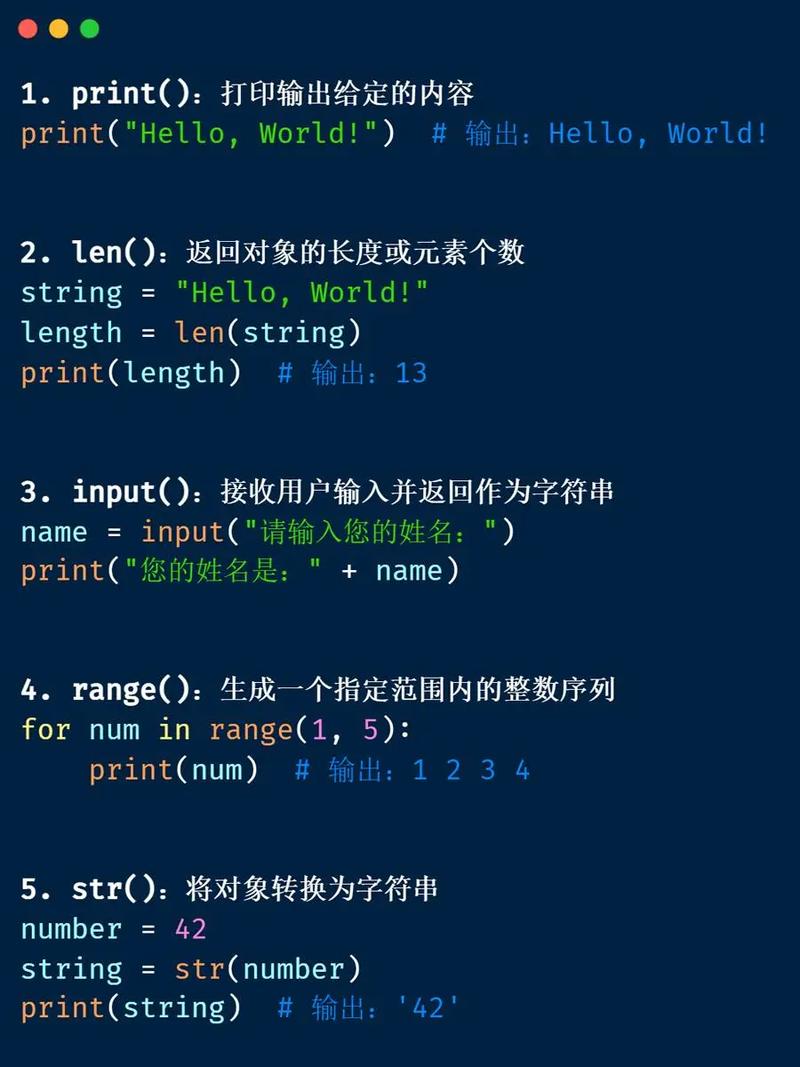
The Crypto.Cipher module requires your data and key to be in bytes. You'll often need to handle encoding and decoding.
AES in ECB Mode (Electronic Codebook)
Warning: ECB mode is not secure for most use cases because it encrypts identical blocks of plaintext into identical blocks of ciphertext. It should only be used to understand the basics or to encrypt data where each block is random and never repeats. For real applications, use CBC or GCM mode.
from Crypto.Cipher import AES
from Crypto.Util.Padding import pad, unpad
import os
# --- Key and Data ---
# AES keys must be 16, 24, or 32 bytes long (for AES-128, AES-192, or AES-256)
key = os.urandom(32) # Generate a random 32-byte (256-bit) key
data = b"This is a secret message that needs to be encrypted."
print(f"Original Data: {data}")
# --- Encryption ---
cipher = AES.new(key, AES.MODE_ECB)
# Data must be a multiple of the block size (16 bytes). We pad it.
padded_data = pad(data, AES.block_size)
encrypted_data = cipher.encrypt(padded_data)
print(f"Encrypted Data (hex): {encrypted_data.hex()}")
# --- Decryption ---
decipher = AES.new(key, AES.MODE_ECB)
decrypted_padded_data = decipher.decrypt(encrypted_data)
# Remove the padding to get the original data back
decrypted_data = unpad(decrypted_padded_data, AES.block_size)
print(f"Decrypted Data: {decrypted_data.decode('utf-8')}")
# --- Verification ---
assert data == decrypted_data
print("Original and decrypted data match!")
AES in CBC Mode (Cipher Block Chaining)
CBC mode is much more secure than ECB. It uses an Initialization Vector (IV) to ensure that encrypting the same plaintext twice results in different ciphertext.
Crucial Rule: The IV must be random and unique for every encryption operation. It does not need to be secret, so it's usually prepended to the ciphertext and sent along with it.
from Crypto.Cipher import AES
from Crypto.Util.Padding import pad, unpad
import os
# --- Key, IV, and Data ---
key = os.urandom(32) # 32-byte key for AES-256
iv = os.urandom(16)  # 16-byte IV for AES
data = b"This is a secret message that needs to be encrypted."
print(f"Original Data: {data}")
# --- Encryption ---
cipher = AES.new(key, AES.MODE_CBC, iv)
padded_data = pad(data, AES.block_size)
encrypted_data = cipher.encrypt(padded_data)
# In a real application, you would save the IV and the ciphertext together
# The IV is not secret, so it's safe to send with the ciphertext.
ciphertext_to_store = iv + encrypted_data
print(f"Ciphertext to store (IV + encrypted data, hex): {ciphertext_to_store.hex()}")
# --- Decryption ---
# To decrypt, you need the key and the full ciphertext (IV + encrypted data)
retrieved_iv = ciphertext_to_store[:16]
retrieved_encrypted_data = ciphertext_to_store[16:]
decipher = AES.new(key, AES.MODE_CBC, retrieved_iv)
decrypted_padded_data = decipher.decrypt(retrieved_encrypted_data)
decrypted_data = unpad(decrypted_padded_data, AES.block_size)
print(f"Decrypted Data: {decrypted_data.decode('utf-8')}")
# --- Verification ---
assert data == decrypted_data
print("Original and decrypted data match!")
AES in GCM Mode (Galois/Counter Mode)
GCM is a modern, authenticated encryption mode. It provides both confidentiality (encryption) and integrity/authenticity. It generates a Tag that proves the data has not been tampered with. This is the recommended mode for new applications.
from Crypto.Cipher import AES
import os
# --- Key, Nonce, and Data ---
# In GCM, the "IV" is called a "Nonce". It must be unique.
key = os.urandom(32) # 32-byte key for AES-256
nonce = os.urandom(12) # Recommended 12-byte nonce for GCM
data = b"This is a secret message that needs to be encrypted."
print(f"Original Data: {data}")
# --- Encryption ---
cipher = AES.new(key, AES.MODE_GCM, nonce=nonce)
ciphertext, tag = cipher.encrypt_and_digest(data)
# The nonce and tag are essential for decryption and must be stored with the ciphertext.
# The nonce is not secret, the tag protects integrity.
ciphertext_to_store = nonce + tag + ciphertext
print(f"Ciphertext to store (Nonce + Tag + Data, hex): {ciphertext_to_store.hex()}")
# --- Decryption ---
# To decrypt, you need the key, nonce, tag, and ciphertext.
retrieved_nonce = ciphertext_to_store[:12]
retrieved_tag = ciphertext_to_store[12:28] # 16-byte tag for AES-GCM
retrieved_ciphertext = ciphertext_to_store[28:]
try:
    decipher = AES.new(key, AES.MODE_GCM, nonce=retrieved_nonce)
    # decrypt_and_verify will raise a ValueError if the tag is incorrect
    decrypted_data = decipher.decrypt_and_verify(retrieved_ciphertext, retrieved_tag)
    print(f"Decrypted Data: {decrypted_data.decode('utf-8')}")
    print("Authentication successful!")
except ValueError:
    print("Key incorrect or message has been tampered with!")
Asymmetric Encryption (RSA)
Asymmetric encryption uses a pair of keys: a public key to encrypt and a private key to decrypt. It's much slower than symmetric encryption, so it's typically used to encrypt a symmetric key, which is then used to encrypt the actual data (this is called a hybrid encryption scheme).
from Crypto.PublicKey import RSA
from Crypto.Cipher import PKCS1_OAEP
import binascii
# --- Key Generation ---
# In a real application, you would generate the keys once and save them.
# DO NOT generate them on the fly every time.
key = RSA.generate(2048)
private_key = key.export_key()
public_key = key.publickey().export_key()
print(f"Public Key (PEM format):\n{public_key.decode('utf-8')}")
print("-" * 20)
# --- Encryption (using the public key) ---
# The data to be encrypted must be smaller than the key size.
# For a 2048-bit key, the maximum size is 214 bytes.
data = b"This is a secret message that needs to be encrypted with RSA."
# The data must be in bytes
rsa_cipher_encrypt = PKCS1_OAEP.new(RSA.import_key(public_key))
encrypted_data = rsa_cipher_encrypt.encrypt(data)
print(f"Original Data: {data}")
print(f"Encrypted Data (hex): {binascii.hexlify(encrypted_data).decode('utf-8')}")
print("-" * 20)
# --- Decryption (using the private key) ---
rsa_cipher_decrypt = PKCS1_OAEP.new(RSA.import_key(private_key))
decrypted_data = rsa_cipher_decrypt.decrypt(encrypted_data)
print(f"Decrypted Data: {decrypted_data.decode('utf-8')}")
# --- Verification ---
assert data == decrypted_data
print("Original and decrypted data match!")
Summary and Best Practices
| Feature | Symmetric (AES) | Asymmetric (RSA) |
|---|---|---|
| Key | One secret key | Public/Private key pair |
| Speed | Very Fast | Slow |
| Use Case | Encrypting large amounts of data (files, streams) | Encrypting small data (symmetric keys, digital signatures) |
| Security | Depends on key secrecy and mode (GCM is best) | Depends on key size (2048-bit min, 4096-bit better) |
Best Practices:
- Use GCM Mode: For new symmetric encryption, always prefer
AES.MODE_GCMoverMODE_CBCorMODE_ECB. It provides authentication and is more secure. - Generate Keys Securely: Use
os.urandom()for generating keys and IVs/Nonces. This draws from the operating system's entropy pool, which is cryptographically secure. - Handle Keys Safely: Never hardcode keys in your source code. Store them securely, for example, in environment variables, a secrets management service (like AWS Secrets Manager or HashiCorp Vault), or a keyring.
- Manage Padding: Always use the
padandunpadutilities fromCrypto.Util.Paddingwhen using block modes like ECB or CBC. - Use Hybrid Encryption: For most real-world applications (like encrypting a file), use a hybrid approach:
- Generate a random, one-time symmetric key (AES key).
- Encrypt the file with AES in GCM mode.
- Encrypt the one-time AES key with RSA (using the recipient's public key).
- Send the encrypted file, the encrypted AES key, and the GCM tag to the recipient.