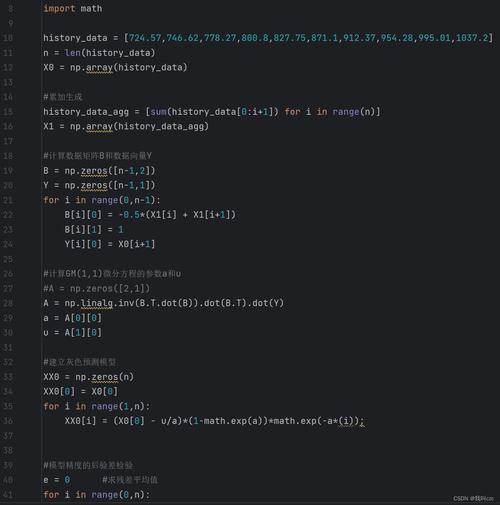
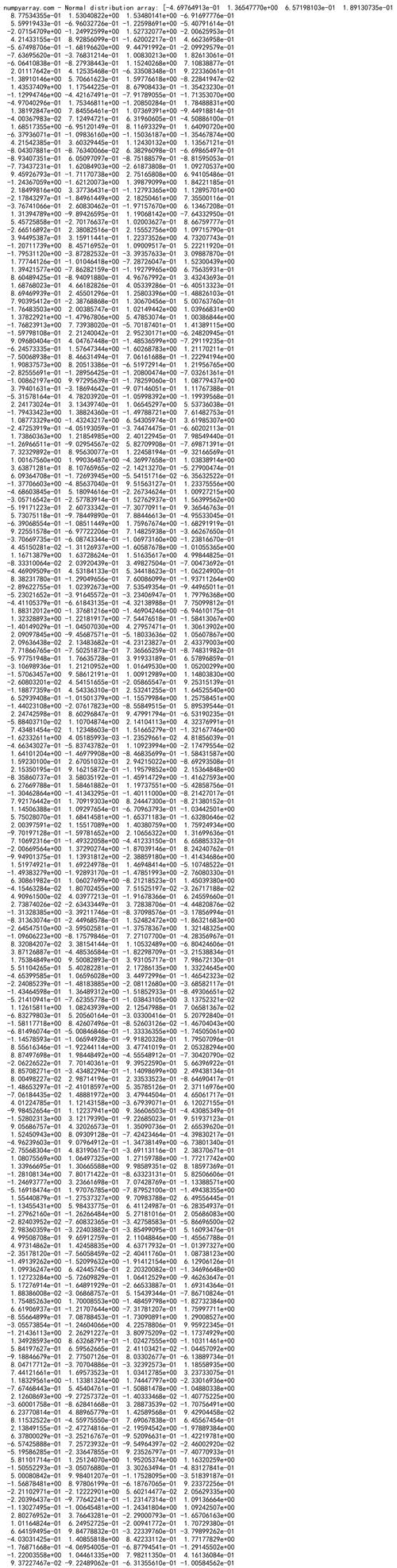
Of course! This is a classic trio in the world of technical computing and data science. Here’s a detailed comparison of Python (with NumPy), MATLAB, and how they stack up against each other.
At a Glance: The Core Idea
- MATLAB: A proprietary, all-in-one environment designed specifically for numerical computing. It's like a complete toolbox and workbench built from the ground up for math and engineering.
- Python: A general-purpose, open-source programming language. It's a versatile "Swiss Army knife."
- NumPy: A fundamental library for Python that adds high-performance, multi-dimensional array objects and mathematical functions. It's the engine that makes Python a viable alternative to MATLAB for numerical work.
Think of it this way: MATLAB is the entire car, while Python is the chassis and engine, and NumPy is the high-performance engine block.
Detailed Comparison Table
| Feature | Python (with NumPy) | MATLAB |
|---|---|---|
| Cost & Licensing | Free & Open Source. NumPy, SciPy, Matplotlib, etc., are all free. | Proprietary & Commercial. Expensive licenses, though free licenses are available for students and some academic use. |
| Language | General-purpose. Can be used for web development, scripting, automation, AI/ML, and more. Syntax is clean and widely used. | Domain-specific. The language is tailored for matrix math and numerical algorithms. Syntax is often more concise for math but less flexible. |
| Core Data Structure | NumPy ndarray. A powerful, multi-dimensional array object. Central to the scientific Python ecosystem (Pandas, Scikit-learn). |
Matrix / Array. The fundamental data type. Native, highly optimized support for matrices. |
| Syntax | import numpy as npa = np.array([1, 2, 3])b = np.array([4, 5, 6])c = a + b |
a = [1 2 3];b = [4 5 6];c = a + b;(c = [5 7 9]) |
| Performance | Excellent, often on par with or exceeding MATLAB. Performance is achieved through: Pre-compiled C/Fortran code in NumPy/SciPy. Just-In-Time (JIT) compilation with libraries like Numba. GPU acceleration with CuPy. |
Excellent. Highly optimized, especially for matrix operations. Its Just-In-Time (JIT) compiler (JIT-Accelerator) can be very effective for loops. |
| Ecosystem & Libraries | Massive and diverse. - Data Science: Pandas, Scikit-learn, Seaborn. - Deep Learning: TensorFlow, PyTorch, JAX. - Symbolic Math: SymPy. - Visualization: Matplotlib, Plotly, Bokeh. |
Powerful but more focused. - Toolboxes are add-ons (e.g., Signal Processing, Control Systems, Deep Learning Toolbox). - Integration with other languages (C/C++, Java) is strong but can be more complex. |
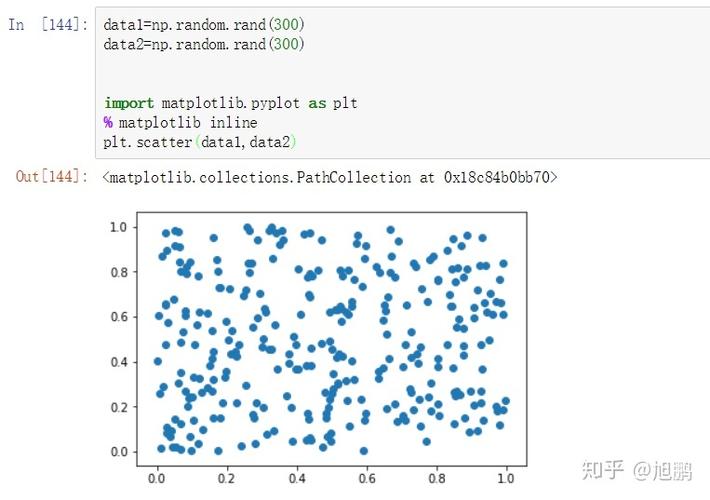
| Plotting & Visualization | Matplotlib (powerful but can be verbose), Seaborn (statistical plots), Plotly (interactive), Bokeh (interactive dashboards). Requires separate libraries. | Excellent built-in plotting with plot, scatter, surf, etc. Very interactive and easy to generate high-quality graphs quickly. |
| Community & Support | Huge, global, and active. Support is found on Stack Overflow, GitHub, countless blogs, and forums. | Strong but smaller. Support is primarily through MathWorks documentation, community forums, and official support channels. |
| IDE & Workflow | Highly flexible. - Jupyter Notebooks/Lab: Interactive, great for data analysis and teaching. - VS Code / PyCharm: Full-featured IDEs for large projects. - Can be easily integrated into web applications. |
Integrated Development Environment. The MATLAB editor, debugger, and variable browser are tightly integrated and work seamlessly together. |
| Learning Curve | Moderate. The core Python syntax is easy, but learning the scientific ecosystem (NumPy, Pandas, etc.) takes time. | Gentle for math/engineering. If you already know linear algebra, the syntax is very intuitive. The environment is self-contained. |
Code Example: Side-by-Side
Let's perform a common task: creating two matrices, multiplying them, and finding the eigenvalues of the result.
Python (with NumPy)
import numpy as np
# Create two 2x2 matrices
A = np.array([[1, 2], [3, 4]])
B = np.array([[5, 6], [7, 8]])
# Matrix multiplication
C = np.dot(A, B)
# Or using the @ operator (Python 3.5+)
# C = A @ B
print("Matrix A:\n", A)
print("\nMatrix B:\n", B)
print("\nResult of A @ B:\n", C)
# Find eigenvalues
eigenvalues = np.linalg.eigvals(C)
print("\nEigenvalues of C:", eigenvalues)
MATLAB
% Create two 2x2 matrices
A = [1 2; 3 4];
B = [5 6; 7 8];
% Matrix multiplication
C = A * B;
disp('Matrix A:');
disp(A);
disp('Matrix B:');
disp(B);
disp('Result of A * B:');
disp(C);
% Find eigenvalues
eigenvalues = eig(C);
disp('Eigenvalues of C:');
disp(eigenvalues);
Observation: The syntax is remarkably similar for core linear algebra operations, which is why the transition between the two is common.
When to Choose Which?
Choose Python (with NumPy) if:
- Cost is a major factor. You need a free and open-source solution.
- You are working in a broader software ecosystem. You need to integrate your analysis with a web application, a database, or other non-computing parts of a project.
- You are diving into Machine Learning and AI. The Python ecosystem (TensorFlow, PyTorch, Scikit-learn) is the undisputed leader here.
- You value a large, diverse community. You want access to a vast amount of free tutorials, libraries, and support.
- You need general-purpose programming flexibility. You might need to write a script to automate a file system task one day and run a complex simulation the next.
Choose MATLAB if:
- You are in academia or a specific engineering field (e.g., control systems, signal processing, communications) where MATLAB is the industry standard and toolboxes are available.
- You need an all-in-one, tightly integrated environment. You want a single product where the editor, debugger, and visualizer work perfectly together out of the box.
- Your primary work is matrix math and algorithm development. MATLAB's syntax is often more direct and concise for these tasks.
- You require official, guaranteed support from a single vendor (MathWorks).
- You are teaching an introductory numerical methods or engineering course, as its environment is self-contained and excellent for demonstration.
The Verdict: Python is the Present and Future, MATLAB is the Established Standard
- Python's trajectory is steeply upward. Its flexibility, cost, and unparalleled ecosystem for AI/ML have made it the dominant force in data science and a top choice for scientific computing in general.
- MATLAB's strength lies in its deep integration in traditional engineering industries and academia. It remains a powerful, reliable, and highly optimized tool for its specific domain. Many engineers who start with MATLAB continue to use it for its specialized toolboxes and workflow.
For a new learner, especially one interested in data science or AI, starting with Python and NumPy is almost always the recommended path. For someone in a specific engineering field where MATLAB is the lingua franca, it's still an excellent and valuable skill to learn.