Of course! This is a fundamental concept in modern programming, especially in Python. Let's break it down clearly.
The Big Picture: An Analogy
Imagine you want to send a message to a friend, but you can only use Morse code.
-
Unicode: This is like a massive, universal dictionary. It assigns a unique number to every character you can possibly think of: 'A' is
65, 'B' is66, 'ñ' is241, '€' is8364, and even emojis like '😂' have a number. Its goal is to have one single number for every character, everywhere. This number is called a code point. -
UTF-8: This is the set of rules for how to write those dictionary numbers in Morse code. It's a specific encoding. For example:
- The number
65('A') might be a simple dot-dash (). - The number
241('ñ') might be a longer sequence likedash dot dash dot dash dot(). - The number
8364('€') might be an even longer sequence.
- The number
The key takeaway: Unicode defines what the characters are (their unique numbers), and UTF-8 is one of the most popular ways to encode those numbers into bytes for storage or transmission.
In-Depth Breakdown
Unicode: The Universal Character Set
Unicode is a standard that aims to provide a unique number for every character in every language. This unique number is called a code point.
- Representation: Code points are usually written in hexadecimal and prefixed with
U+.U+0041= Latin Capital Letter 'A'U+00F1= Latin Small Letter 'n' with tilde 'ñ'U+20AC= Euro Sign '€'U+1F600= Grinning Face Emoji '😂'
In Python, you can work directly with these code points.
# The character 'A' has a code point of U+0041, which is 65 in decimal.
char_a = 'A'
print(ord(char_a))  # ord() gets the integer (code point) for a character
# Output: 65
# You can create a character from its code point using chr()
print(chr(65))
# Output: A
print(chr(0x20AC)) # Using the hex value
# Output: €
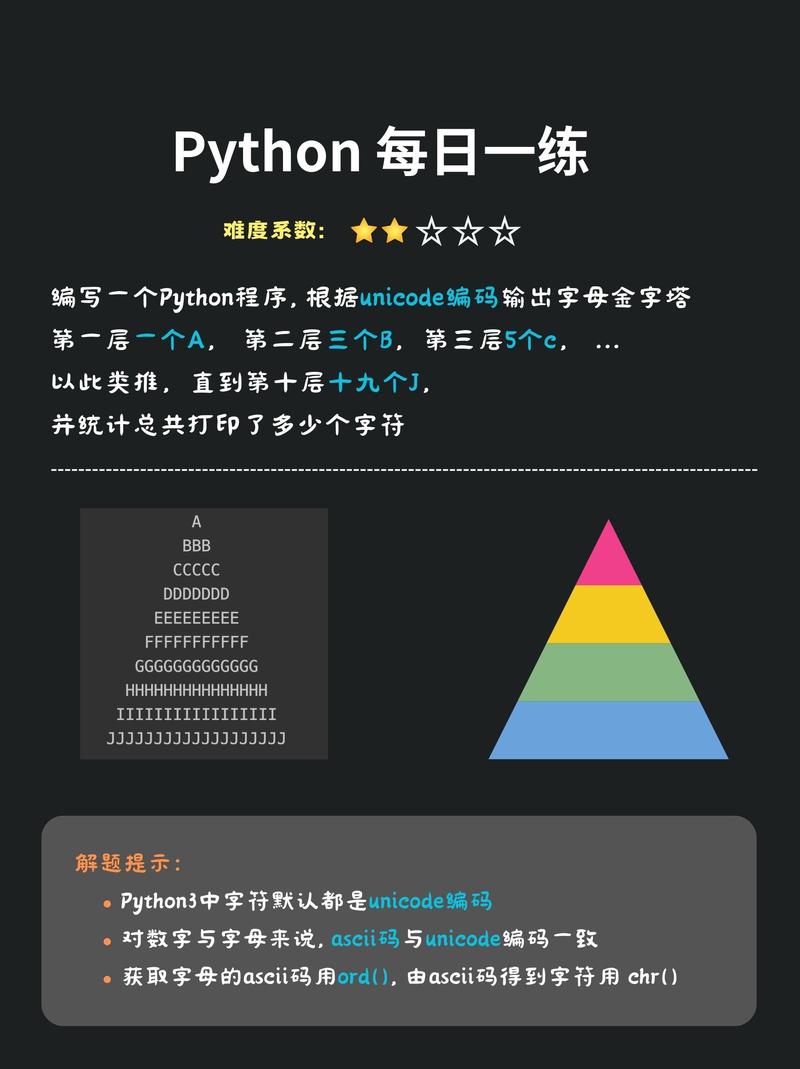
Crucially, in Python 3, the str type is a sequence of Unicode code points. When you write my_string = "héllo", Python sees that string as a sequence of code points: h, , l, l, o. It doesn't care how they are stored yet.
UTF-8: The Most Popular Encoding
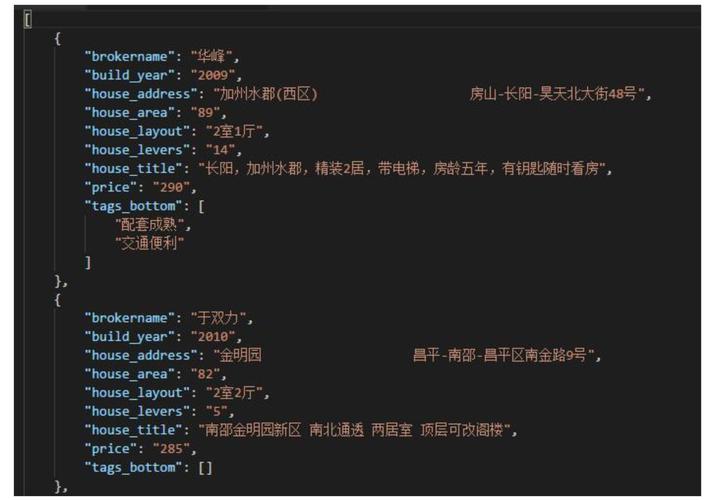
An encoding is a set of rules for converting Unicode strings (sequences of code points) into a sequence of bytes, and vice-versa. UTF-8 (Unicode Transformation Format - 8-bit) is the dominant encoding on the web and in most Linux/macOS systems.
Key features of UTF-8:
- Variable Width: It uses 1 to 4 bytes to represent a character.
- Characters from the Latin alphabet (like A-Z, 0-9) take up only 1 byte. This is a huge advantage, as it makes UTF-8 backward-compatible with older ASCII files.
- Characters with accents (like , ) take 2 bytes.
- Characters from other alphabets (like Cyrillic, Greek, Chinese) take 3 bytes.
- Emojis and other rare symbols take 4 bytes.
- Self-Synchronizing: Because the byte patterns are designed in a specific way, if you have a corrupted byte sequence, you can usually find the start of the next valid character. This makes it very robust.
- No Byte Order Mark (BOM) Issues: Unlike its cousin UTF-16, UTF-8 doesn't have a common BOM that can cause problems in some contexts.
The bytes Type in Python
This is where encoding happens. In Python, str is for text, and bytes is for raw binary data. You must explicitly convert between them.
- Encoding: Converting a
strtobytes. - Decoding: Converting
bytesto astr.
Let's see it in action.
# Our string of characters
my_string = "Hello, 世界! 😊"
# --- ENCODING: str -> bytes ---
# We encode the string into a sequence of bytes using UTF-8
my_bytes = my_string.encode('utf-8')
print(f"Original string (str): {my_string}")
print(f"Type of original: {type(my_string)}")
print(f"\nEncoded bytes (bytes): {my_bytes}")
print(f"Type of encoded: {type(my_bytes)}")
# Notice how 'H', 'e', etc., are single bytes, but '世', '界', and the emoji are multiple.
# H -> 72 (1 byte), e -> 101 (1 byte)
# 世 -> 228 184 150 (3 bytes)
# 😊 -> 240 159 152 138 (4 bytes)
Output:
Original string (str): Hello, 世界! 😊
Type of original: <class 'str'>
Encoded bytes (bytes): b'Hello, \xe4\xb8\x96\xe7\x95\x8c! \xf0\x9f\x98\x8a'
Type of encoded: <class 'bytes'>
The b'' prefix indicates a bytes object. The \x## sequences represent individual bytes.
Common Problems and How to Solve Them
Problem 1: UnicodeDecodeError
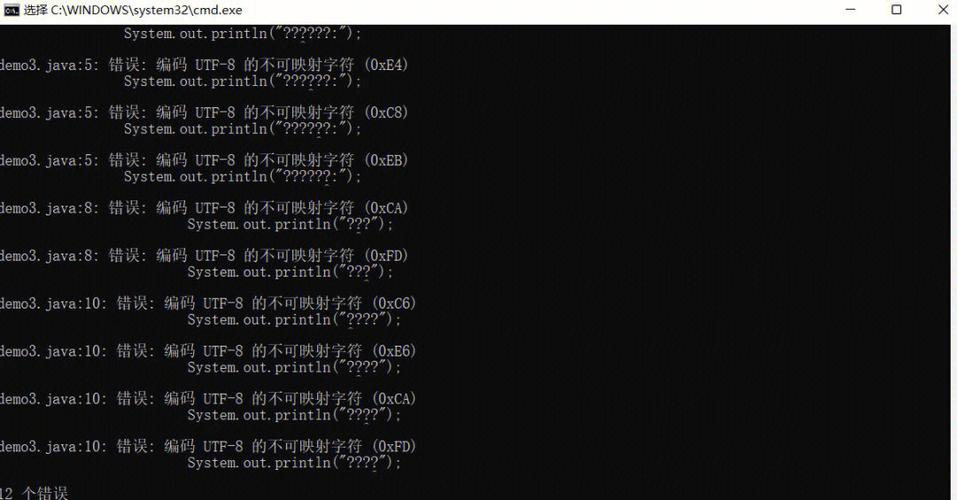
This is the most common error. It happens when you try to decode a bytes object, but it's not actually encoded in the encoding you specified.
# Some bytes that were encoded using a different encoding (e.g., Latin-1)
# The byte 0xE8 in Latin-1 represents 'è'
wrong_bytes = b'Caf\xe9'
# Let's try to decode it as UTF-8
try:
    # This will fail because 0xE8 is not a valid start of a UTF-8 character
    wrong_bytes.decode('utf-8')
except UnicodeDecodeError as e:
    print(f"Error: {e}")
    print("This is because the byte 0xE8 is not valid UTF-8.")
# The correct way: know the original encoding!
correct_string = wrong_bytes.decode('latin-1')
print(f"\nDecoded correctly with 'latin-1': {correct_string}")
Problem 2: UnicodeEncodeError
This happens when you try to encode a str object into a specific encoding, but that encoding doesn't support one of the characters in your string.
# A string with an emoji
emoji_string = "This is an emoji: 😊"
# Try to encode it using 'ascii', which only supports characters 0-127
try:
    emoji_string.encode('ascii')
except UnicodeEncodeError as e:
    print(f"Error: {e}")
    print("This is because the ASCII encoding cannot handle the emoji.")
# Solutions:
# 1. Use a more powerful encoding like 'utf-8'
encoded_utf8 = emoji_string.encode('utf-8')
print(f"\nSuccessfully encoded with 'utf-8': {encoded_utf8}")
# 2. Ignore the characters you can't encode (data loss!)
encoded_ignore = emoji_string.encode('ascii', errors='ignore')
print(f"Encoded with 'ignore': {encoded_ignore}")
# 3. Replace the characters you can't encode (e.g., with '?')
encoded_replace = emoji_string.encode('ascii', errors='replace')
print(f"Encoded with 'replace': {encoded_replace}")
Best Practices
-
Work internally with Unicode (
str). In your Python code, always represent text asstrobjects. Let Python handle the complexity of characters. -
Encode to
bytesonly at the "edges". The "edges" are:- Reading from a file.
- Writing to a file.
- Sending or receiving data over a network (e.g., an HTTP request).
- Printing to a console (though modern terminals handle this well).
-
Be explicit about your encoding. Never rely on the system's default encoding (it can vary between Windows, Linux, macOS). Always specify
encoding='utf-8'when opening files.# GOOD: Explicit and safe with open('my_file.txt', 'w', encoding='utf-8') as f: f.write("Hello, world! 你好!") # BAD: Relies on the system's default, which can cause issues # with open('my_file.txt', 'w') as f: # f.write("Hello, world! 你好!") -
Handle encoding errors gracefully. When you have to deal with data from an unknown source (like a user upload or an old file), be prepared for
UnicodeDecodeError. Use atry...exceptblock or specify anerrorspolicy (like'replace'or'ignore').
Summary Table
| Concept | Python Type | What it is | Example |
|---|---|---|---|
| Unicode String | str |
A sequence of abstract characters (code points). | "hello" |
| Code Point | int |
The unique integer number for a character in the Unicode standard. | ord('A') -> 65 |
| Encoding/Decoding | .encode(), .decode() |
The process of converting between str and bytes. |
"é".encode('utf-8') |
| Byte Sequence | bytes |
Raw 8-bit data, the actual bytes used to store/transmit text. | b'\xc3\xa9' |
| UTF-8 | N/A | A specific, popular encoding scheme for converting Unicode to bytes. | The default in Python 3. |