
Of course! This is a great question because it touches on a fundamental concept in programming: how to separate code that runs your program from code that helps you develop it.
Let's break down the relationship between assert and import.
The Short Answer
importis a statement used to load code from other modules (files) into your current program. It's how you access functions, classes, and variables defined elsewhere.assertis a statement used for debugging and sanity checking. It checks if a condition isTrue. If it'sTrue, the program does nothing. If it'sFalse, it immediately raises anAssertionError, stopping your program.
You don't import assert. assert is a built-in keyword in Python, like for, if, or def. It's always available.
In-Depth Explanation
Let's look at each one in more detail.
The import Statement
import is the foundation of modular programming in Python. It allows you to:

- Use code from the Python Standard Library (e.g.,
math,os,json). - Use third-party packages installed via pip (e.g.,
requests,pandas,numpy). - Use your own code organized into different files (modules).
How it works:
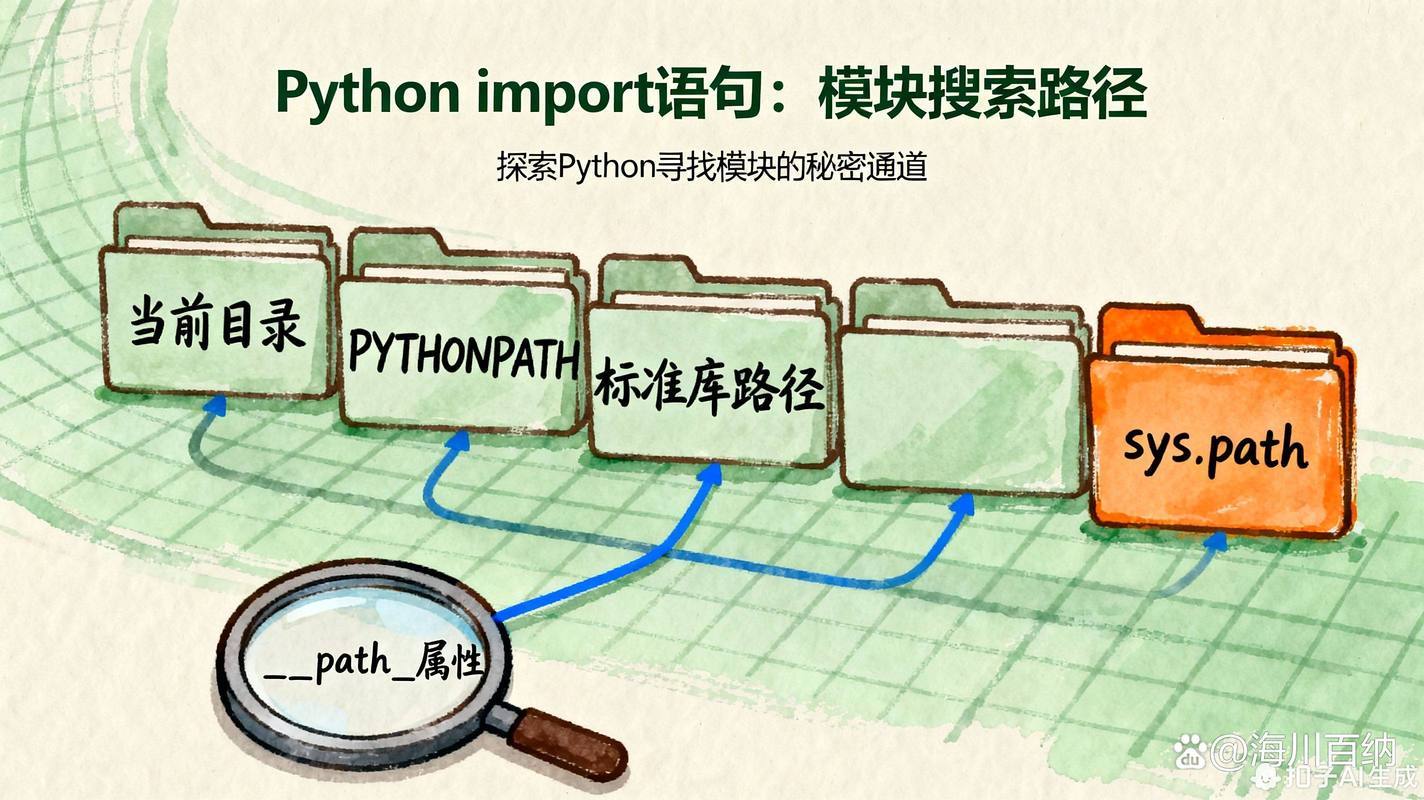
When you write import some_module, Python looks for a file named some_module.py (or a package folder) and executes all the code at the top level of that module. The names defined in that module then become available in your current script's namespace.
Example:
# We are importing the 'math' module
import math
# Now we can use functions from the 'math' module
# by prefixing them with 'math.'
result = math.sqrt(16)
print(f"The square root of 16 is {result}") # Output: The square root of 16 is 4.0
# You can also import specific items
from math import pi, factorial
print(f"Pi is approximately {pi}") # Output: Pi is approximately 3.141592653589793
print(f"The factorial of 5 is {factorial(5)}") # Output: The factorial of 5 is 120
The assert Statement
assert is a debugging aid, not a mechanism for handling runtime errors gracefully. Its primary purpose is to catch programming errors that should never happen.
Syntax:
assert condition, optional_error_message

condition: An expression that is expected to beTrue.optional_error_message: A string that is displayed if the assertion fails.
How it works:
- Python evaluates the
condition. - If the condition is
True, theassertstatement does nothing, and the program continues. - If the condition is
False, Python raises anAssertionError. If anoptional_error_messageis provided, it is included in the error.
Example: Let's say you have a function that should only work with positive numbers.
def set_price(price):
    # This is a precondition check. The price must be positive.
    assert price > 0, f"Price must be positive, but got {price}"
    # ... rest of the function logic
    print(f"Price set to: {price}")
# This will work fine
set_price(10.99)
# This will cause the program to crash with an AssertionError
try:
    set_price(-5)
except AssertionError as e:
    print(f"Caught an error: {e}")
# Output:
# Price set to: 10.99
# Caught an error: Price must be positive, but got -5
The Crucial Link: python -O (Optimized Mode)
This is where assert and import have a very important interaction. assert statements are meant for development and testing, not for production code where you want maximum performance.
You can tell Python to ignore all assert statements by running it with the -O (Optimize) flag.
How it works:
When you run python -O your_script.py, Python compiles your code in a special mode. In this mode, all assert statements are removed from the compiled bytecode. They have zero runtime cost.
Example:
# my_script.py
import time
def slow_function():
    # This assert is a sanity check for development.
    assert True, "This should never fail"
    time.sleep(1) # Simulate some work
print("Starting loop...")
for i in range(3):
    slow_function()
    print(f"Iteration {i} done.")
Running in Normal Mode:
$ python my_script.py
Starting loop...
Iteration 0 done.
Iteration 1 done.
Iteration 2 done.
The assert is checked, but since True is always true, it's invisible.
Running in Optimized Mode (-O):
$ python -O my_script.py
Starting loop...
Iteration 0 done.
Iteration 1 done.
Iteration 2 done.
The output is identical, but the assert statement was completely skipped during execution. This is why assert is not suitable for handling expected runtime errors like user input or missing files; it can be disabled.
Summary Table
| Feature | import |
assert |
|---|---|---|
| Purpose | Load code from other modules. | Debugging and sanity checking. |
| Type | Statement | Statement |
| Availability | Always available (built-in keyword). | Always available (built-in keyword). |
| Runtime Behavior | Executes the top-level code of the imported module. | Checks a condition. Raises AssertionError if False. |
| Performance | Has a cost (loading and executing code). | Negligible cost in normal mode. Zero cost in optimized mode (-O). |
| Analogy | A toolbox. You grab the tools you need from it. | A safety belt. It's there to catch you if you make a mistake, but you don't rely on it for normal operation. |
When to Use assert
- Preconditions: Check that arguments to a function are valid.
- Postconditions: Check that a function has produced the expected result.
- Invariants: Check that a state that should always be true remains true (e.g., inside a loop).
- "Sanity checks": Verify assumptions in your code that, if broken, indicate a serious bug.
When NOT to Use assert
- For validating user input or external data. Use
ifstatements and raise appropriate exceptions likeValueErrororTypeError. - For handling expected errors like a file not being found (
FileNotFoundError) or a network connection failing. - For code that must run in production. Remember it can be disabled with
-O.


