Of course! In Python, getting the current path (also known as the current working directory or CWD) is a common task. The best way to do this is by using the built-in pathlib module, which is the modern, object-oriented approach.
Here’s a complete guide, from the simplest answer to more advanced use cases.
The Short Answer (Modern & Recommended)
Use the Path.cwd() method from the pathlib module. It returns a Path object, which is powerful and easy to use.
from pathlib import Path
# Get the current working directory as a Path object
current_path = Path.cwd()
# Print the path
print(current_path)
# You can easily convert it to a string if needed
print(f"Current Path (as string): {str(current_path)}")
# Example output on Windows: C:\Users\YourUser\Documents\Project
# Example output on macOS/Linux: /home/youruser/documents/project
Detailed Explanation
Using pathlib (Recommended for Python 3.4+)
The pathlib module is the standard, modern way to handle filesystem paths. It's more intuitive and less error-prone than the older os.path module.
Key Features:
- Object-Oriented: You work with
Pathobjects, not just strings. - Cross-Platform: It automatically uses the correct path separator (
\for Windows, for macOS/Linux). - Rich API: It has many useful methods for manipulating paths (e.g.,
.parent,.name,.suffix,.joinpath()).
Example:
from pathlib import Path
# Get the current working directory
cwd = Path.cwd()
print(f"Type of object: {type(cwd)}")
print(f"Current Directory: {cwd}")
# You can easily perform path operations
# Get the parent directory
parent_dir = cwd.parent
print(f"Parent Directory: {parent_dir}")
# Get the name of the current directory
dir_name = cwd.name
print(f"Name of current directory: {dir_name}")
# Join paths in a safe, platform-independent way
new_path = cwd / "data" / "reports.csv" # The '/' operator is overloaded for joining
print(f"A new path: {new_path}")
Using os (The Traditional Way)
Before pathlib became standard, the os module was used. It's still perfectly valid and you will see it in a lot of existing code.
Key Functions:
os.getcwd(): Gets the current working directory as a string.os.chdir(path): Changes the current working directory.
Example:
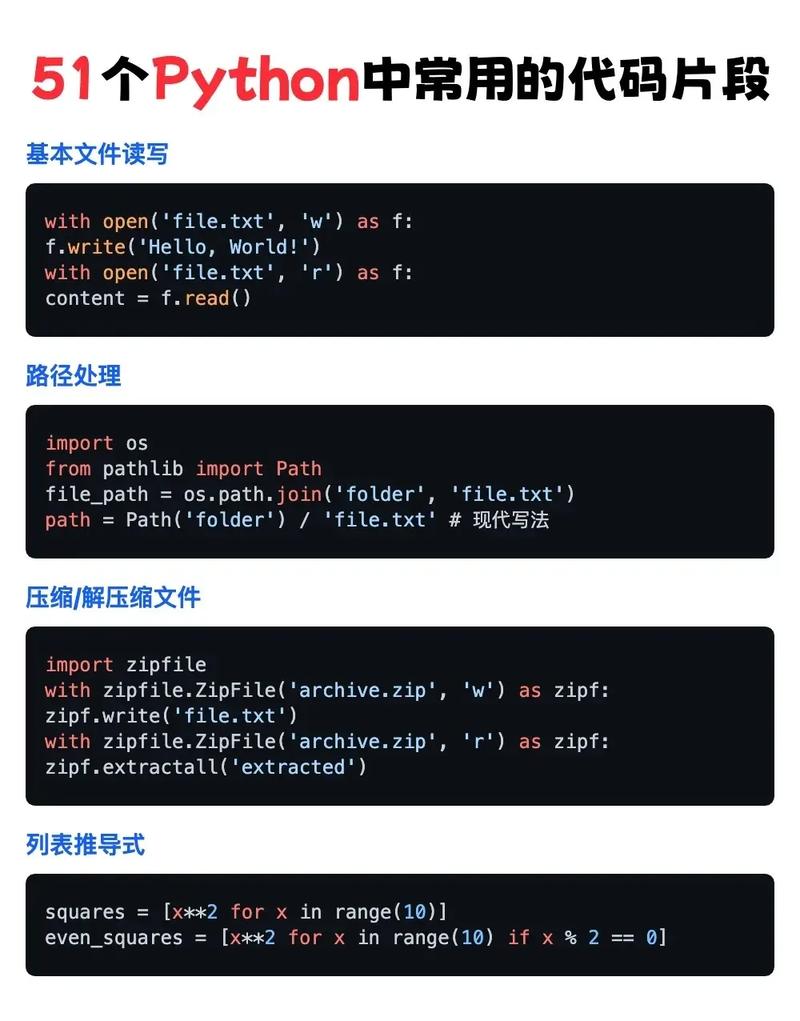
import os
# Get the current working directory as a string
current_path_str = os.getcwd()
print(f"Type of object: {type(current_path_str)}")
print(f"Current Directory: {current_path_str}")
# To perform path operations, you often need os.path
parent_dir_str = os.path.dirname(current_path_str)
print(f"Parent Directory: {parent_dir_str}")
# Joining paths requires the os.path.join() function
new_path_str = os.path.join(current_path_str, "data", "reports.csv")
print(f"A new path: {new_path_str}")
Important Distinction: Current Path vs. Script Path
A common point of confusion is the difference between the current working directory and the directory where the script is located.
| Concept | Description | How to Get It |
|---|---|---|
| Current Working Directory (CWD) | The directory that the Python interpreter is "currently in". This is where it looks for files when you just give a filename (e.g., open("file.txt")). It can be changed by your script or the shell that runs it. |
Path.cwd() or os.getcwd() |
| Script's Directory | The actual folder where your .py file is saved. This is almost always what you want when you need to reference other files located with your script. |
Path(__file__).parent |
Example: Script's Directory
Let's say you have this file structure:
/my_project/
├── main.py
└── data/
    └── config.json
And inside main.py, you want to open config.json.
# main.py
import json
from pathlib import Path
# Get the directory where THIS SCRIPT is located
script_dir = Path(__file__).parent
# Construct the full path to the config file
# This is robust and will work no matter where you run the script from
config_path = script_dir / "data" / "config.json"
print(f"Script is located in: {script_dir}")
print(f"Attempting to open config file at: {config_path}")
# Now you can safely open the file
try:
    with open(config_path, 'r') as f:
        config_data = json.load(f)
        print("Successfully loaded config!")
        # print(config_data)
except FileNotFoundError:
    print(f"Error: The file was not found at {config_path}")
If you just used Path.cwd(), your script would fail if you ran it from a different directory (e.g., cd /tmp && python /my_project/main.py), because the CWD would be /tmp, not /my_project.
Summary: Which one should you use?
| Your Goal | Recommended Method | Why? |
|---|---|---|
| Get the current working directory (CWD) | Path.cwd() |
Modern, clean, object-oriented. |
| Get the directory of your script | Path(__file__).parent |
The most reliable way to reference files bundled with your code. |
| Work with legacy code or simple scripts | os.getcwd() |
It's the classic, still functional way. |