Of course! You're asking about connecting and interacting with a MySQL database from Python. This is a very common task for web development, data analysis, and automation.
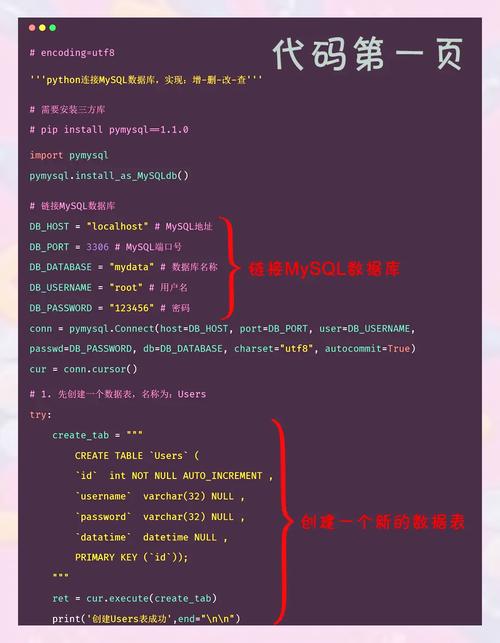
Here’s a complete guide covering the most popular and recommended libraries, with clear examples.
The Short Answer: Which Library to Use?
For most new projects, the best choice is mysql-connector-python.
- Why? It's the official driver from Oracle (the creators of MySQL). It's well-maintained, actively developed, and has excellent documentation. It's also the most straightforward for beginners.
The other main option is PyMySQL. It's also excellent, pure-Python (easier to install), and very popular, especially in the Django ecosystem.
Installation
First, you need to install the library. Open your terminal or command prompt and run one of the following commands.
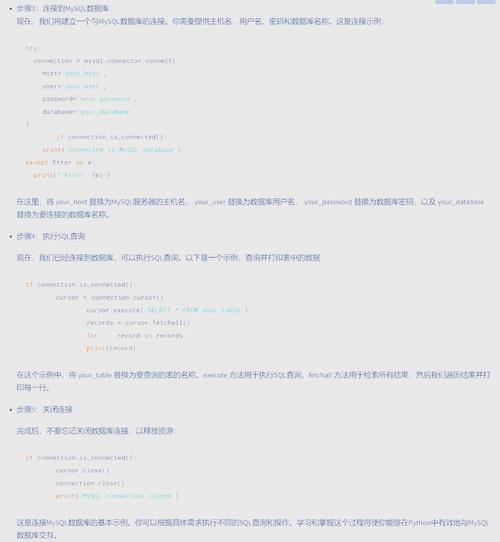
For the Official MySQL Connector (Recommended)
pip install mysql-connector-python
For PyMySQL (Alternative)
pip install PyMySQL
Connecting to a MySQL Database
This is the first step. You need to provide your database credentials: host, user, password, and the database name you want to connect to.
Let's use a sample configuration:
- Host:
localhost(or0.0.1) - User:
your_username - Password:
your_password - Database:
mydatabase
Example using mysql-connector-python
import mysql.connector
from mysql.connector import Error
def create_server_connection(host_name, user_name, user_password):
    connection = None
    try:
        connection = mysql.connector.connect(
            host=host_name,
            user=user_name,
            passwd=user_password
        )
        print("MySQL Database connection successful")
    except Error as e:
        print(f"The error '{e}' occurred")
    return connection
# --- Usage ---
# Replace with your actual credentials
db_connection = create_server_connection("localhost", "your_username", "your_password")
# Don't forget to close the connection when you're done
if db_connection and db_connection.is_connected():
    db_connection.close()
    print("MySQL connection is closed")
Creating a Database
After connecting to the MySQL server, you can create a new database. It's best practice to create the database in a separate cursor and connection, as the initial connection might not be to a specific database.
import mysql.connector
from mysql.connector import Error
def create_database(connection, query):
    cursor = connection.cursor()
    try:
        cursor.execute(query)
        print("Database created successfully")
    except Error as e:
        print(f"The error '{e}' occurred")
# --- Usage ---
# First, connect to the server without specifying a database
connection = create_server_connection("localhost", "your_username", "your_password")
# Define the query to create the database
create_db_query = "CREATE DATABASE mydatabase"
# Create the database
if connection:
    create_database(connection, create_db_query)
    connection.close()
Creating a Table and Inserting Data (CRUD Operations)
Now let's connect to the specific database (mydatabase) we just created and perform the fundamental CRUD (Create, Read, Update, Delete) operations.
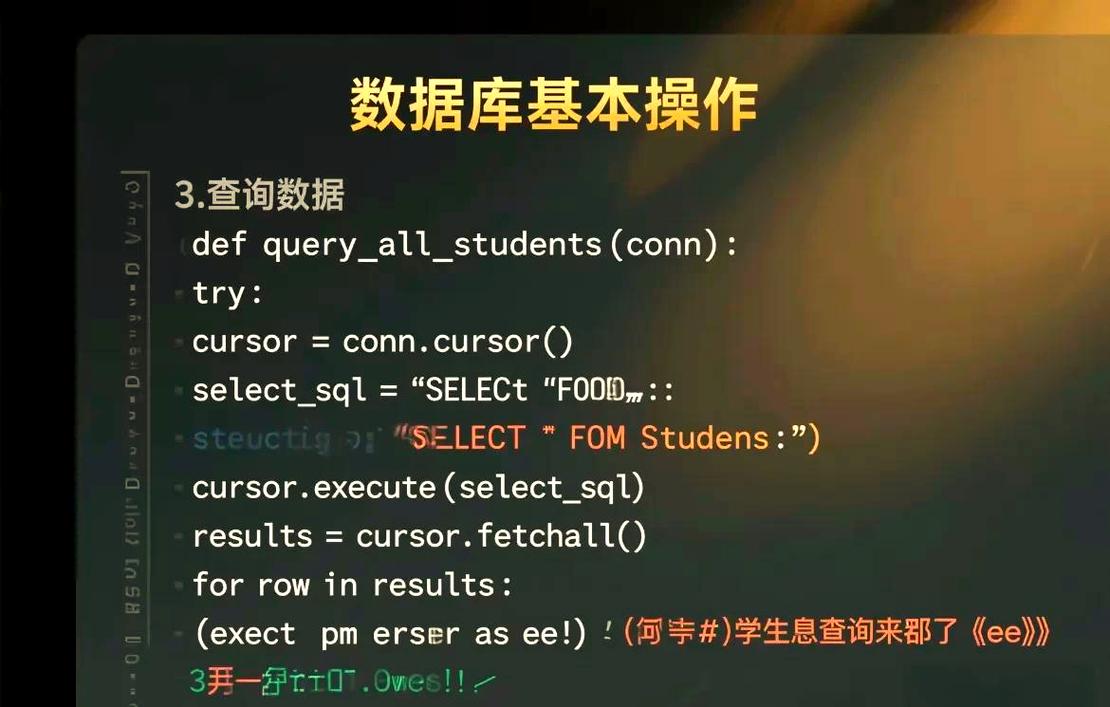
Step 1: Connect to the Specific Database
Modify the connection function to include the database name.
def create_db_connection(host_name, user_name, user_password, db_name):
    connection = None
    try:
        connection = mysql.connector.connect(
            host=host_name,
            user=user_name,
            passwd=user_password,
            database=db_name
        )
        print("MySQL Database connection successful")
    except Error as e:
        print(f"The error '{e}' occurred")
    return connection
Step 2: Create a Table
def execute_query(connection, query):
    cursor = connection.cursor()
    try:
        cursor.execute(query)
        connection.commit() # IMPORTANT: Commit the transaction
        print("Query executed successfully")
    except Error as e:
        print(f"The error '{e}' occurred")
# --- Usage ---
# Connect to the 'mydatabase'
connection = create_db_connection("localhost", "your_username", "your_password", "mydatabase")
create_table_query = """
CREATE TABLE IF NOT EXISTS employees (
  id INT AUTO_INCREMENT PRIMARY KEY,
  name VARCHAR(255) NOT NULL,
  department VARCHAR(255),
  salary DECIMAL(10, 2)
)
"""
if connection:
    execute_query(connection, create_table_query)
Step 3: Insert Data (Create)
insert_employee_query = """
INSERT INTO employees (name, department, salary)
VALUES (%s, %s, %s)
"""
# Data to be inserted
employee_data = ("Alice", "Engineering", 90000.00)
if connection:
    execute_query(connection, insert_employee_query, employee_data) # Note: We need to modify execute_query to accept data
Correction: The execute_query function needs to be updated to accept data for the execute method.
Here is the complete, improved code for all operations:
import mysql.connector
from mysql.connector import Error
# --- Connection Functions ---
def create_server_connection(host_name, user_name, user_password):
    connection = None
    try:
        connection = mysql.connector.connect(
            host=host_name,
            user=user_name,
            passwd=user_password
        )
        print("MySQL Server connection successful")
    except Error as e:
        print(f"The error '{e}' occurred")
    return connection
def create_db_connection(host_name, user_name, user_password, db_name):
    connection = None
    try:
        connection = mysql.connector.connect(
            host=host_name,
            user=user_name,
            passwd=user_password,
            database=db_name
        )
        print(f"MySQL Database '{db_name}' connection successful")
    except Error as e:
        print(f"The error '{e}' occurred")
    return connection
# --- Query Execution Function ---
def execute_query(connection, query, data=None):
    cursor = connection.cursor()
    try:
        if data:
            cursor.execute(query, data) # Use data for safe parameterized queries
        else:
            cursor.execute(query)
        connection.commit() # Commit the transaction
        print("Query executed successfully")
    except Error as e:
        print(f"The error '{e}' occurred")
# --- Data Reading Function ---
def read_query(connection, query):
    cursor = connection.cursor()
    result = None
    try:
        cursor.execute(query)
        result = cursor.fetchall() # Fetch all records
        return result
    except Error as e:
        print(f"The error '{e}' occurred")
# --- Main Execution ---
if __name__ == "__main__":
    # 1. Connect to the server and create the database
    server_connection = create_server_connection("localhost", "your_username", "your_password")
    if server_connection:
        create_db_query = "CREATE DATABASE IF NOT EXISTS mydatabase"
        execute_query(server_connection, create_db_query)
        server_connection.close()
    # 2. Connect to the specific database
    db_connection = create_db_connection("localhost", "your_username", "your_password", "mydatabase")
    # 3. Create a table
    if db_connection:
        create_table_query = """
        CREATE TABLE IF NOT EXISTS employees (
          id INT AUTO_INCREMENT PRIMARY KEY,
          name VARCHAR(255) NOT NULL,
          department VARCHAR(255),
          salary DECIMAL(10, 2)
        )
        """
        execute_query(db_connection, create_table_query)
        # 4. Insert multiple records (Create)
        employees_to_insert = [
            ("Bob", "Marketing", 75000.00),
            ("Charlie", "Sales", 80000.00),
            ("Diana", "Engineering", 95000.00)
        ]
        insert_query = "INSERT INTO employees (name, department, salary) VALUES (%s, %s, %s)"
        for employee in employees_to_insert:
            execute_query(db_connection, insert_query, employee)
        # 5. Read all records (Read)
        select_employees_query = "SELECT * FROM employees"
        employees = read_query(db_connection, select_employees_query)
        print("\n--- All Employees ---")
        for employee in employees:
            print(employee)
        # 6. Update a record (Update)
        update_salary_query = "UPDATE employees SET salary = %s WHERE name = %s"
        new_salary = 100000.00
        employee_name_to_update = "Alice"
        execute_query(db_connection, update_salary_query, (new_salary, employee_name_to_update))
        # 7. Read again to see the update
        updated_employees = read_query(db_connection, select_employees_query)
        print("\n--- Employees After Update ---")
        for employee in updated_employees:
            print(employee)
        # 8. Delete a record (Delete)
        delete_employee_query = "DELETE FROM employees WHERE name = %s"
        employee_name_to_delete = "Bob"
        execute_query(db_connection, delete_employee_query, (employee_name_to_delete,))
        # 9. Read again to see the deletion
        final_employees = read_query(db_connection, select_employees_query)
        print("\n--- Employees After Deletion ---")
        for employee in final_employees:
            print(employee)
        # 10. Close the connection
        db_connection.close()
        print("\nMySQL connection is closed")
Best Practices and Security
-
Never use string formatting ( or
f-strings) for user input in queries!- BAD (Vulnerable to SQL Injection):
user_name = "Alice" query = f"SELECT * FROM users WHERE name = '{user_name}'" - GOOD (Safe - use placeholders):
user_name = "Alice"
query = "SELECT * FROM users WHERE name = %s"
cursor.execute(query, (user_name,)) # Pass data as a tuple
The
%splaceholder tells the MySQL connector library to treat the input as data, not as part of the SQL command, which prevents SQL injection attacks.
- BAD (Vulnerable to SQL Injection):
-
Use Context Managers (
withstatement): For more robust code, you can use context managers to ensure connections are always closed, even if errors occur.from mysql.connector import connect with connect( host="localhost", user="your_username", password="your_password", database="mydatabase" ) as connection: with connection.cursor() as cursor: cursor.execute("SELECT * FROM employees") for row in cursor: print(row) # The connection and cursor are automatically closed here -
Use Environment Variables for Credentials: Hardcoding passwords in your code is a bad practice. Use a
.envfile and a library likepython-dotenvto manage your secrets..env file:
DB_HOST=localhost
DB_USER=your_username
DB_PASS=your_password
DB_NAME=mydatabase
Python code:
import os
from dotenv import load_dotenv
load_dotenv() # Load variables from .env file
db_host = os.getenv("DB_HOST")
db_user = os.getenv("DB_USER")
db_pass = os.getenv("DB_PASS")
db_name = os.getenv("DB_NAME")
# Now use these variables to connect
connection = create_db_connection(db_host, db_user, db_pass, db_name)