
Of course! Let's break down how to handle UDP connections in Python. The term "connect" for UDP is a bit different from TCP, so we'll start with a clear explanation and then move to practical code examples.
The Core Difference: UDP vs. TCP "Connect"
This is the most important concept to understand.
-
TCP
connect(): This is a formal, two-way handshake. The client and server explicitly establish a dedicated, reliable, ordered connection. All communication happens over this single, persistent channel. It's like making a phone call. -
UDP
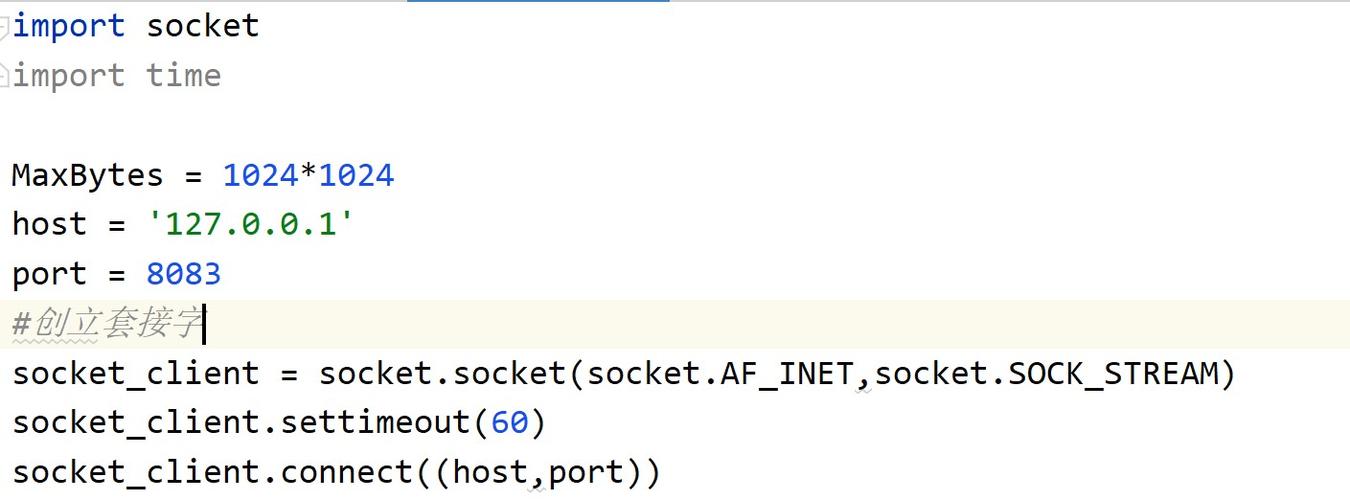
connect(): This is a conceptual, one-way setup. When you "connect" a UDP socket, you are not establishing a connection with the server. Instead, you are simply telling the operating system: "For all futuresend()calls on this socket, automatically send the data to this specific IP address and port."
Why is this useful?
- Simpler Code: You can use
socket.send(data)instead of the longersocket.sendto(data, address). - Error Handling: If you use
connect()and then try to send to a non-existent address, your program will immediately receive an error (e.g.,Port Unreachable). Withoutconnect(), the error would be silently ignored by the OS. - Filtering: The kernel will automatically discard any incoming packets that are not from the address you "connected" to.
Key takeaway: UDP connect() does not make it a "connected" protocol like TCP. It's just a convenience and configuration method for the socket. You can still receive data from any address (unless you use more advanced socket options), but your send() calls are locked to the one you specified.
Basic UDP Client and Server (The Standard Way)
This example shows the most common way to use UDP: a server that waits for datagrams and a client that sends them. This does not use the connect() method.
The Server (server.py)
The server creates a socket, binds it to an IP and port, and then enters an infinite loop to receive data.
# server.py
import socket
# Use an empty string '' to listen on all available network interfaces
# and a port number (e.g., 12345)
HOST = '0.0.0.0'  # Standard notation for all interfaces
PORT = 12345
# 1. Create a UDP socket
#    socket.AF_INET for IPv4, socket.SOCK_DGRAM for UDP
with socket.socket(socket.AF_INET, socket.SOCK_DGRAM) as s:
    # 2. Bind the socket to a specific address and port
    s.bind((HOST, PORT))
    print(f"Server listening on {HOST}:{PORT}")
    while True:
        # 3. Receive data from a client
        #    recvfrom() returns a tuple: (data_bytes, client_address)
        #    client_address is a tuple of (ip_address, port)
        data, addr = s.recvfrom(1024)  # 1024 is the buffer size
        print(f"Received message from {addr}: {data.decode('utf-8')}")
        # Optional: Send a response back to the same client
        response = "Message received!"
        s.sendto(response.encode('utf-8'), addr)
The Client (client_no_connect.py)
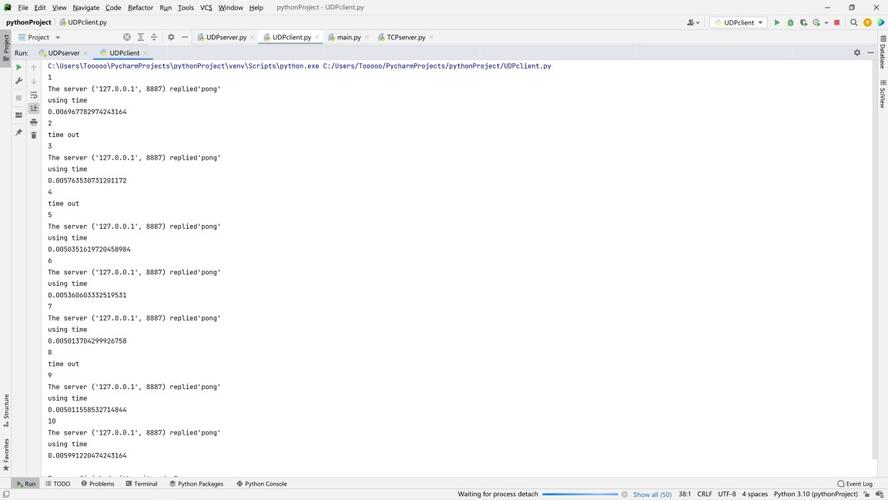
This client sends a single message to the server and then exits.
# client_no_connect.py
import socket
HOST = '127.0.0.1'  # The server's IP address (localhost for testing)
PORT = 12345        # The server's port
# 1. Create a UDP socket
with socket.socket(socket.AF_INET, socket.SOCK_DGRAM) as s:
    message = "Hello, UDP Server!"
    # 2. Send data to the server using sendto()
    #    sendto() requires the data and the destination address as a tuple
    s.sendto(message.encode('utf-8'), (HOST, PORT))
    print(f"Sent message to {HOST}:{PORT}")
    # 3. Receive a response from the server
    data, addr = s.recvfrom(1024)
    print(f"Received response from {addr}: {data.decode('utf-8')}")
To run this:
- Open two terminal windows.
- In the first, run
python server.py. - In the second, run
python client_no_connect.py. - You will see the server print the received message and the client print the response.
Using UDP connect()
Now, let's modify the client to use the connect() method. The server code remains the same.
The Client (client_with_connect.py)
Notice how the sending logic changes from sendto() to send().
# client_with_connect.py
import socket
HOST = '127.0.0.1'  # The server's IP address
PORT = 12345        # The server's port
# 1. Create a UDP socket
with socket.socket(socket.AF_INET, socket.SOCK_DGRAM) as s:
    # 2. "Connect" the socket to the server's address
    #    This sets the default destination for all future send() calls
    s.connect((HOST, PORT))
    print(f"Socket connected to {HOST}:{PORT}")
    message = "Hello from a connected UDP client!"
    # 3. Send data using send() - no address needed!
    #    The destination is now pre-configured by connect()
    s.send(message.encode('utf-8'))
    print(f"Sent message: {message}")
    # 4. Receive a response
    data = s.recv(1024) # recv() is used, not recvfrom()
    print(f"Received response: {data.decode('utf-8')}")
    # You can now send another message without specifying the address again
    another_message = "This is another message, no address needed!"
    s.send(another_message.encode('utf-8'))
    print(f"Sent another message: {another_message}")
To run this:
- Make sure the
server.pyis still running in one terminal. - In a second terminal, run
python client_with_connect.py.
You will see the server receive and respond to both messages sent by the connected client. The key difference in the client code is the s.connect() call and the use of s.send() and s.recv() instead of their to counterparts.
Advanced: Server "Connecting" Back to a Client
Sometimes, a server might want to "connect" its socket back to a client to simplify sending multiple replies. This is perfectly valid.
The Server (server_connect_back.py)
# server_connect_back.py
import socket
HOST = '0.0.0.0'
PORT = 12345
with socket.socket(socket.AF_INET, socket.SOCK_DGRAM) as s:
    s.bind((HOST, PORT))
    print(f"Server listening on {HOST}:{PORT}")
    # Receive one message to get the client's address
    data, client_addr = s.recvfrom(1024)
    print(f"Received message from {client_addr}: {data.decode('utf-8')}")
    # "Connect" the server's socket back to the client
    s.connect(client_addr)
    print(f"Server socket connected back to {client_addr}")
    # Now we can use simple send() and recv() for all future communication
    # with this specific client.
    response1 = "Message 1 received via connected socket."
    s.send(response1.encode('utf-8'))
    print(f"Sent response 1 to {client_addr}")
    response2 = "Message 2 received via connected socket."
    s.send(response2.encode('utf-8'))
    print(f"Sent response 2 to {client_addr}")
You can test this with either of the client examples. The server will establish a "connection" after the first message and then use send() for its replies.
Summary of Key Methods
| Method | socket.sendto(data, address) |
socket.send(data) |
|---|---|---|
| Description | Sends data to a specific address. | Sends data to the pre-configured address set by connect(). |
| Usage | Always available for UDP. | Only available after socket.connect() has been called. |
| Address | Required as an argument. | Not required. |
| Return Value | Number of bytes sent. | Number of bytes sent. |
| Method | socket.recvfrom(bufsize) |
socket.recv(bufsize) |
|---|---|---|
| Description | Receives data and returns it along with the sender's address. | Receives data. The sender's address is not returned. |
| Usage | Always available for UDP. | Always available, but less useful in UDP as you don't know who sent the data unless you "connected". |
| Return Value | (data_bytes, address_tuple) |
data_bytes |










