
Of course! Let's break down urlpatterns in Django, from the basics to best practices.
What is urlpatterns?
In Django, urlpatterns is a Python list that lives inside a project's or app's urls.py file. Its sole purpose is to define a mapping between URL paths and the view functions that should handle requests for those paths.
Think of it as the routing table or the address book for your web application. When a user makes a request to your site (e.g., by typing https://example.com/about/ into their browser), Django looks at the requested URL and consults the urlpatterns list to find out which Python code (the "view") should process that request.
The Basic Structure
The fundamental building block of urlpatterns is the path() function.
The path() Function
The path() function takes at least two arguments:
route: A string defining the URL pattern. This is not a regular expression; it's a simple string match.view: The Python function (or class-based view) that should be called when the URL is matched.kwargs(optional): A dictionary of keyword arguments that will be passed to the view.name(optional): A unique name for the URL, which is used to reverse-resolve the URL (e.g., in templates or other parts of your code).
include()
When your project grows, you'll split your URL configurations into different apps. The include() function tells Django: "For any URL that starts with this path, go look in another urls.py file to find the rest of the pattern."
A Practical Example: Step-by-Step
Let's imagine we have a simple Django project with two apps: blog and users.
Step 1: The Project's urls.py (myproject/urls.py)
This file acts as the main entry point for all URL routing. It will likely use include() to delegate URL handling to the individual apps.
# myproject/urls.py
from django.contrib import admin
from django.urls import path, include # 1. Import include
from django.conf import settings
from django.conf.urls.static import static
urlpatterns = [
    path('admin/', admin.site.urls),
    # 2. Delegate all URLs starting with 'blog/' to the blog app's urls.py
    path('blog/', include('blog.urls')),
    # 3. Delegate all URLs starting with 'users/' to the users app's urls.py
    path('users/', include('users.urls')),
]
# This is for serving media files during development
if settings.DEBUG:
    urlpatterns += static(settings.MEDIA_URL, document_root=settings.MEDIA_ROOT)
Step 2: The App's urls.py (blog/urls.py)
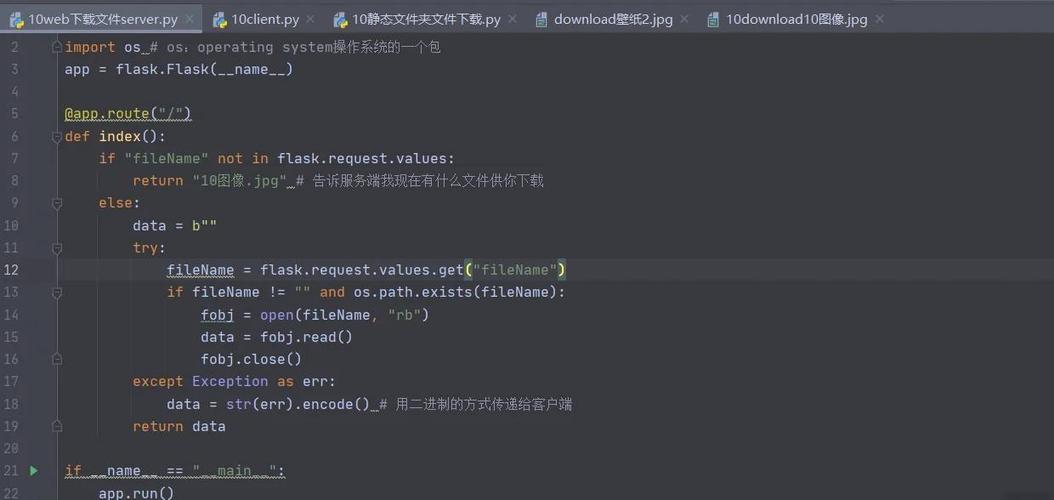
Now, let's define the specific URLs for our blog app.
# blog/urls.py
from django.urls import path
from . import views # Import the views from the same app directory
# This is the app-specific URL configuration
urlpatterns = [
    # When a user visits /blog/, show the list of all posts.
    # The name 'post-list' is a unique identifier for this URL.
    path('', views.post_list, name='post-list'),
    # When a user visits /blog/<some_number>/, show a specific post.
    # e.g., /blog/5/ will call views.post_detail with pk=5
    path('<int:pk>/', views.post_detail, name='post-detail'),
]
Step 3: The View Functions (blog/views.py)
These are the Python functions that get called by the URL router.
# blog/views.py
from django.shortcuts import render, get_object_or_404
from .models import Post # Assuming you have a Post model
def post_list(request):
    # This view handles requests to /blog/
    # It fetches all posts and renders a template
    all_posts = Post.objects.all()
    return render(request, 'blog/post_list.html', {'posts': all_posts})
def post_detail(request, pk):
    # This view handles requests to /blog/<pk>/
    # It fetches a single post by its primary key and renders a template
    post = get_object_or_404(Post, pk=pk)
    return render(request, 'blog/post_detail.html', {'post': post})
How It All Connects:
- A user requests
https://example.com/blog/15/. - Django looks at
myproject/urls.py. It sees the patternpath('blog/', include('blog.urls')). Theblog/part matches. - Django then passes the rest of the URL (
15/) toblog/urls.py. - In
blog/urls.py, Django tries to match15/against its patterns.- (empty string) doesn't match.
<int:pk>/matches! Theintconverter converts15into an integer.
- Django calls the
views.post_detailview function, passing the keyword argumentpk=15. - The
post_detailview fetches the post withpk=15and returns a response.
Advanced URL Patterns
Using path converters
You can capture parts of a URL and pass them as arguments to your view. Django provides built-in converters:
str: Matches any non-empty string, excluding the path separator, . (This is the default if you don't specify a converter).int: Matches zero or any positive integer. Returns anint.slug: Matches any slug string consisting of ASCII letters or numbers, plus the hyphen and underscore characters.uuid: Matches a formatted UUID. To prevent multiple URLs for the same UUID, dashes must be included and letters must be lowercase.path: Matches any non-empty string, including the path separator, . This allows you to match against a complete URL path rather than a segment of a URL as withstr.
Example:
# blog/urls.py
from . import views
urlpatterns = [
    # URL: /blog/category/python/
    path('category/<slug:category_slug>/', views.posts_by_category, name='posts-by-category'),
    # URL: /blog/archive/2025/
    path('archive/<int:year>/', views.archive_year, name='archive-year'),
    # URL: /blog/some/path/to/a/page/
    path('page/<path:subpath>/', views.page_with_subpath, name='page-with-subpath'),
]
Using re_path() for Regular Expressions
Sometimes, the simple path() syntax isn't enough. For complex matching, you can use re_path() which accepts a regular expression.
Important: When using re_path, you must capture the parameters using regular expression groups. If you use , it's a capturing group and will be passed as a positional argument. If you use (P<name>...), it's a named capturing group and will be passed as a keyword argument.
# blog/urls.py
from django.urls import re_path
from . import views
urlpatterns = [
    # This is equivalent to the <int:pk>/ example with path()
    # It captures one or more digits and passes them as an argument named 'pk'
    re_path(r'^post/(?P<pk>\d+)/$', views.post_detail, name='post-detail-repath'),
    # This matches a username and passes it as a keyword argument
    re_path(r'^profile/(?P<username>[\w.@+-]+)/$', views.user_profile, name='user-profile'),
]
Namespacing URLs
When you use include() multiple times, or when you use third-party apps, you can run into URL name conflicts. Namespacing solves this.
There are two types of namespacing: application and instance.
Application Namespacing (Most Common)
This is the default when you use include('app_name.urls'). The name of the app is automatically prepended to the URL name.
- In
blog/urls.py:path('', views.post_list, name='post-list') - In
users/urls.py:path('', views.user_list, name='post-list')
This creates a conflict! Django wouldn't know which post-list you mean.
To fix this, you can explicitly provide an application namespace when you include the URLs.
# myproject/urls.py
from django.urls import path, include
urlpatterns = [
    # Add the namespace argument
    path('blog/', include('blog.urls', namespace='blog')),
    path('users/', include('users.urls', namespace='users')),
]
Now, to reverse these URLs in your code, you must use the namespace:
- In a template:
{% url 'blog:post-list' %}and{% url 'users:post-list' %} - In Python:
reverse('blog:post-list')andreverse('users:post-list')
Summary
| Component | Purpose | Example |
|---|---|---|
urlpatterns |
A list that maps URLs to views. | urlpatterns = [...] |
path() |
Defines a simple URL pattern. | path('about/', views.about_page, name='about') |
include() |
Delegates URL matching to another urls.py file. |
path('blog/', include('blog.urls')) |
re_path() |
Defines a URL pattern using a regular expression. | re_path(r'^post/(?P<pk>\d+)/$', ...) |
<converter:var> |
Captures a part of a URL and converts it to a specific type. | path('<int:year>/', ...) |
name |
Gives a URL a unique name for easy reversing. | name='post-detail' |
namespace |
Prevents URL name conflicts by grouping them under an app name. | include('blog.urls', namespace='blog') |











