Of course! This is a very common point of confusion for Python developers, especially those coming from other languages or using older versions of Python.
Let's break it down into three parts:
- The direct answer: Why
xrangedoesn't work with floats. - The modern Python 3 solution:
rangewith floats. - The best practice: Using
numpyfor numerical sequences.
The Direct Answer: xrange and Floats
The short answer is: xrange does not support floats, and it hasn't since Python 2.
What is xrange?
xrange was a function in Python 2 that generated a sequence of numbers on-the-fly. It was a "memory-efficient" version of range.
range(1000)in Python 2 would create a list with all 1000 numbers in memory.xrange(1000)would just remember the start, stop, and step. It would only generate one number at a time as you looped through it, saving a lot of memory.
Why No Floats?
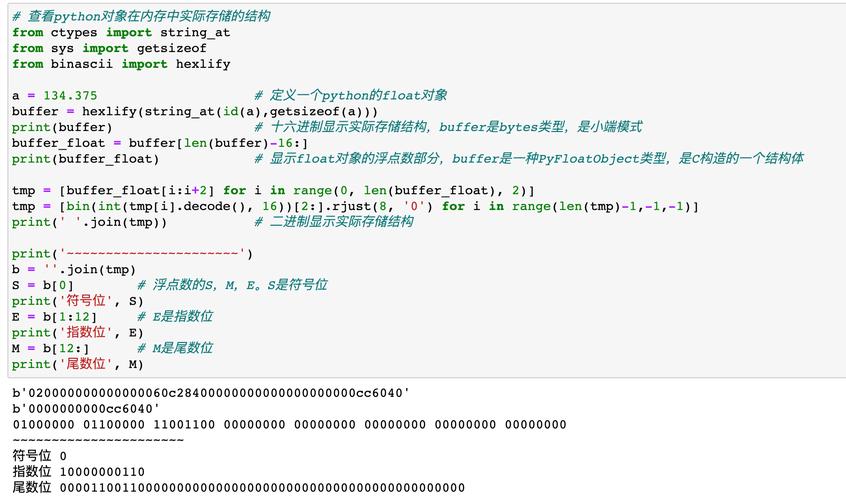
The xrange function was designed to create sequences of integers. Its implementation was optimized for this, and its core logic was based on integer arithmetic. It simply didn't have the logic to handle the precision and rounding issues that come with floating-point numbers.
xrange is Gone in Python 3
In Python 3, the old range function was redesigned to be as memory-efficient as the old xrange. Therefore, xrange was removed entirely.
So, if you are using Python 3, xrange doesn't even exist. If you try to use it, you'll get a NameError:
# This will FAIL in Python 3
# NameError: name 'xrange' is not defined
for i in xrange(1.0, 5.0):
    print(i)
The Modern Python 3 Solution: range with Floats
Since xrange is gone, how do you create a range of floats in Python 3?
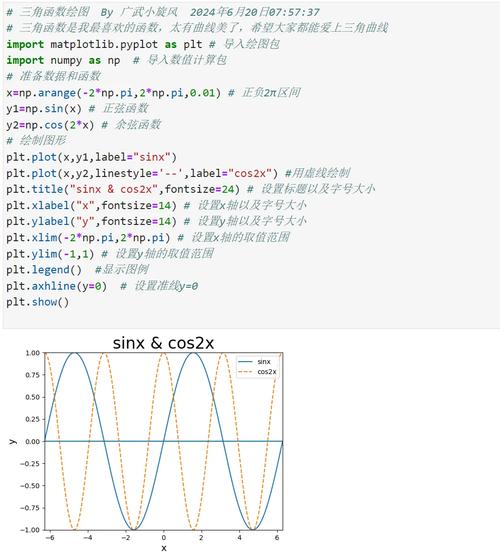
The built-in range() function still only accepts integers. Trying to pass floats will raise a TypeError.
# This will FAIL
# TypeError: 'float' object cannot be interpreted as an integer
for i in range(1.0, 5.0):
    print(i)
So, you need to create your own function. The most common and Pythonic way is to use a while loop or a generator expression.
Method 1: Using a while Loop (Clear and Simple)
This is the most straightforward approach if you're not comfortable with advanced concepts like generators.
def float_range(start, stop, step=1.0):
    """
    Generates a sequence of floating-point numbers from start to stop,
    incrementing by step.
    """
    current = start
    while current < stop:
        yield current
        current += step
# Example: Count from 1.0 to 5.0 in steps of 0.5
for number in float_range(1.0, 5.0, 0.5):
    print(number)
# Output:
# 1.0
# 1.5
# 2.0
# 2.5
# 3.0
# 3.5
# 4.0
# 4.5
Note: The yield keyword turns this function into a generator. A generator produces values one at a time and doesn't store the whole sequence in memory, making it very efficient.
Method 2: Using NumPy (The Standard for Numerical Computing)
For any serious numerical or scientific work in Python, the NumPy library is the standard. It has a built-in arange function that works exactly like you'd want.
First, you need to install NumPy:
pip install numpy
Then, you can use numpy.arange:
import numpy as np
# Example: Count from 1.0 to 5.0 in steps of 0.5
# Note: The stop value (5.0) is NOT included, just like the built-in range.
sequence = np.arange(1.0, 5.0, 0.5)
print(sequence)
# Output: [1.  1.  1.5 2.  2.5 3.  3.5 4.  4.5]
# You can loop through it like a normal list
for number in sequence:
    print(number)
NumPy is highly optimized for performance and is the preferred method for handling numerical arrays and ranges.
The Best Practice: Using numpy for Numerical Sequences
While the while loop works, NumPy is the recommended solution for any task involving numerical ranges, especially if the sequences are large or you plan to perform mathematical operations on them.
Here's a quick comparison:
| Feature | while loop / Generator |
numpy.arange |
|---|---|---|
| Dependencies | None (built-in) | Requires numpy library |
| Performance | Slower for large sequences | Extremely fast, implemented in C |
| Functionality | Basic sequence generation | Part of a powerful numerical library |
| Use Case | Quick scripts, simple loops | Data science, machine learning, complex math |
Summary
| Your Goal | Python 2 | Python 3 |
|---|---|---|
| Integer range (memory efficient) | xrange(10) |
range(10) (already efficient) |
| Integer range (creates list) | range(10) |
list(range(10)) |
| Float range | Not possible with xrange. Use a while loop or list comprehension. |
Use a while loop/generator or, best of all, numpy.arange. |
Final Recommendation: If you are working with floats in a numerical context, install and use NumPy. It's the industry standard for a reason. If you're just writing a small script and don't want to add a dependency, the while loop generator is a perfectly fine solution.