Of course! "Python encountered" is a very common phrase, but it can mean several different things depending on the context. Let's break down the most likely scenarios.
Scenario 1: The Most Common Meaning - An Error or Exception
This is almost certainly what you're looking for. When a Python script is running, if it tries to do something impossible or invalid, it "encounters" an error and stops. This is called an exception.
The phrase "Python encountered" is often part of the error message itself.
Example:
Imagine you have a file named my_script.py with this code:
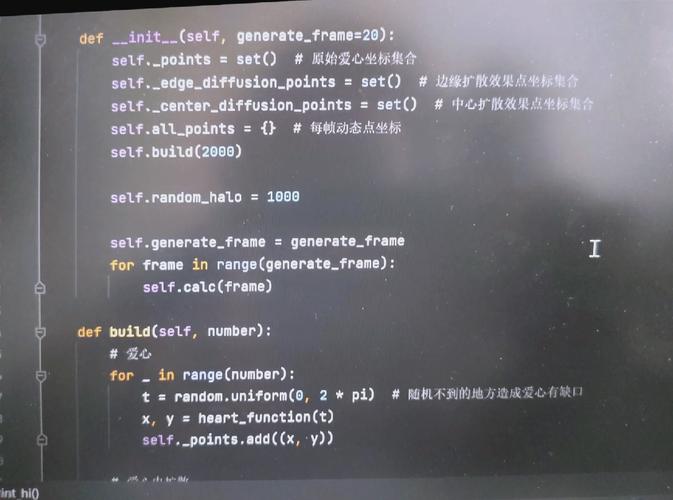
# my_script.py
# Create a list of numbers
numbers = [10, 20, 30]
# Try to access the item at index 5 (which doesn't exist)
print(numbers[5])
When you run this script from your terminal:
python my_script.py
Python will "encounter" an IndexError and print this message:
Traceback (most recent call last):
  File "my_script.py", line 5, in <module>
    print(numbers[5])
IndexError: list index out of range
How to interpret this:
- Traceback: This is the "paper trail" of what Python was doing when the error happened.
- File "my_script.py", line 5: This tells you the exact file and line number where the problem occurred.
IndexError: list index out of range: This is the specific type of error and a human-readable explanation. Python "encountered" anIndexError.
Scenario 2: Python Encounters a Keyword or Syntax
When Python reads your code, it "encounters" specific words that have special meanings. These are called keywords (or reserved words). You cannot use them as variable names.
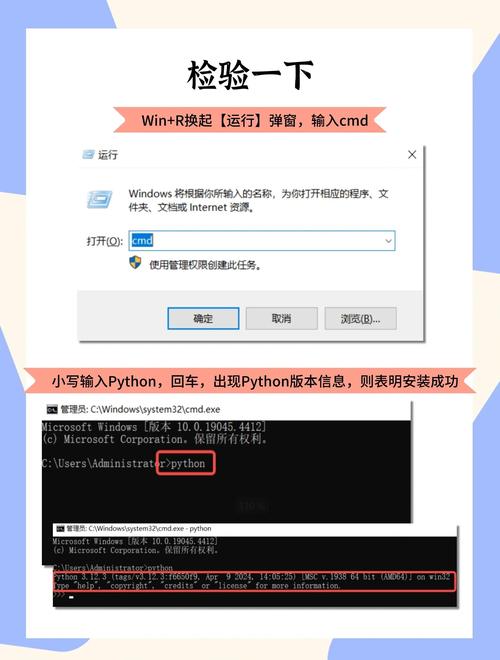
The Keywords:
False, None, True, and, as, assert, async, await, break, class, continue, def, del, elif, else, except, finally, for, from, global, if, import, in, is, lambda, nonlocal, not, or, pass, raise, return, try, while, with, yield
Example of an error:
If you try to use a keyword as a variable name, Python will "encounter" a syntax error.
# This will cause an error
for = 10  # 'for' is a keyword, not a valid variable name
Running this code will result in:
  File "<stdin>", line 1
    for = 10
        ^
SyntaxError: invalid syntax
Here, Python "encountered" the keyword for in a place where it expected a variable name.
Scenario 3: Python Encounters a Problem During Installation
When you first install Python or a library (like pip), you might see "encounter" in error messages related to the setup process.
Example:
If you try to install a package but your system doesn't have the right permissions, you might see something like this:
ERROR: Could not install packages due to an OSError: [Errno 13] Permission denied: '/usr/local/lib/python3.9/site-packages/some_package'
Consider using the `--user` option or check the permissions.
In this case, the Python installer "encountered" a Permission denied error and couldn't complete the installation.
Scenario 4: A More General, Conceptual Meaning
Sometimes, "Python encountered" is used more generally to describe the process of the Python interpreter reading and executing your code line by line.
For example, when your code says import math, you could say:
"**When Python encounters the import math statement, it loads the math module into memory so you can use its functions."
How to Fix "Python Encountered" Errors
If you're seeing an error, here is the general approach to fix it:
-
Read the Error Message Carefully: This is the most important step. The message tells you:
- What kind of error it is (e.g.,
NameError,TypeError,FileNotFoundError). - Where it happened (the file name and line number).
- What kind of error it is (e.g.,
-
Go to the Line Number: Open the file mentioned in the traceback and go to the exact line that caused the error.
-
Analyze the Code: Look at the code on that line and the lines around it. Ask yourself:
- Is there a typo in a variable or function name?
- Am I trying to use a number as text, or text as a number (
TypeError)? - Am I trying to access an item in a list or dictionary that doesn't exist (
IndexErrororKeyError)? - Did I forget to open a file before trying to read from it (
FileNotFoundError)?
-
Use
print()for Debugging: If you're not sure what's happening, addprint()statements before the error line to see the values of your variables.numbers = [10, 20, 30] print(f"The list is: {numbers}") # Debug line print(f"I am trying to access index: 5") # Debug line print(numbers[5]) # The error line -
Search for the Error Type: If you're stuck, copy the name of the error (e.g.,
TypeError) and search online. You will find many explanations and solutions for common Python errors.
In summary: "Python encountered" most likely means your script has hit an error. Read the traceback, go to the specified line, and figure out what went wrong based on the error type.